

Product updates and changelog
Release notes, new features, and improvements for FleekDash, the modern WordPress admin built for teams who ship fast.
Security fixes ship here too. Advisories and affected versions live on our Security page.
-
One-Click Rollback for Plugins, Themes, and WordPress Core
FleekDash 2.6.9 brings one-click rollback for plugins, themes, and WordPress core, with automatic backups and restore straight from the WordPress.org version catalog.
FleekDash 2.6.9 makes rollback a first-class citizen across your whole site. Update a plugin, a theme, or even WordPress core and something feels off? Roll it back to an earlier version in one click, right where the update lives. Other tools only roll back plugins. FleekDash rolls back plugins, themes, and WordPress itself.
-
All your updates in one fast screen
FleekDash gets a native Updates page for WordPress core, plugin, and theme updates, with live progress, a fast cached scan, and a plugin details sheet with changelog.
FleekDash 2.6.8 puts every update in one place. The new native Updates page lists WordPress core, plugin, and theme updates on a single screen, so you can see what is outdated and update it without jumping into wp-admin. Update checks are cached, so the page opens fast and stays fast.
-
A fully mirrored admin for right-to-left languages
FleekDash now mirrors the entire admin for RTL locales, with a language switcher in the user menu, an Arabic language pack, and complete translations in 13 locales.
FleekDash 2.6.7 is headlined by RTL Support: when the active locale is a right-to-left language such as Arabic or Hebrew, the entire admin mirrors automatically: sidebar, menus, dialogs, grids, icons, and keyboard navigation. The same release adds a Language switcher in the user menu, an Arabic language pack, an LTR/RTL preview in Theme Management, and complete translations across all 13 bundled locales.
-
Build a cleaner sidebar menu with sections and spacing
Reorder top-level items and submenus, add section titles and spacing, pick custom icons, and set site-wide sidebar defaults from one drawer.
FleekDash 2.6.6 is headlined by Sidebar & Submenu Editing: the Menu Management drawer is now a full menu builder for top-level items, nested submenus, section titles, spacing, and icons. The same release restores Gutenberg styling after recent WordPress updates, improves Kadence and other block plugin panels, and polishes the Theme palette editor.
-
Manage your entire WordPress network inside FleekDash
Turn a single WordPress installation into a network and manage subsites directly inside FleekDash.
FleekDash 2.6.5 ships the Multisite Network Manager. You can turn a single WordPress installation into a network and manage every subsite from FleekDash, without editing
wp-config.phpor opening the native Network Setup screen. -
Performance Tweaks: one-click speed improvements
Turn on image and site speed improvements from Settings → Performance with simple switches. No extra plugins required.
FleekDash 2.6.4 introduces Performance Tweaks under Settings → Performance: practical speed improvements you can enable with one click, without installing another plugin. Resize oversized uploads, strip privacy-heavy metadata, convert to WebP when your server supports it, and tune how images load on the frontend. The same release refreshes image optimization stats, database cleanup KPIs, theme selection, and more.
-
Use FleekDash and classic WordPress side by side
Click and hold any sidebar item to open that screen in a new browser tab instead of inside the FleekDash window. Run classic wp-admin and the modern shell in separate tabs at the same time.
FleekDash 2.6.3 adds click-and-hold navigation on the sidebar (also called long press). A normal click loads a screen inside the FleekDash window; click and hold opens that menu item in a new browser tab. You can run classic WordPress and the FleekDash shell in separate tabs at the same time. Hold Ctrl (Windows) or Cmd (Mac) while clicking and holding to open native classic wp-admin for that item.
-
Automatic Page Builder Detection and Edit With Menu
FleekDash detects installed page builders and lets you choose how to edit posts, pages, and custom content from the list, opening the right editor in one click.
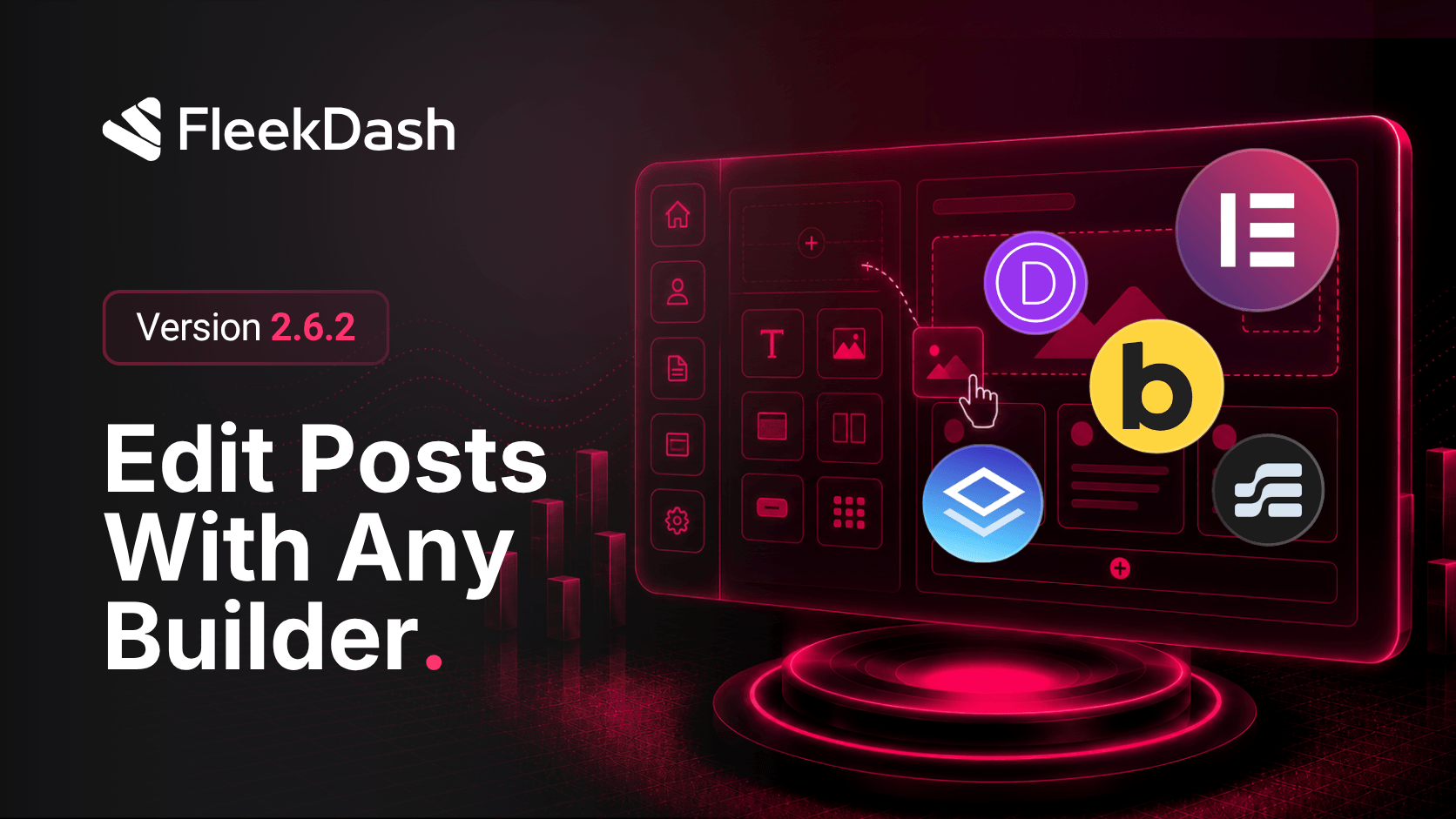
FleekDash 2.6.2 detects the page builders you already use on your site and puts them on the Edit action in your content lists. When you install and activate a builder such as Elementor, Bricks, Divi, Etch, Breakdance, Brizy, Builderius, or Oxygen, FleekDash picks it up automatically and offers an Edit with menu so you can open the correct editor for each post, page, or custom post type.
-
Unified Media Picker and Faster Image Workflows
Set featured images from the posts list, pick files with one media picker across FleekDash, including site logos, and see every label option in taxonomy columns.
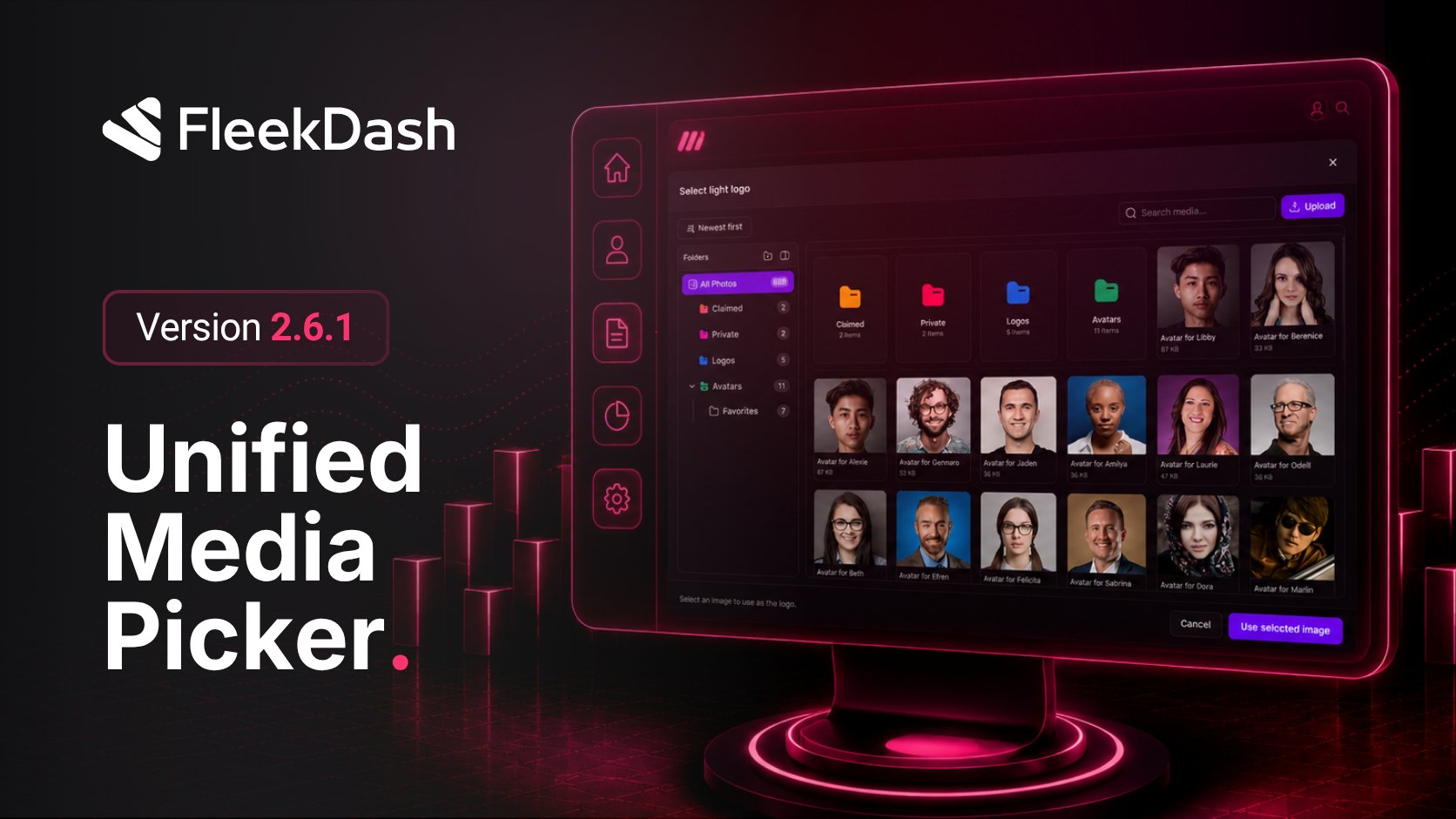
Release 2.6.1 introduces a unified media picker: the same layout and workflow as the Media Library wherever you choose files in FleekDash. Set featured images from the posts grid, drag assets from the library onto a row, pick site logos from appearance settings, and read full taxonomy label lists in data tables.
-
Early Access, WordPress 7.0, and Grid & Theme Updates
Opt into Early Access builds, stay compatible with WordPress 7.0, and get saved grid filters, theme editor upgrades, colored media folders, and faster sidebar navigation.
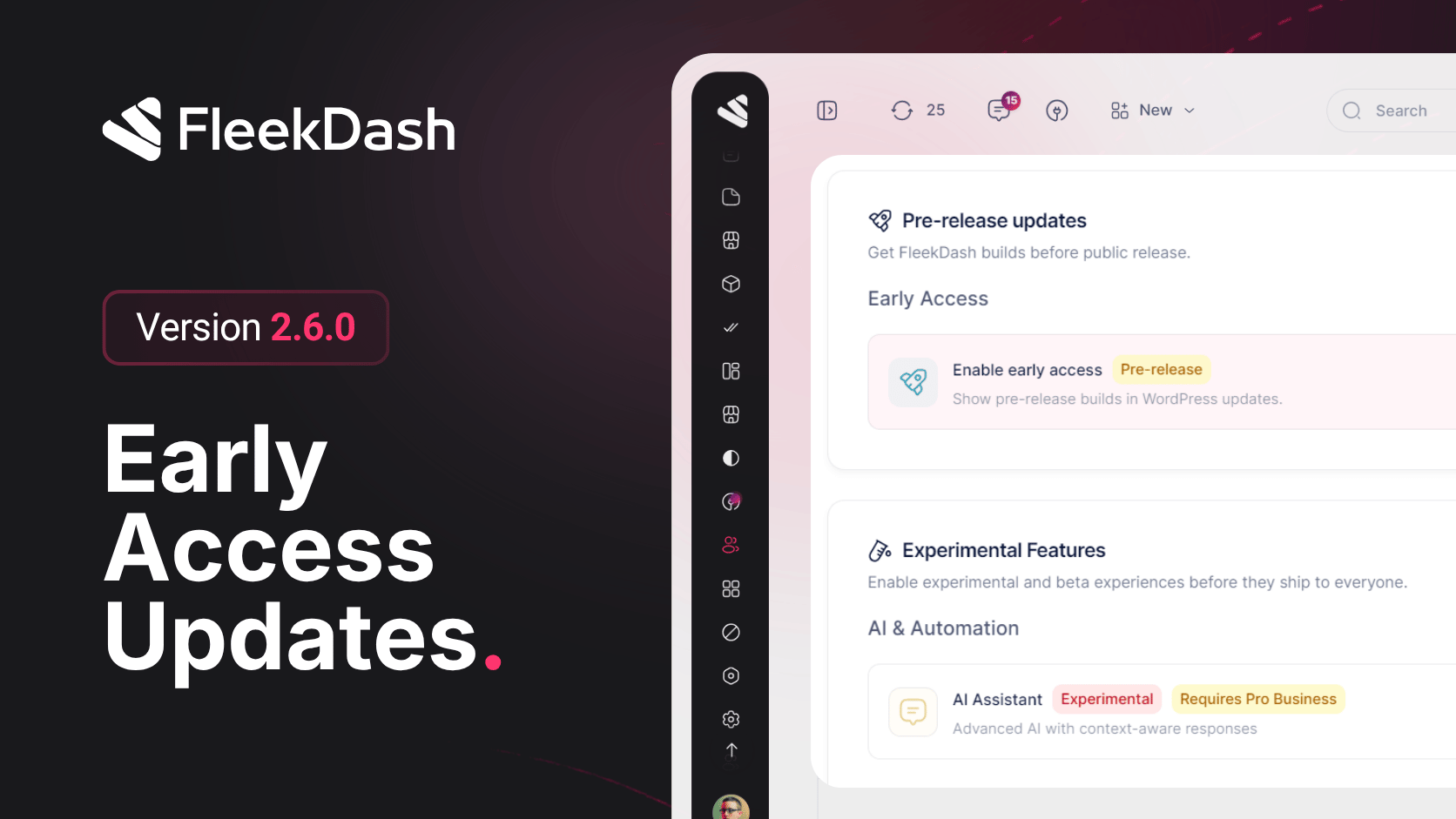
Release 2.6.0 adds an Early Access toggle for beta builds before public rollout, keeps admin palettes and light/dark mode working on WordPress 7.0, and ships concrete updates: saved grid filters on posts, plugins, and media; a clearer theme editor with softer palette options; colored media folders; dynamic login branding; and a faster sidebar when moving between admin screens.
-
Permission Overrides for Individual Users
Grant or deny specific permissions per user with override rules, while keeping role-level governance and safety guardrails in place.
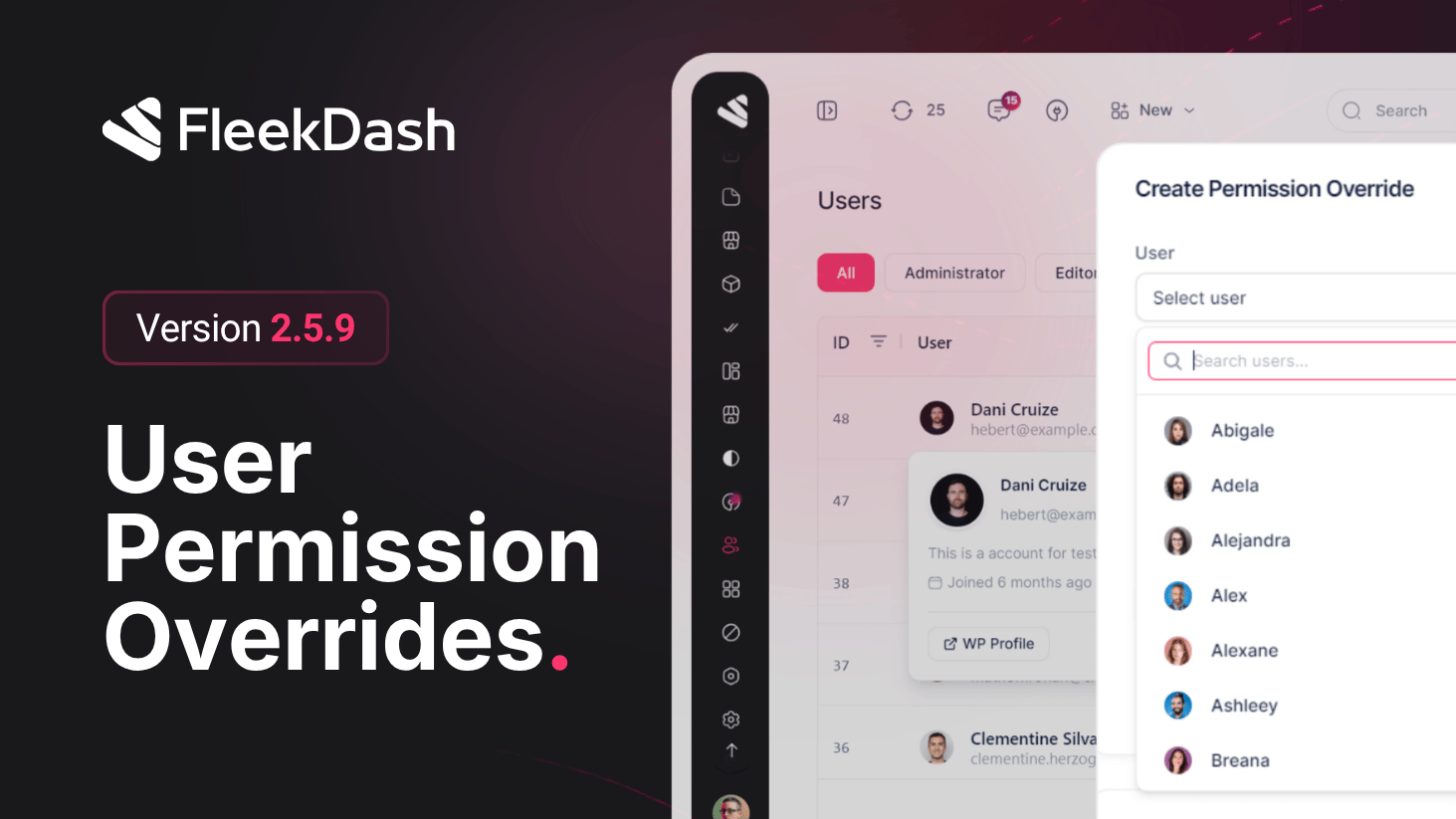
FleekDash 2.5.9 adds a practical control for exception cases: Permission Overrides for individual users.
When a single person needs access outside their base role, admins can create a targeted allow/deny override without cloning roles or disrupting the rest of the permission model.
-
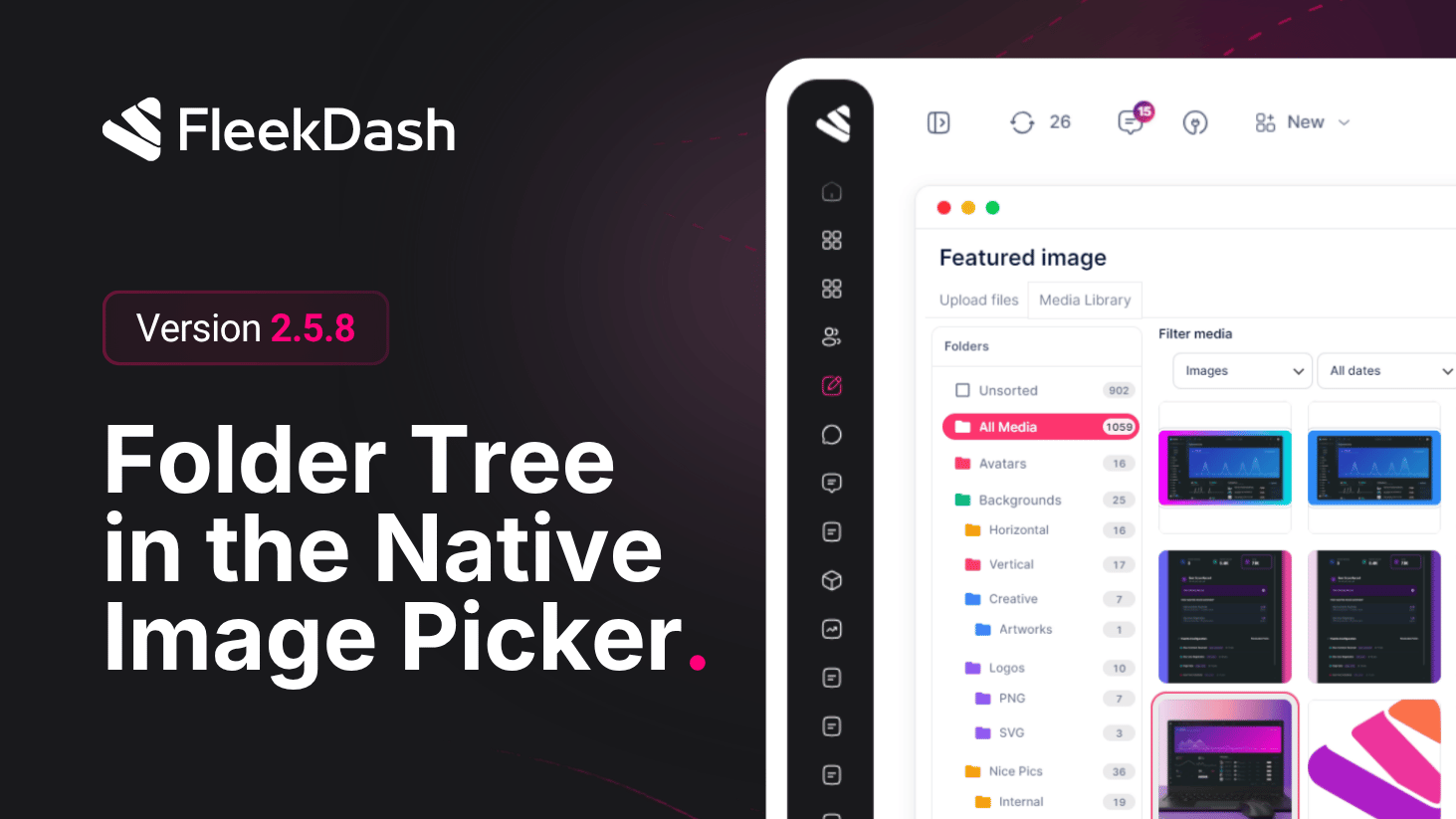
Folder Tree in the WordPress Image Picker
Your FleekDash media folder hierarchy now shows inside the native WordPress media modal. Gutenberg. Classic Editor, and standard plugin pickers stay in sync with how you organized assets.
FleekDash 2.5.8 finishes one workflow: the folder structure you use in the FleekDash Media Library (see 2.4.0) is now visible when you open the standard WordPress media chooser, the same image / media picker the block editor, Classic Editor, and most third-party tools invoke through WordPress’ Media Library modal (
wp.media).The 2.4.0 media experience was rebuilt on FleekDash’s new UI for speed and UX, but it still follows WordPress conventions for attachments and browsing. That means it remains compatible with Gutenberg, Classic Editor, and other integrations, as long as they use the normal WordPress media APIs and do not replace the flow with a fully custom uploader that bypasses the standard library.
-
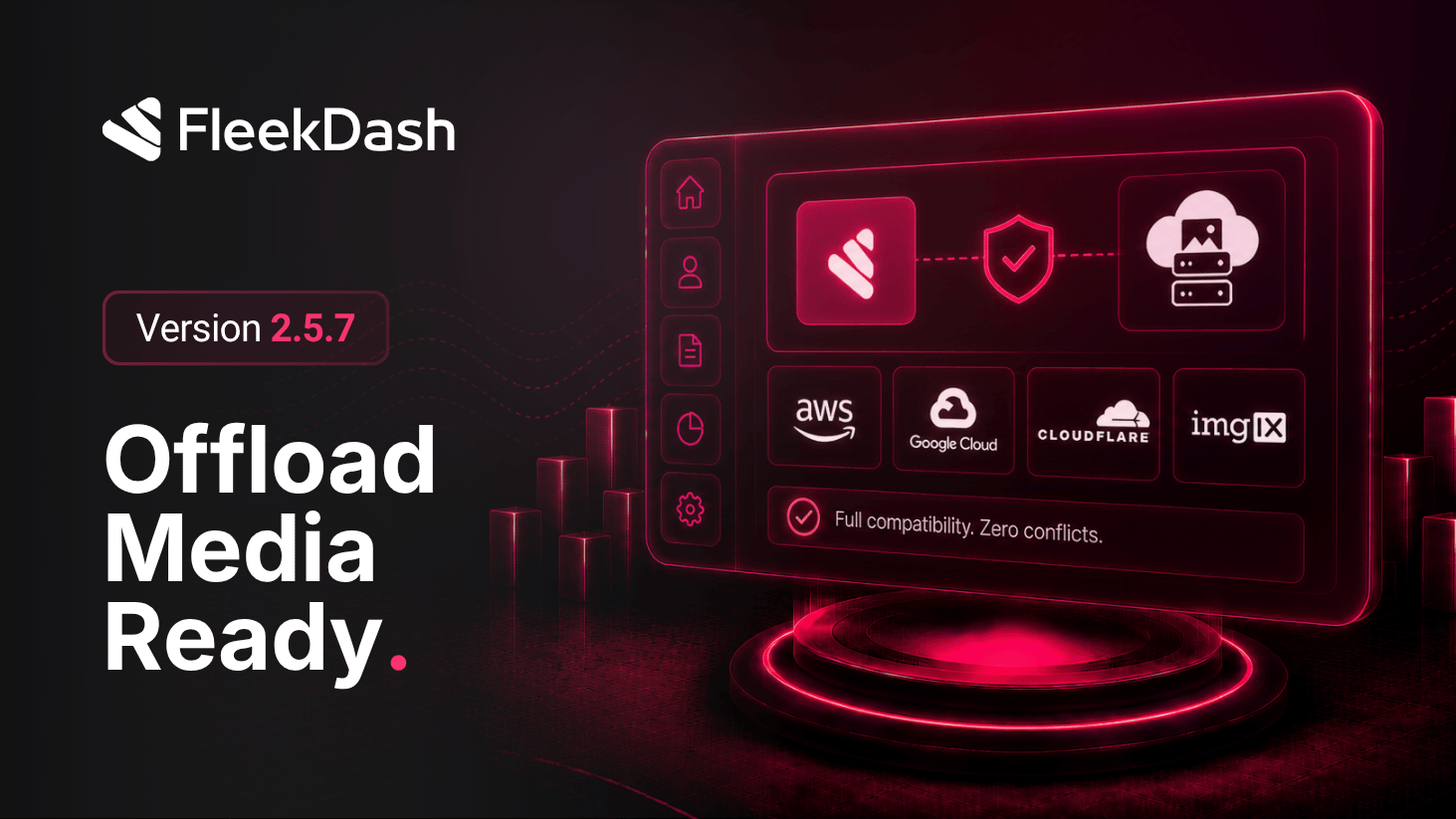
Full Compatibility with Offload Media Plugins
FleekDash now resolves and renders image URLs reliably with offload plugins across Media Gallery, avatars, post thumbnails. Command Bar results, and the wider React UI.
FleekDash 2.5.7 focuses on one practical promise: if your WordPress stack uses an image offload plugin, FleekDash should still render images correctly and fast across the entire interface. This release hardens image resolution and rendering paths so cloud/offloaded media behaves like local media in daily admin use.
-
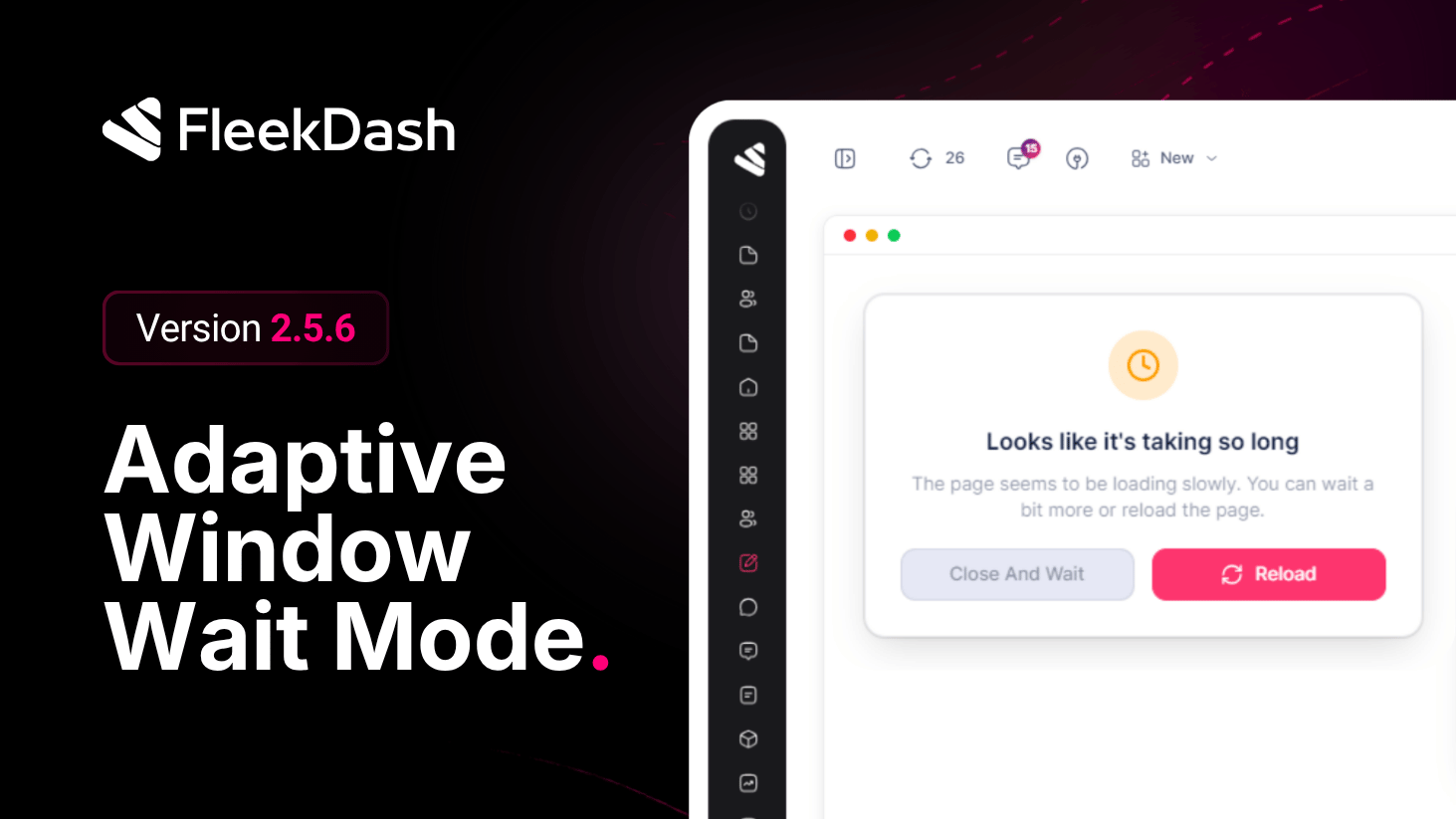
Fleek Window: Wait Mode for Slow Connections
Fewer redundant iframe reloads, aligned loading chrome, and when WordPress is actually slow, Wait Mode gives clarity and control instead of silent stalls.
FleekDash 2.5.6 improves Fleek Window performance: fewer pointless iframe reloads, loading states that match what the shell is doing, and Wait Mode when WordPress is slow to respond (heavy plugins, weak hosting, or a poor connection).
More detail in Fleek Window, Part 2: Speed You Can Feel (iframe loading, felt speed, and Wait Mode).
-
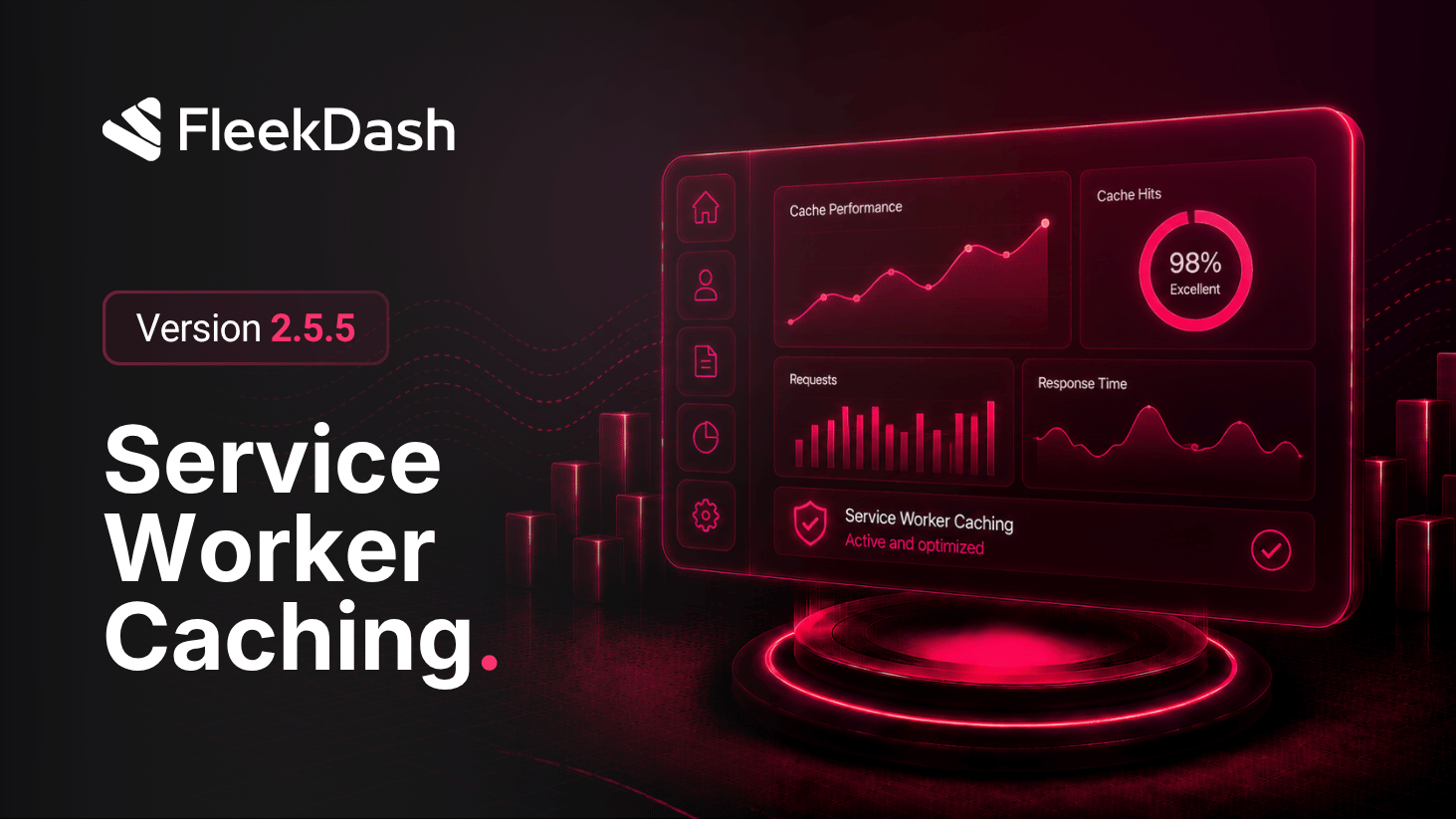
Faster Charts with Service Worker Caching
Chart data on the Dashboard loads faster on repeats and handles bad networks better, thanks to a tightened Service Worker pipeline around dashboard analytics.
FleekDash 2.5.5 evolves the browser Service Worker path that already backs dashboard charts (first shipped for charts in 2.1.8). This release refines cache behavior specifically for chart-related requests: you spend less time waiting on the wire when you revisit the same windows, and the UI stays usable when the network is flaky, as long as that payload was fetched recently enough to be cached.
-
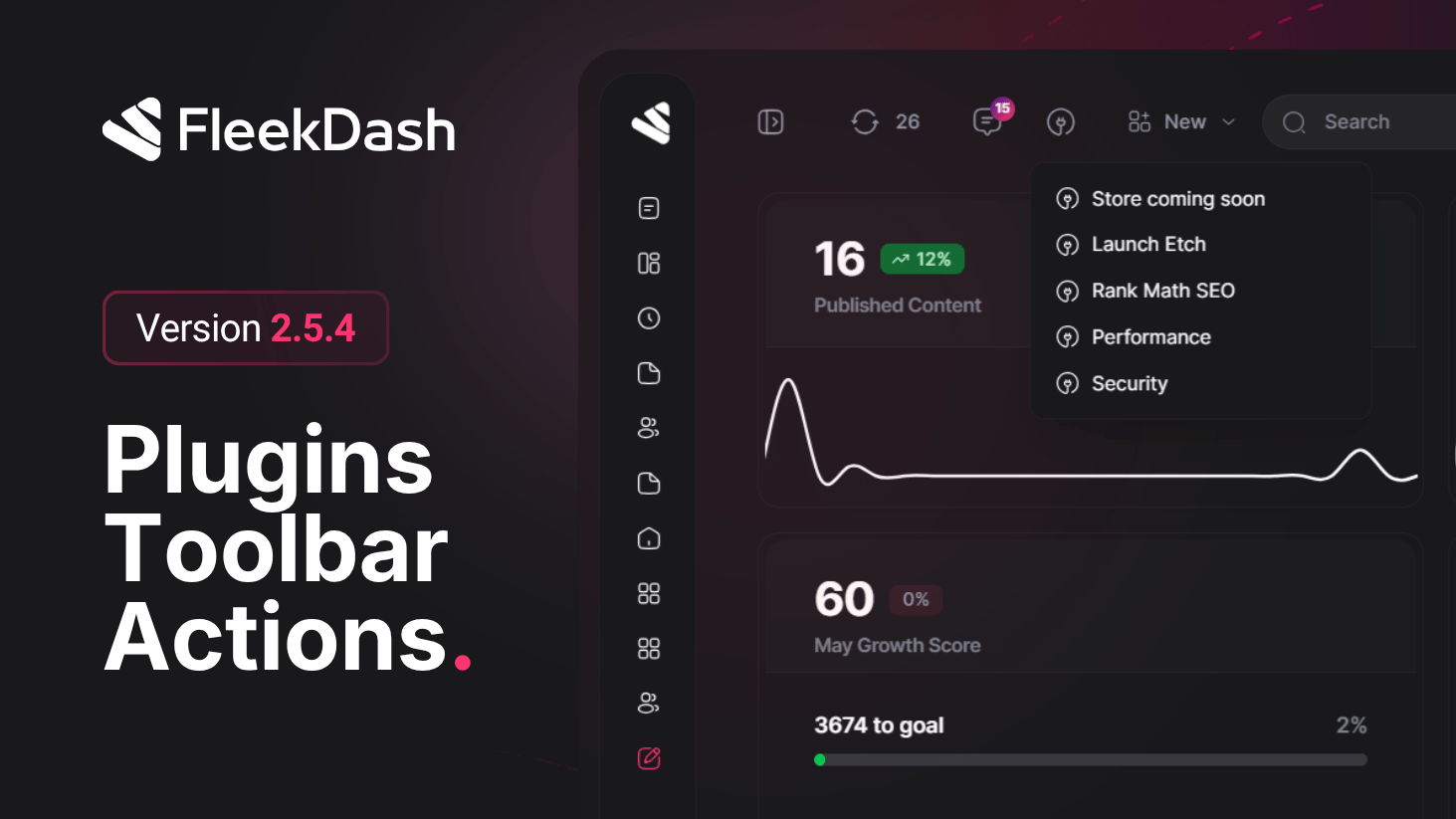
Third-Party Plugins Toolbar Actions in FleekDash
Experimental bridge that surfaces compatible third-party WordPress admin bar actions inside FleekDash, without leaving our shell for every plugin shortcut.
External Plugins Actions closes another gap with classic WordPress: FleekDash captures actions that third-party plugins register on the native admin bar and surfaces them directly in the FleekDash UI. You keep familiar plugin workflows without jumping back to legacy chrome just to reach those shortcuts.
-
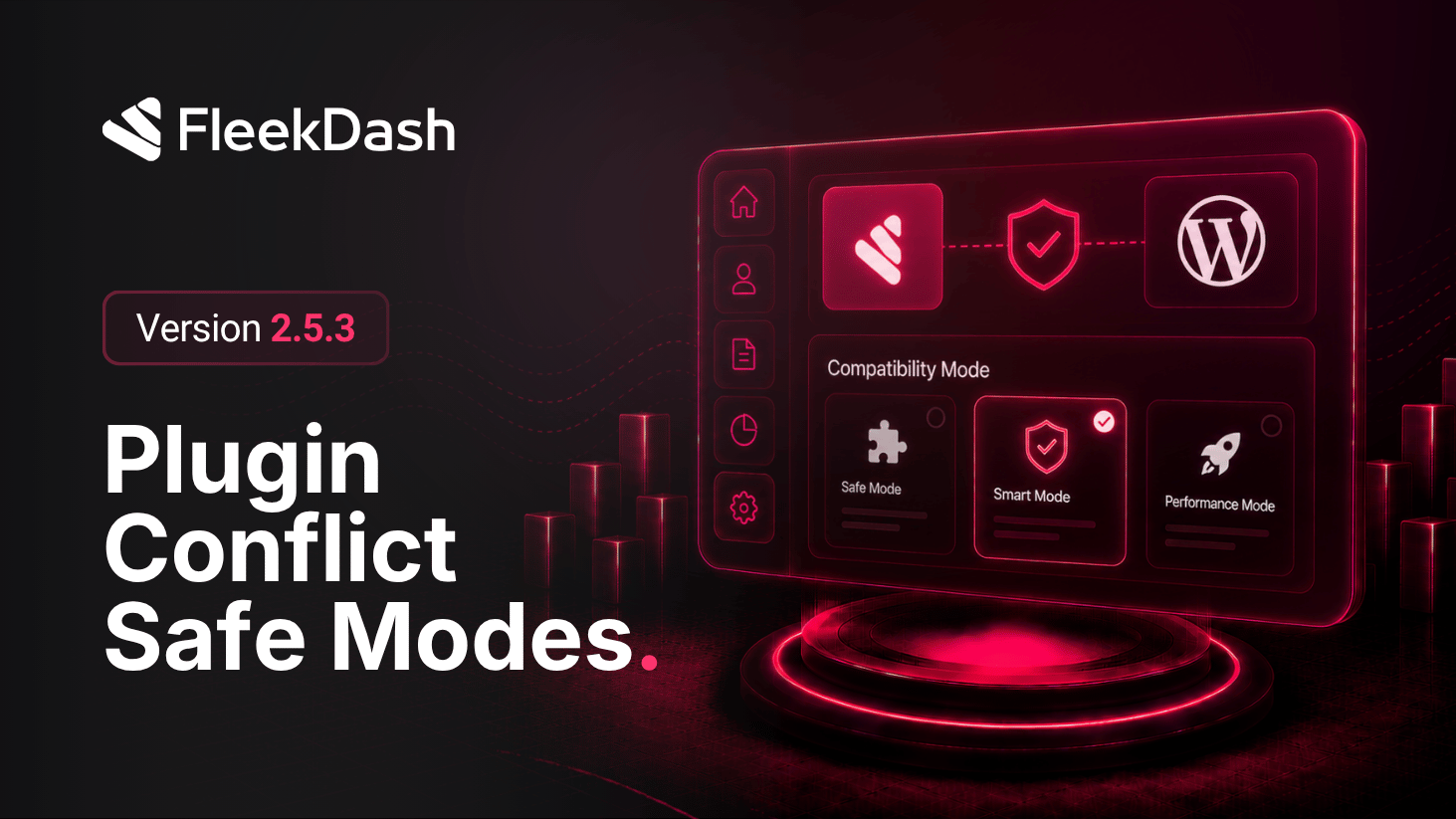
FleekDash Compatibility Modes for Third-Party Plugins
Six coordinated compatibility modes balance FleekDash integration with raw WordPress, so dense builders, security stacks, and vendor CSS stop breaking your shell.
Serious WordPress stacks do not share one admin contract: every plugin enqueues what it needs and assumes its own DOM and chrome. A single rigid "replacement dashboard" usually ends in endless one-off fixes. FleekDash 2.5.3 answers with compatibility modes, exclusive to our Fleek Window embedding model, so you choose more FleekDash or more isolation per screen instead of fighting third-party CSS.
See "Why Most WordPress Admin Replacements Break" (May 2026) for background on why admin shells fail, how Fleek Window works, and how
fleek-compatandfleekdash-frameset behavior in the URL. -
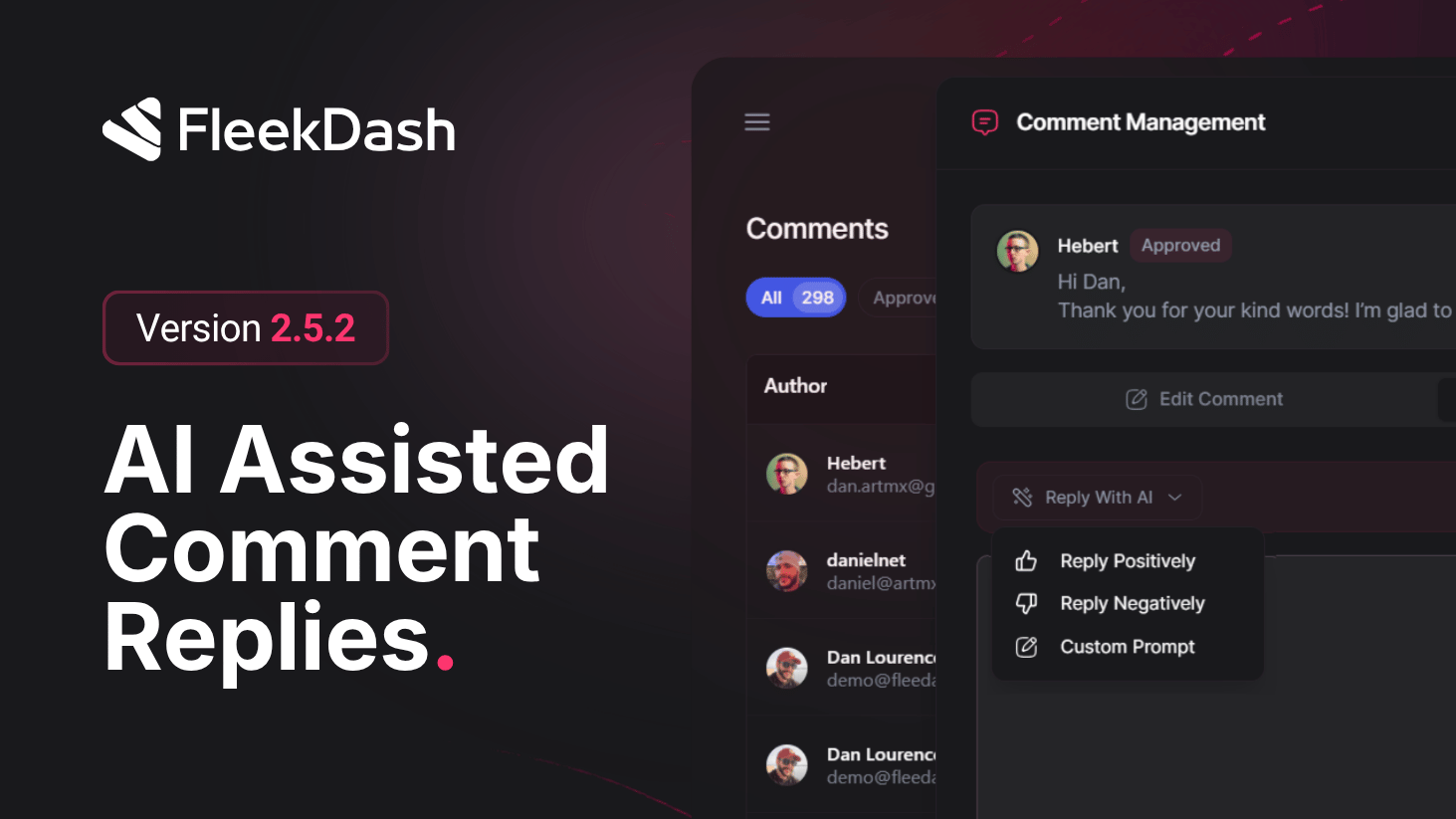
AI-Assisted Comment Replies, Right Inside FleekDash
Draft or polish comment replies from the Comment Manager modals with FleekDash AI assistance, stay on the queue, stay on-brand.
Building on the Comment Manager hub, FleekDash 2.5.2 adds AI-assisted drafting exactly where moderators already work: inside reply and create-comment modals.
-
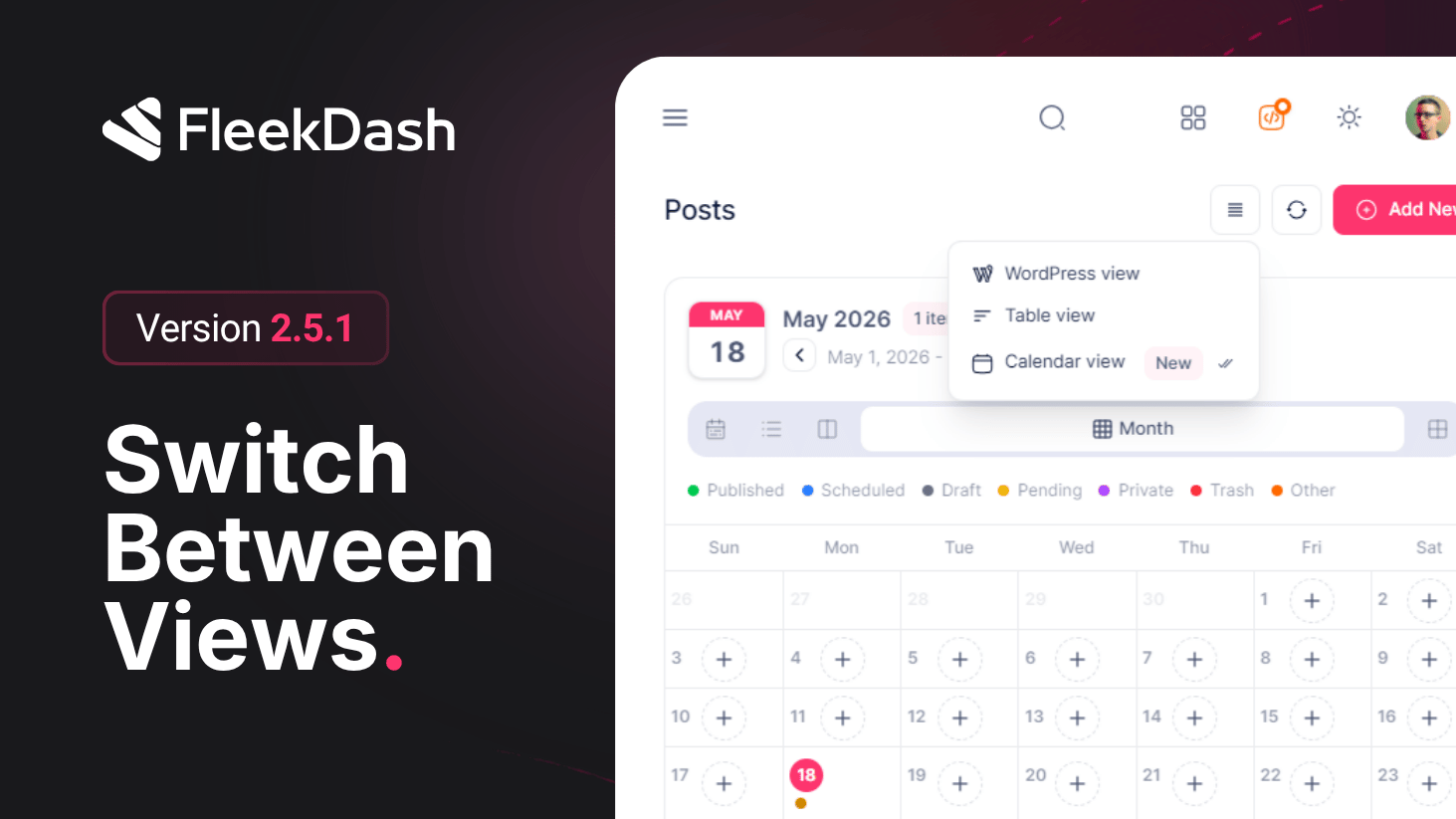
Multi-View Post Switcher: Table, Calendar, WP in One Tap
A header popover jumps between Table. Calendar, and native WordPress list views per post type, and remembers your default so each CPT opens the way you prefer.
Listing screens should not fight your workflow. FleekDash 2.5.1 ships Post View Quick Switch: a compact popover menu on post-type grids so you can flip Table view, Calendar view, or WordPress view (classic list in context) without digging through settings every time.
-
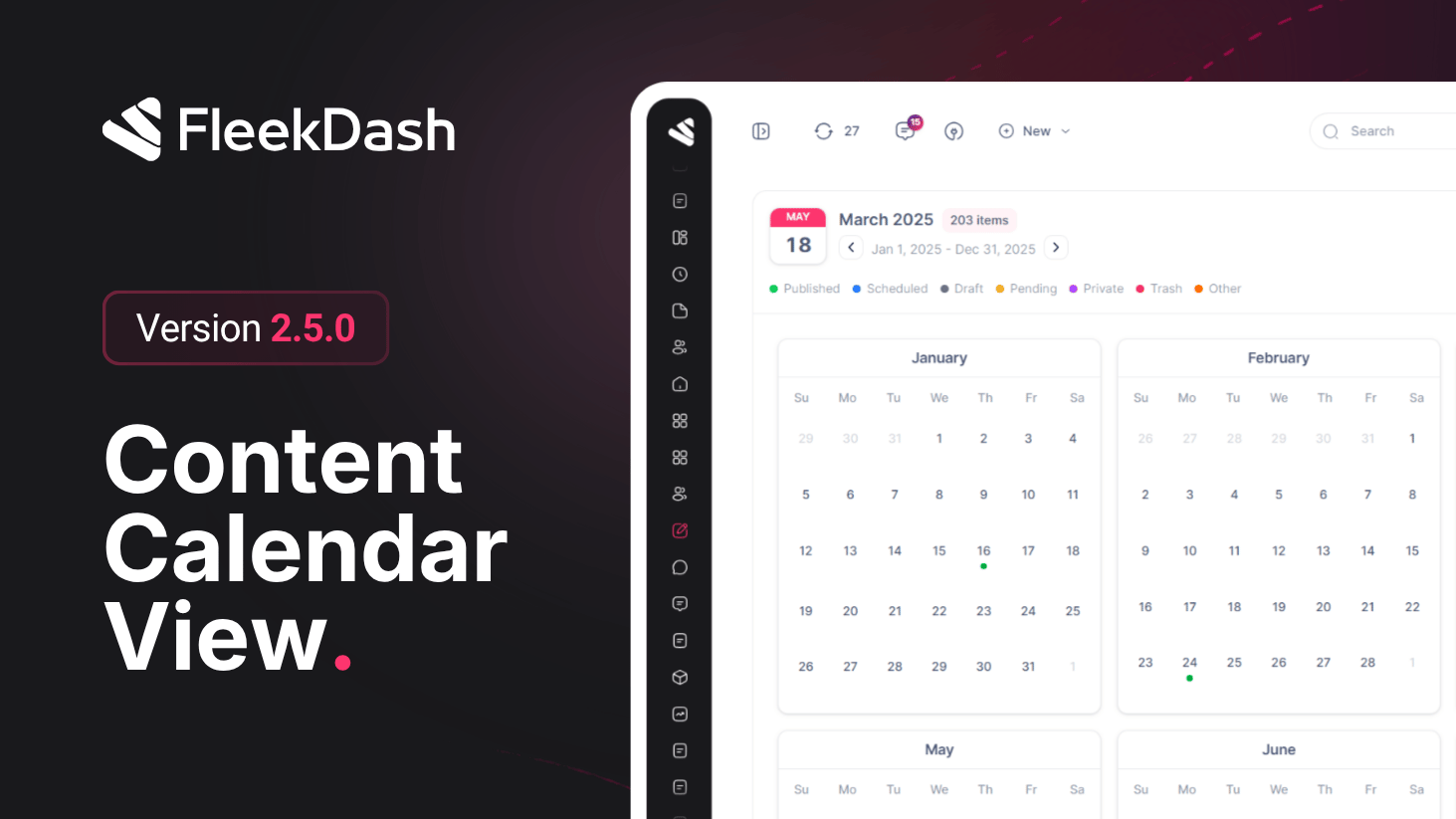
Calendar View for Any Post Type
Plan, schedule, and ship content faster with the new Calendar View for any post type.
Today we're shipping FleekDash 2.5.0, a release focused on helping teams plan, schedule, and ship content faster, right inside WordPress.
-
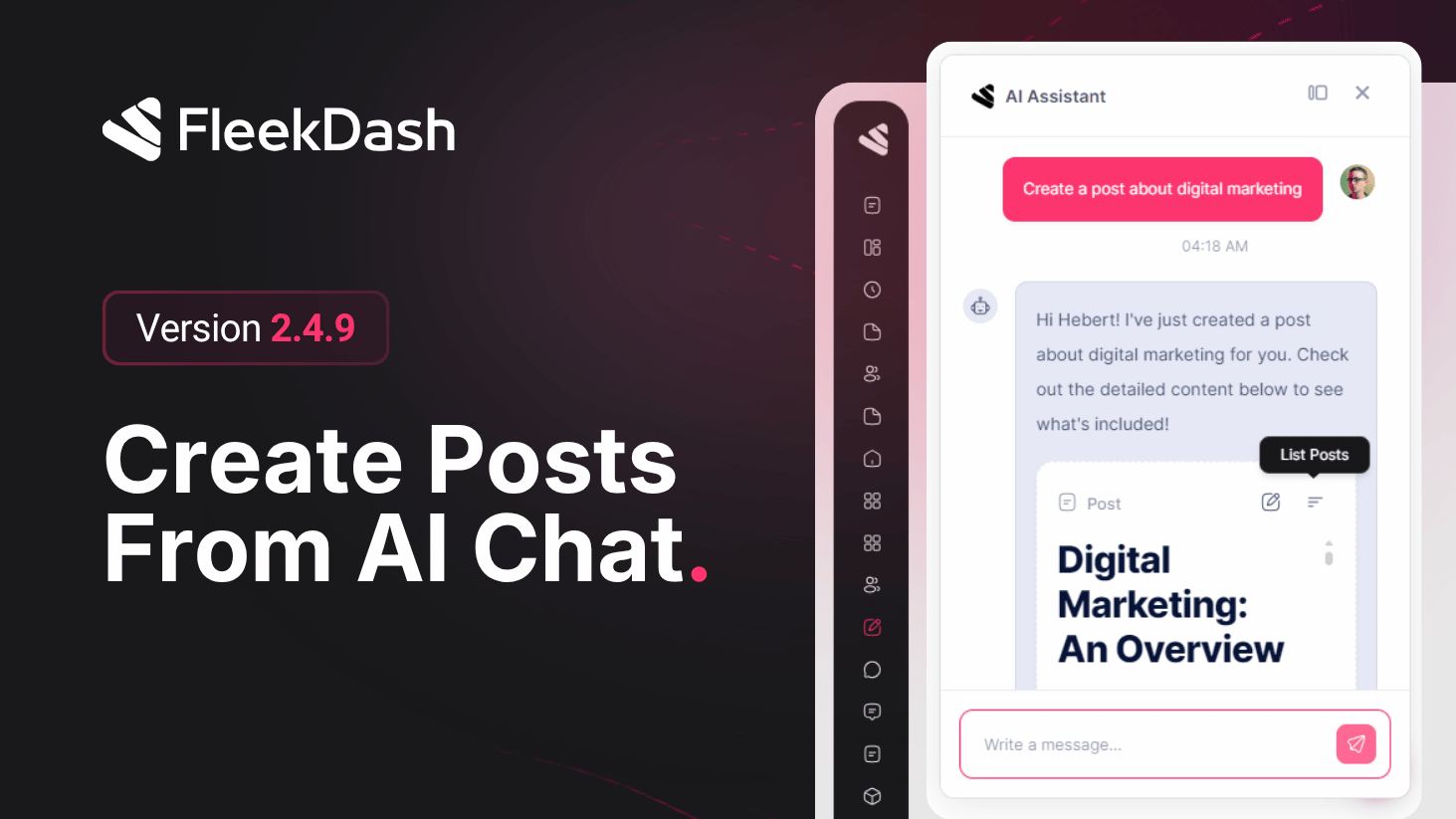
AI Assistant: Create Posts Using Natural Language
Say “create a post” (or any allowed custom post type, e.g, reviews or documents) about a topic, get a draft in chat and jump straight from the artifact to edit or preview.
Stop exporting paragraphs from another tab. FleekDash 2.4.9 makes the assistant create real posts from plain language, “create a post about …” or request a custom post type your site exposes (reviews, documents, anything available), then surfaces the result as a chat artifact you can click to edit or preview, so shipping stays fast and the UX stays light.
-
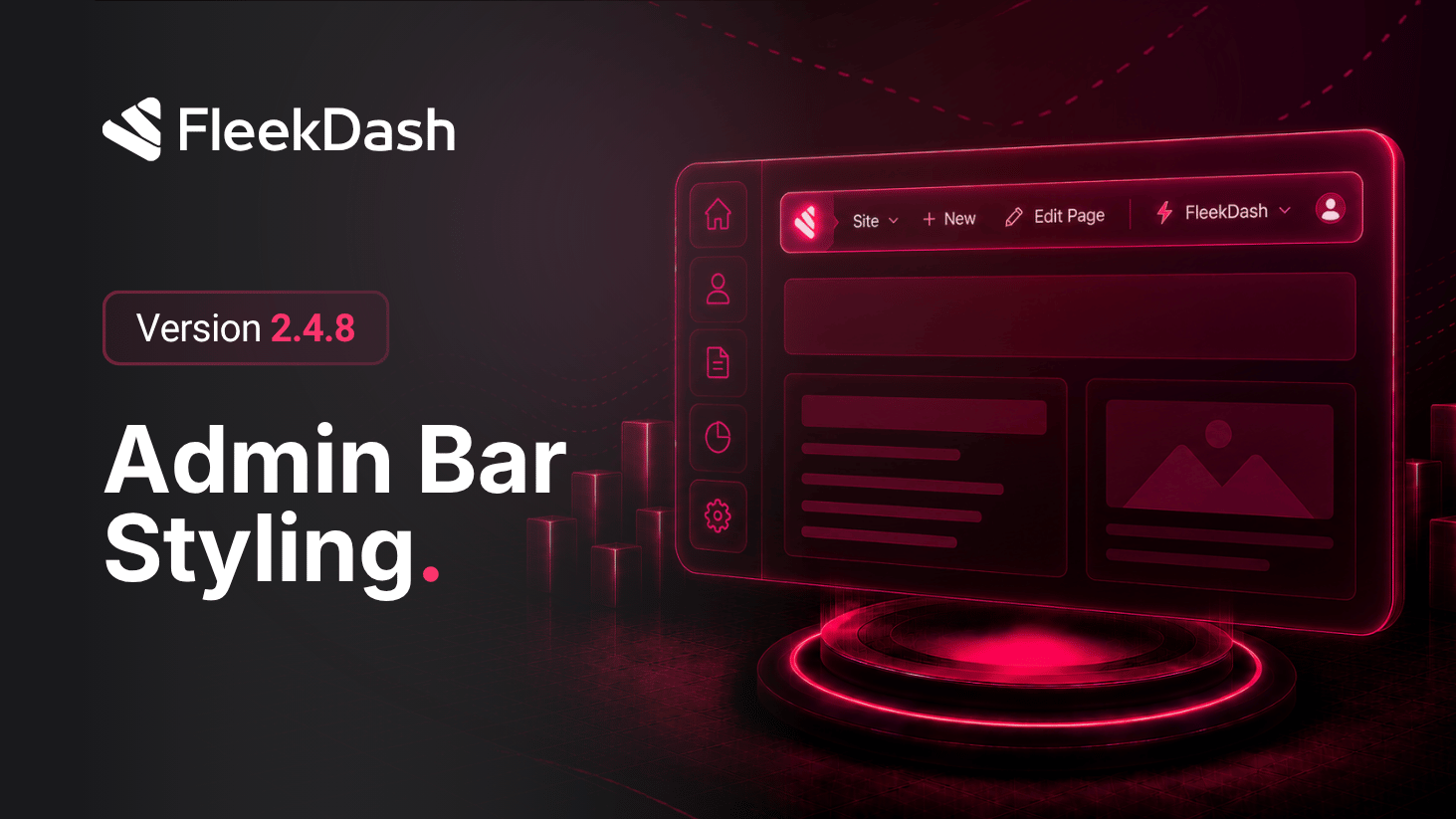
An Admin Bar That Finally Fits
A cleaner admin bar with theme-aware styling and simpler controls in a single settings panel.
FleekDash 2.4.8 refines one of the most visible parts of daily work: the top admin bar.
Instead of feeling disconnected from your interface, the bar now follows the same design language and theme behavior as the rest of FleekDash.
-
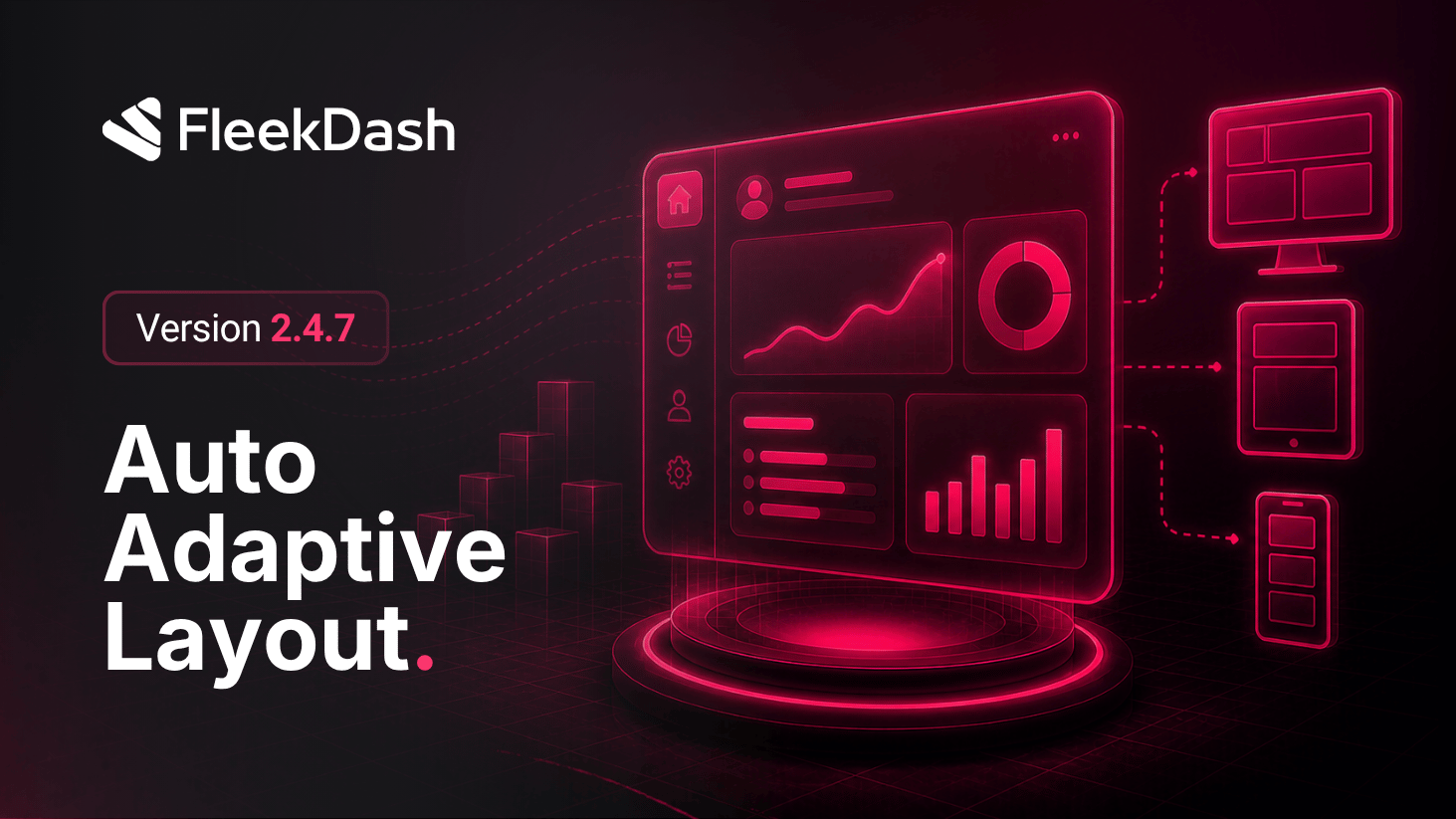
Better Auto-Adaptive and Responsive Layouts
Intelligent layout behavior across FleekDash: surfaces adapt together when panels open, splits change, or context shifts, not only at breakpoints.
FleekDash now treats layout as something that responds to structure and context, not just screen width.
This is smart auto-adaptive layout: the interface repositions elements in a logical way so the experience stays balanced when things move. Examples include when a side panel opens or expands, when Split Mode changes how space is shared, or when multiple regions compete for attention at once.
That behavior runs across the application. The dashboard remains where we push extra polish for dense widgets and analytics, but the same adaptive principles apply elsewhere so the admin feels coherent end to end.
This goes beyond classic responsive design. Fluid breakpoints still matter, but the focus here is intentional reflow: keeping priorities clear, reducing overlap, and preserving a natural reading and work path as the shell changes state.
-
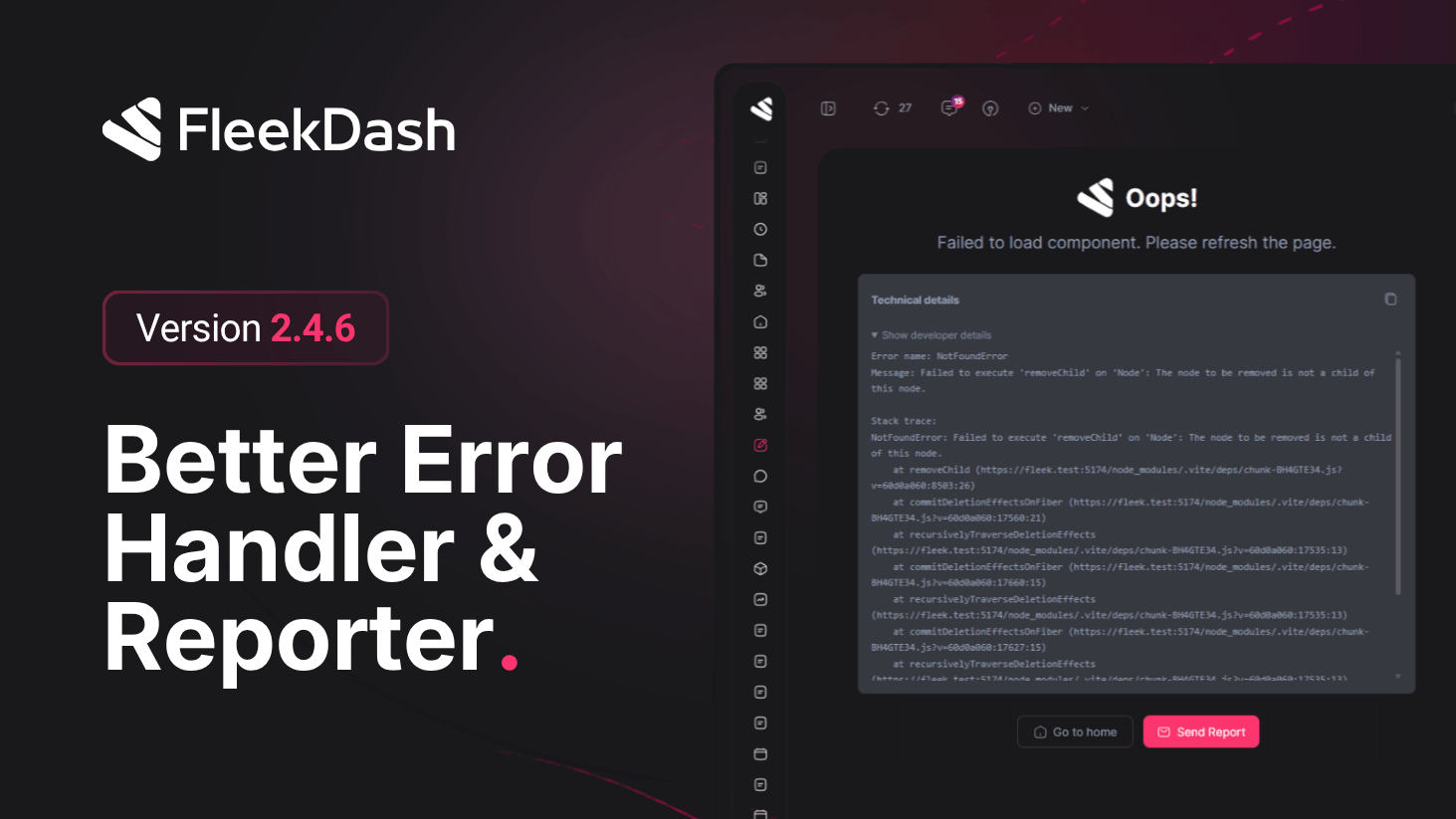
Built-in Error Handler and Reporter
When something breaks, you see a friendly screen, not a blank page, and you can send the details to support in one click.
FleekDash 2.4.6 introduces a central error experience: crashes no longer leave you with a broken or silent UI. You get clear messaging, optional technical depth, and Send Report so support receives structured context without hunting log files.
-
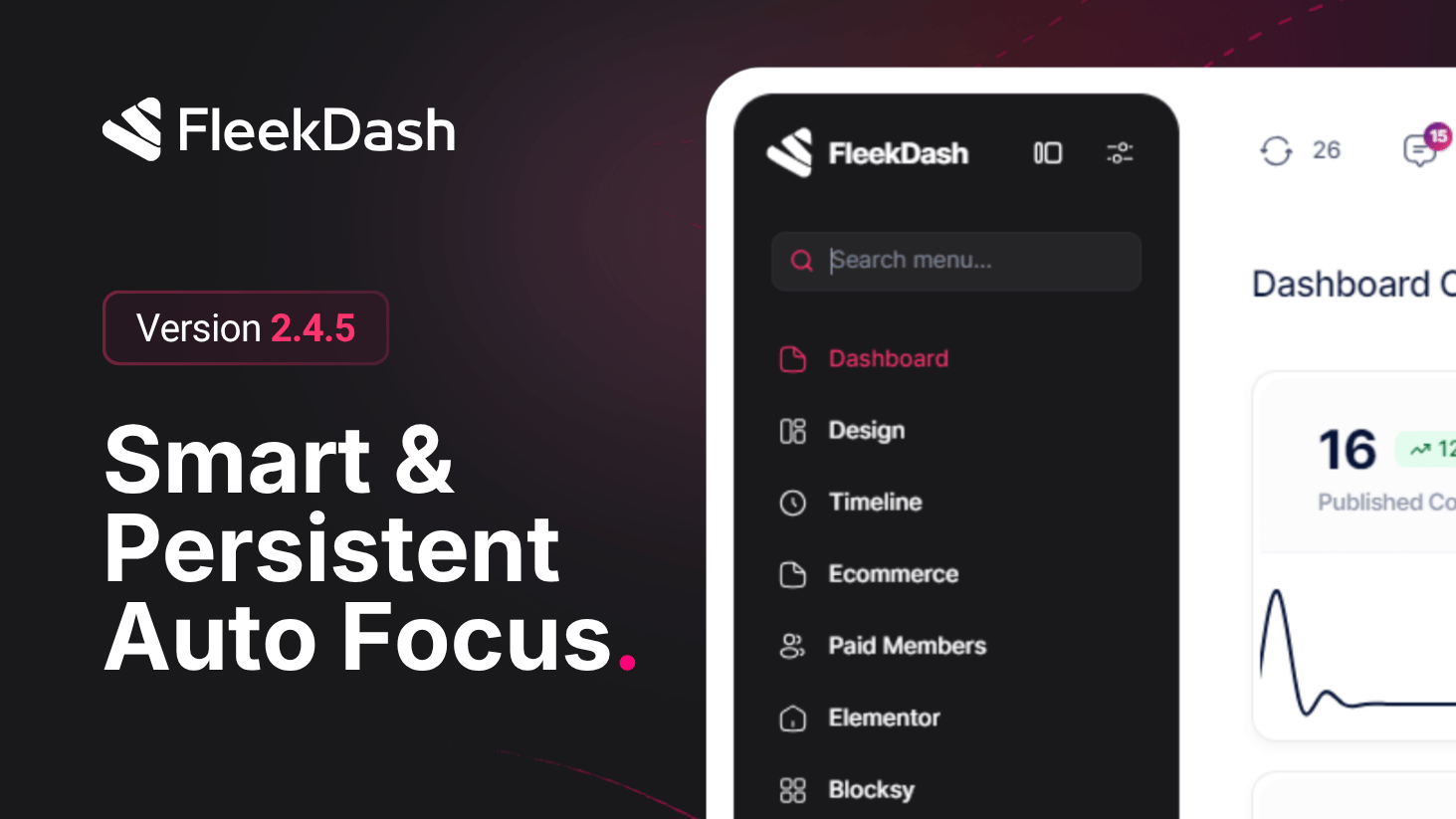
Auto-Focus Where You Work Next
FleekDash moves keyboard focus to the field you are likely to use next and keeps it there while you move through menus and panels.
FleekDash 2.4.5 adds automatic focus: the caret lands in the input you are about to use, with less clicking and tabbing.


Browse all 103 releases
- v2.6.9 ·One-Click Rollback for Plugins, Themes, and WordPress Core
- v2.6.8 ·All your updates in one fast screen
- v2.6.7 ·A fully mirrored admin for right-to-left languages
- v2.6.6 ·Build a cleaner sidebar menu with sections and spacing
- v2.6.5 ·Manage your entire WordPress network inside FleekDash
- v2.6.4 ·Performance Tweaks: one-click speed improvements
- v2.6.3 ·Use FleekDash and classic WordPress side by side
- v2.6.2 ·Automatic Page Builder Detection and Edit With Menu
- v2.6.1 ·Unified Media Picker and Faster Image Workflows
- v2.6.0 ·Early Access, WordPress 7.0, and Grid & Theme Updates
- v2.5.9 ·Permission Overrides for Individual Users
- v2.5.8 ·Folder Tree in the WordPress Image Picker
- v2.5.7 ·Full Compatibility with Offload Media Plugins
- v2.5.6 ·Fleek Window: Wait Mode for Slow Connections
- v2.5.5 ·Faster Charts with Service Worker Caching
- v2.5.4 ·Third-Party Plugins Toolbar Actions in FleekDash
- v2.5.3 ·FleekDash Compatibility Modes for Third-Party Plugins
- v2.5.2 ·AI-Assisted Comment Replies, Right Inside FleekDash
- v2.5.1 ·Multi-View Post Switcher: Table, Calendar, WP in One Tap
- v2.5.0 ·Calendar View for Any Post Type
- v2.4.9 ·AI Assistant: Create Posts Using Natural Language
- v2.4.8 ·An Admin Bar That Finally Fits
- v2.4.7 ·Better Auto-Adaptive and Responsive Layouts
- v2.4.6 ·Built-in Error Handler and Reporter
- v2.4.5 ·Auto-Focus Where You Work Next
- v2.4.4 ·Improved AI Chat Widget: Behave Your Way While You Work
- v2.4.3 ·AI Assistant Inside FleekDash
- v2.4.2 ·Track Business Growth Beyond WordPress
- v2.4.1 ·See Any WordPress Plugin Changelogs Inside FleekDash.
- v2.4.0 ·A New Beautiful, Fast and Modern Media Library
- v2.3.9 ·Plugin Details Side Panel: Full Story, One Click Away
- v2.3.8 ·Search That Understands Your Flow
- v2.3.7 ·One-Click Demo Access for Custom Login
- v2.3.6 ·Create Roles Inline While Editing Users
- v2.3.5 ·Branded and Fast Custom Login Pages
- v2.3.4 ·Active Menu Sync With Zero Reloads
- v2.3.3 ·Filter Consolidation Across Content Views
- v2.3.2 ·Manage Roles and Capabilities Without Code
- v2.3.1 ·Remote License Activation Control by Site
- v2.3.0 ·Drag and Drop Admin Column Editor
- v2.2.9 ·Command Bar Preview Panel for Instant Context
- v2.2.8 ·Comment Manager: One Grid for Every Conversation
- v2.2.7 ·Real-time User Role Preview in the Admin Menu Builder
- v2.2.6 ·Control Your Growth Score
- v2.2.5 ·Live Preview Admin Menu Builder, Reimagined
- v2.2.4 ·Edit Admin Color Palettes with Live Preview
- v2.2.3 ·Work in Windows, Not Just Tabs
- v2.2.2 ·Locale Catalog & In-Product Translation Tools
- v2.2.1 ·Edit Users Anywhere with Social Hover Cards
- v2.2.0 ·Beautiful and Modern Admin Theme Presets
- v2.1.9 ·Global Search Evolution: One Command Bar for Everything
- v2.1.8 ·WordPress Finally Feels Instant
- v2.1.7 ·One-Click Classic WordPress Access
- v2.1.6 ·FleekDash Goes Multilingual
- v2.1.5 ·Global Approval Queue, Fully Under Control
- v2.1.4 ·Debug Where You Work
- v2.1.3 ·Admin Column Filters, Upgraded
- v2.1.2 ·Docked, Floating & Auto-Hide Side Panel
- v2.1.1 ·Automatic Site Growth Analytics
- v2.1.0 ·FleekDash User Management: Every User, One Screen
- v2.0.9 ·Real-Time Branding Preview: See Your Brand Before It Ships
- v2.0.8 ·Built-In Image Optimization
- v2.0.7 ·Your Profile, Rebuilt for FleekDash
- v2.0.6 ·Faster Admin, Zero Impact on Your Live Site
- v2.0.5 ·Built-In Database Optimization
- v2.0.4 ·Introducing FleekDash Data Table V2
- v2.0.3 ·One-Click Dashboard Layout Toggle
- v2.0.2 ·The New FleekDash Sidebar Menu Experience
- v2.0.1 ·Unified Dashboard: Mission Control in One Screen
- v2.0.0 ·FleekDash V2 Beta Has Arrived, Rebuilt from the Ground Up
- v1.3.0 ·Fleek Labs: Experiment Safely, Ship When Ready
- v1.2.9 ·Improved App Quick Actions
- v1.2.8 ·Better License Details Panel and Plan Clarity
- v1.2.7 ·Scan Dates Faster: Relative Labels + Modern Range Picker
- v1.2.6 ·Duplicate & Hold to Delete: Instant Content Actions
- v1.2.5 ·Your Logo, Readable in Dark Mode, Automatically
- v1.2.4 ·PHP Notices Suppression for Cleaner Logs
- v1.2.3 ·Sidebar Admin Menu Creator V1
- v1.2.2 ·Avatar Fallback Hierarchy: Upload, Gravatar, Letter
- v1.2.1 ·Performance Monitoring and Optimization
- v1.2.0 ·Smart Post Thumb Image Detection
- v1.1.9 ·WordPress Classic Editor Are Now Refined
- v1.1.8 ·Categories & Tags, Fully FleekDash-Native
- v1.1.7 ·Gutenberg Block Editor Redesign
- v1.1.6 ·Faster WordPress Updates in FleekDash
- v1.1.5 ·WordPress Themes Directory Redesign
- v1.1.4 ·Universal Instant Search
- v1.1.3 ·Per-User and Per-Role Dashboard Control
- v1.1.2 ·Advanced Plugins Table
- v1.1.1 ·Media Library Redesign and Search by ID
- v1.1.0 ·A Date Range You'll Actually Enjoy Using
- v1.0.9 ·WordPress Native Menu Editor Redesign
- v1.0.8 ·FleekDash Frontend Experience
- v1.0.7 ·Engagement Analytics Chart
- v1.0.6 ·Dark, Light, and System: Refined
- v1.0.5 ·Scroll Forever. See Everything.
- v1.0.4 ·Smarter Sidebar Navigation
- v1.0.3 ·Light Mode for Voxel Theme
- v1.0.2 ·Elementor Integration in FleekDash
- v1.0.1 ·Progressive Post Loading
- v1.0.0 ·FleekDash Initial Release
- Plugin Update Locking and Stable-Only Update Opt-In
- Built-in Client Debug Logging
Give your projects an instant wow factor today
