Skip to content

What's New on FleekDash

Release notes, new features, and improvements for FleekDash, the modern WordPress admin built for teams who ship fast.

  • v2.6.1 Launched on

    Unified Media Picker and Faster Image Workflows

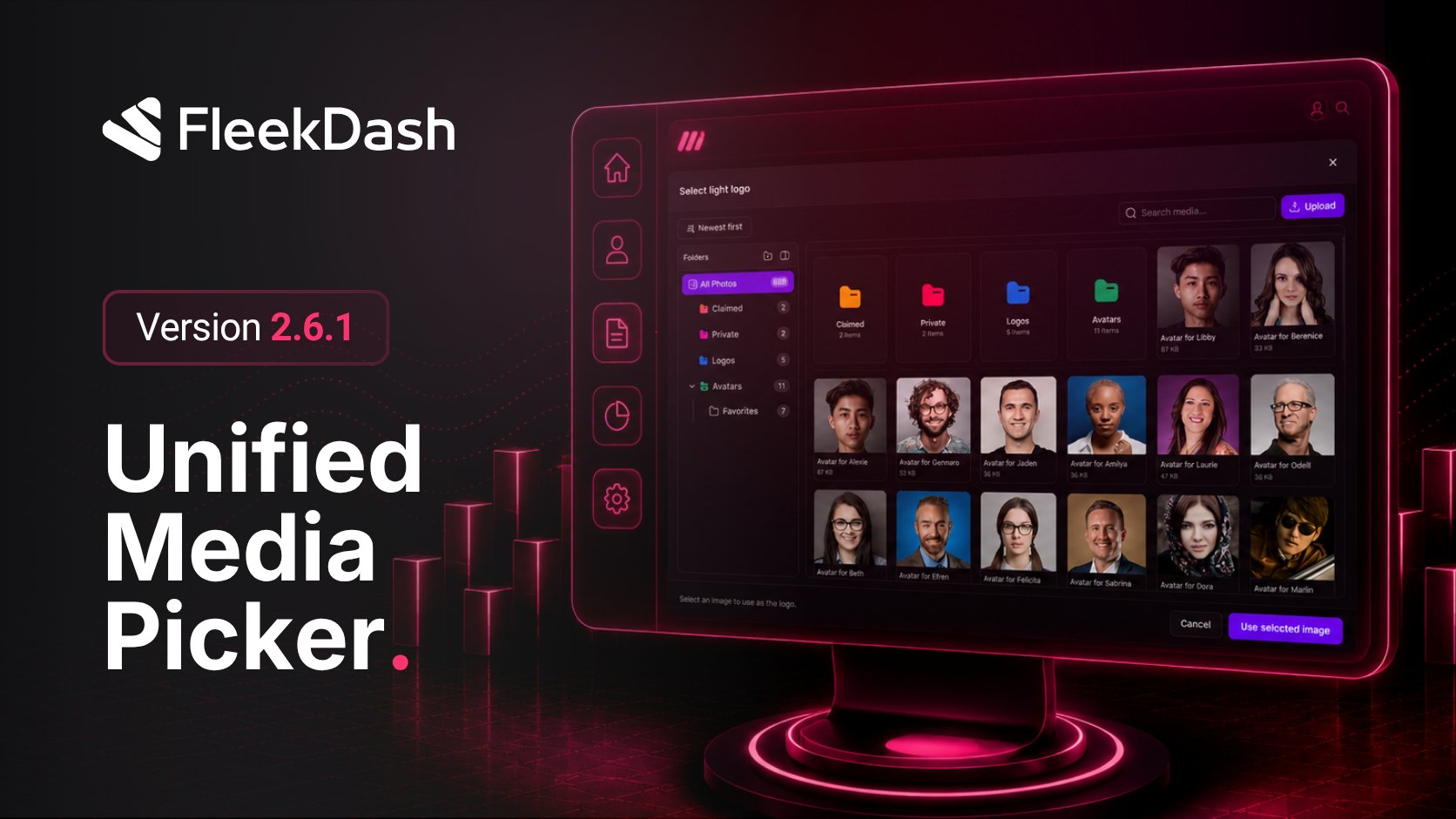
    Release 2.6.1 introduces a unified media picker: the same layout and workflow as the Media Library wherever you choose files in FleekDash. Set featured images from the posts grid, drag assets from the library onto a row, pick site logos from appearance settings, and read full taxonomy label lists in data tables.

    What's New

    • Unified media picker: choose files with the same folders, upload, and browsing experience as the Media Library, wherever FleekDash asks you to pick media.

    • Featured image from the posts table: set a post's featured image from the list without opening the editor, by clicking the image thumbnail or placeholder.

    • Drag to set featured image: drag an image from your computer onto a post row to assign its featured image in one step.

    • Site logo and appearance images: pick your site logo and other branding images from appearance settings through the same media picker.

    What's Fixed

    • Taxonomy label columns: label columns for taxonomies in data tables now show the full list of options instead of cutting some off.

  • v2.6.0 Launched on

    Early Access, WordPress 7.0, and Grid & Theme Updates

    Release 2.6.0 adds an Early Access toggle for beta builds before public rollout, keeps admin palettes and light/dark mode working on WordPress 7.0, and ships concrete updates: saved grid filters on posts, plugins, and media; a clearer theme editor with softer palette options; colored media folders; dynamic login branding; and a faster sidebar when moving between admin screens.

    What's New

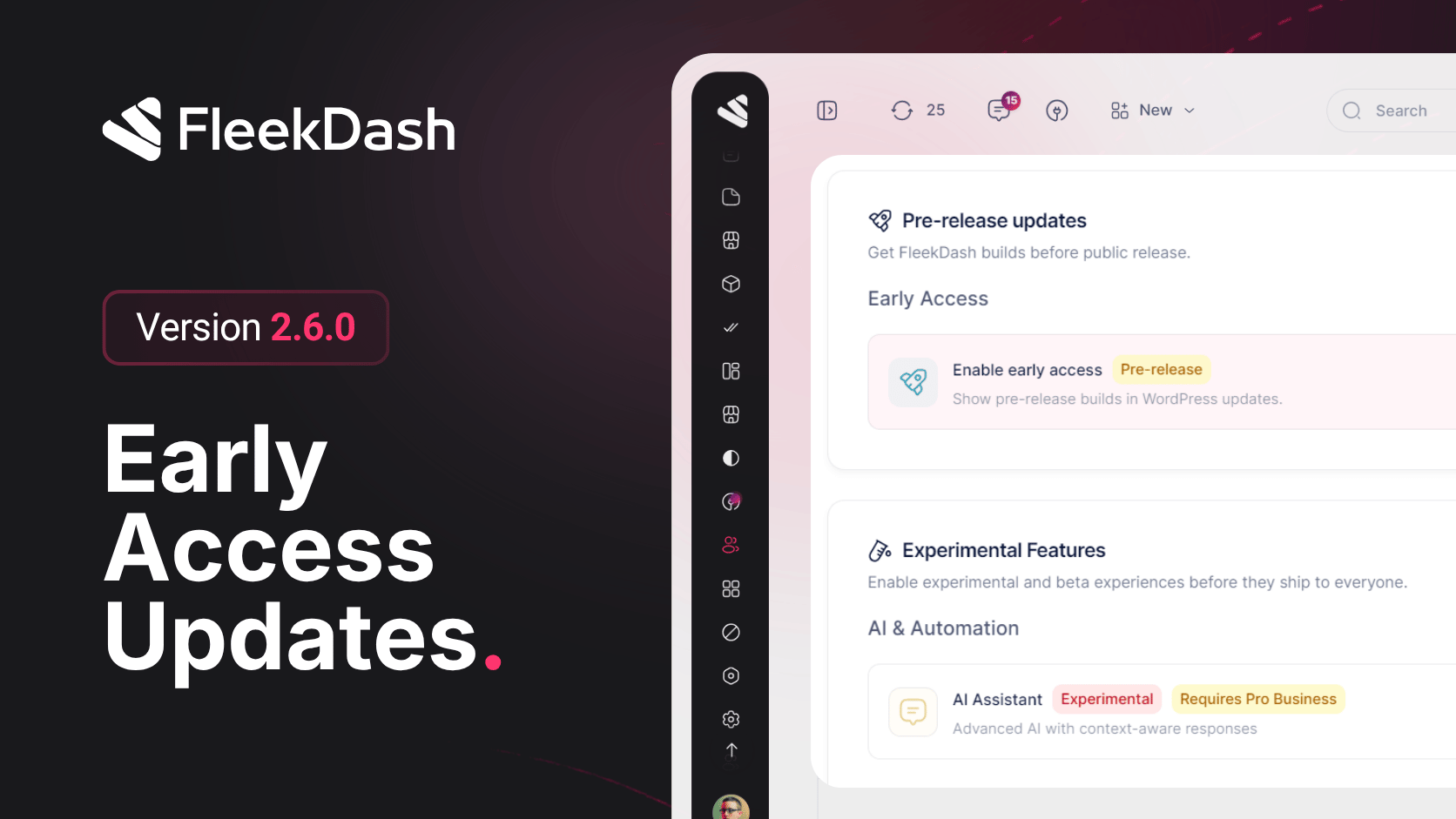
    • Early Access toggle: opt in to beta and early-access release channels so you can try builds before they ship to everyone.

    • WordPress 7.0 compatibility: admin color palettes and light/dark mode persistence work with WordPress 7.0.

    • Softer palette option: when editing your theme palette, you can automatically apply softer muted colors.

    • Updated card styling: panels and widgets use cleaner, more consistent card styling in light and dark mode.

    • Richer data grid filters: posts, plugins, and media grids get clearer filter controls and saved filter state.

    • Theme editor upgrades: improved color picker and gradient controls when customizing your theme.

    • Dynamic login branding: the login screen shows your site name dynamically.

    • Colored media folders: assign custom colors to native media folders so each user can organize the library their way.

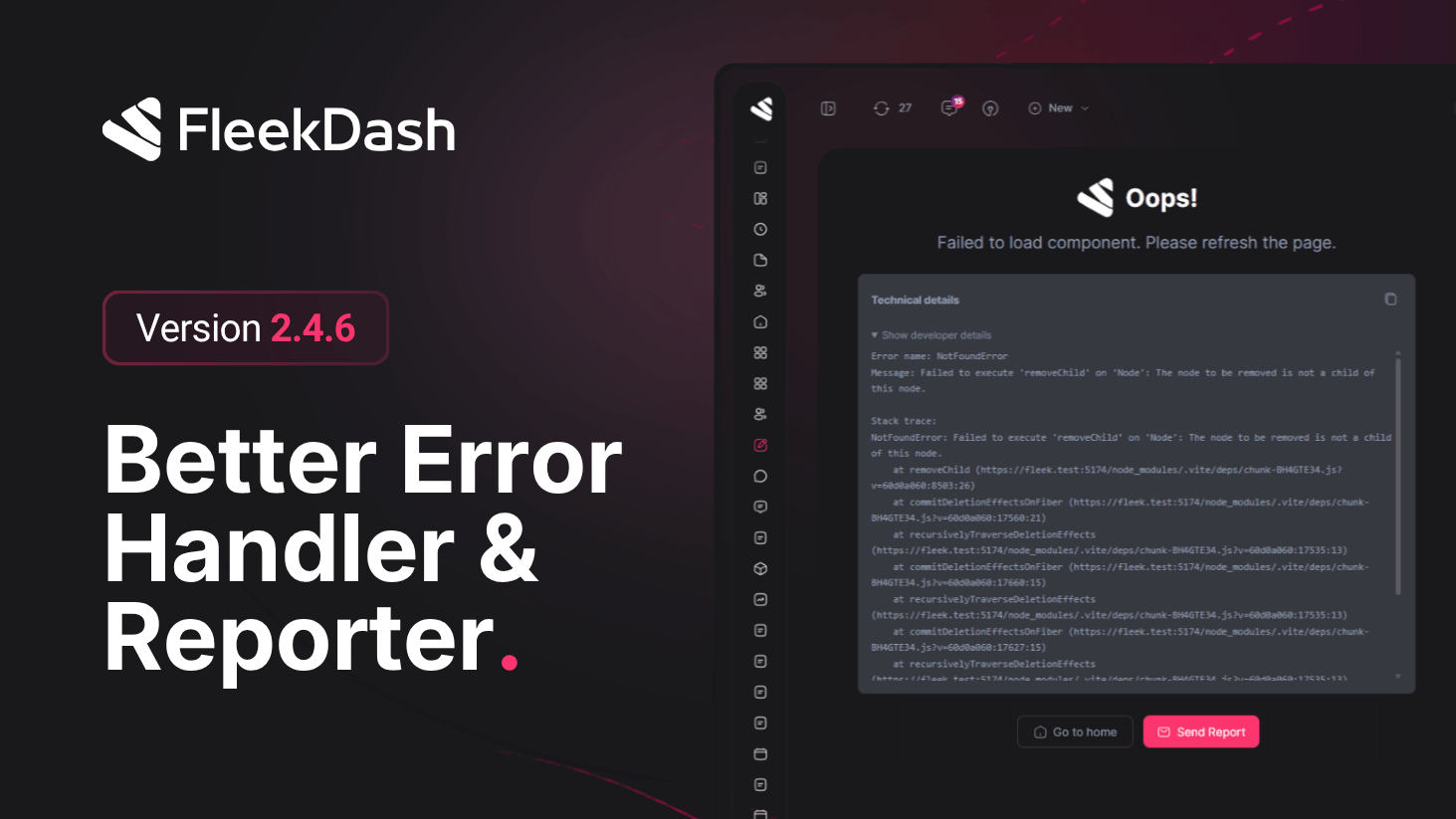
    • Clearer full-page errors: when something fails, full-page error screens include helpful recovery actions.

    • More translations: additional UI copy, including Loading and Upcoming labels, across multiple languages.

    • Redesigned toasts: toast messages use a new layout that works better on mobile and small screens.

    What's Improved

    • Faster sidebar: menu navigation feels quicker, with smoother loading placeholders while pages load.

    • More reliable embedded screens: WordPress screens such as plugins and settings open and navigate more reliably inside FleekDash.

    • Clearer theme editor: colors, gradients, and palette preview are grouped into easier sections.

    • Steadier dashboard: KPI cards, charts, and widgets load and update more consistently.

    • Pending posts sync: the pending posts list refreshes faster and stays aligned when you publish or edit content.

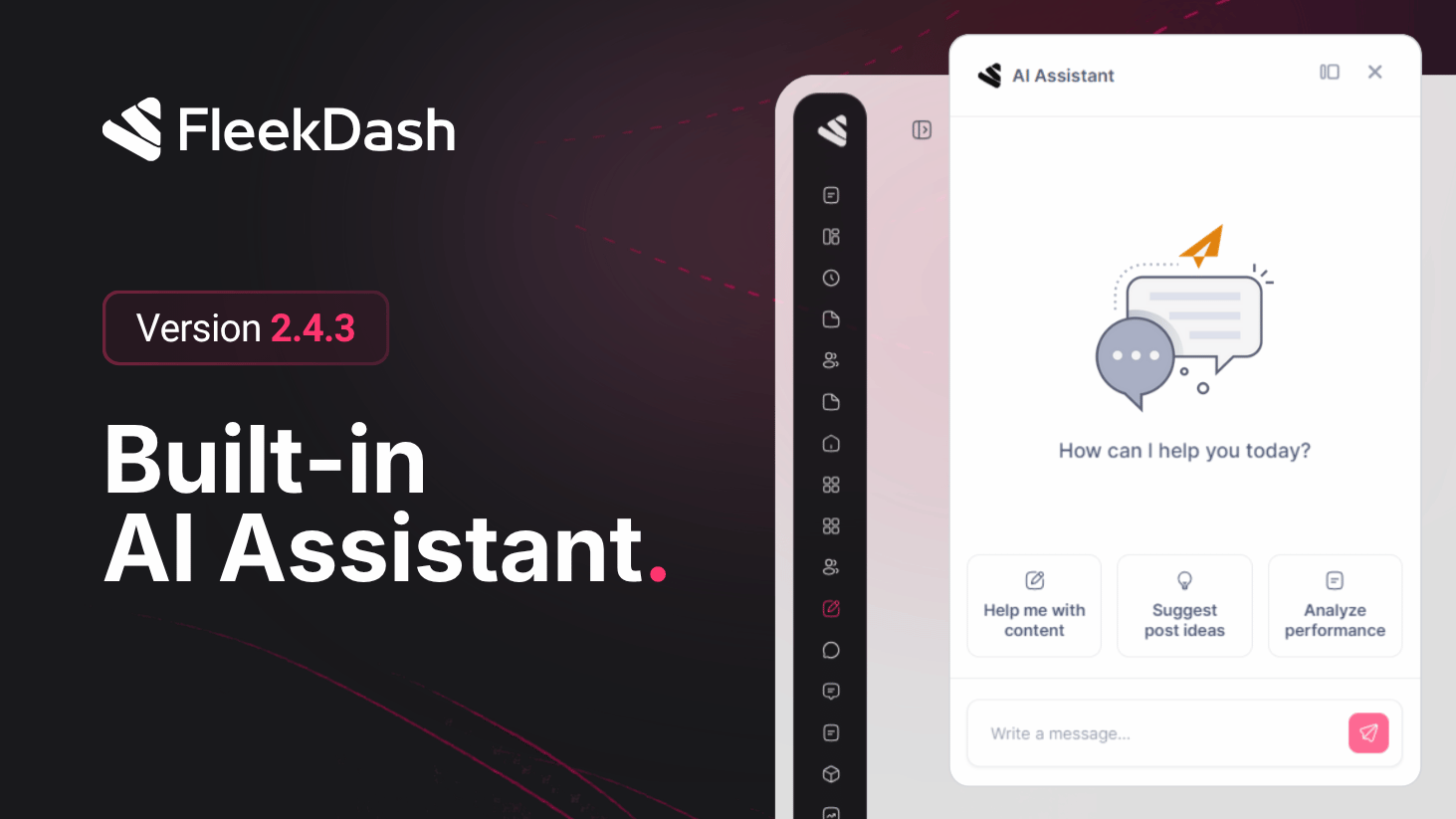
    • Smoother AI and Cmd+K: the AI assistant and command palette respond more smoothly, with better search error recovery.

    • Calendar hover preview: hovering calendar events shows a quick preview card.

    • Safer integrations: integration windows and embedded plugin pages handle navigation and security more reliably.

    • Instant license features: license activation reflects your plan features right away without extra steps.

    • General polish: performance, stability, and visual consistency across the admin shell.

    What's Fixed

    • Frame layout spacing: spacing is correct when viewing WordPress screens inside the FleekDash frame.

    • Broader i18n coverage: menus, dashboards, settings, integrations, posts, comments, media, and analytics no longer mix English on localized sites.

    • Locale-aware dates: dates and relative times (for example 2 hours ago) follow your site language settings.

    • Cleaner errors and toasts: error messages and toasts no longer show raw HTML tags or get translated twice.

    • Accurate palette preview: theme palette preview matches how colors look when applied.

    • Consistent icon sizes: icons render at uniform sizes across menus, buttons, and toolbars.

    • AI chat feedback: failed AI requests show clearer feedback.

    • Card gradients: gradient backgrounds on cards no longer show visible edges or banding.

    • Friendlier dashboard errors: dashboard and network errors show helpful messages instead of breaking the page.

  • v2.5.9 Launched on

    Permission Overrides for Individual Users

    FleekDash 2.5.9 adds a practical control for exception cases: Permission Overrides for individual users.

    When a single person needs access outside their base role, admins can create a targeted allow/deny override without cloning roles or disrupting the rest of the permission model.

    What's New

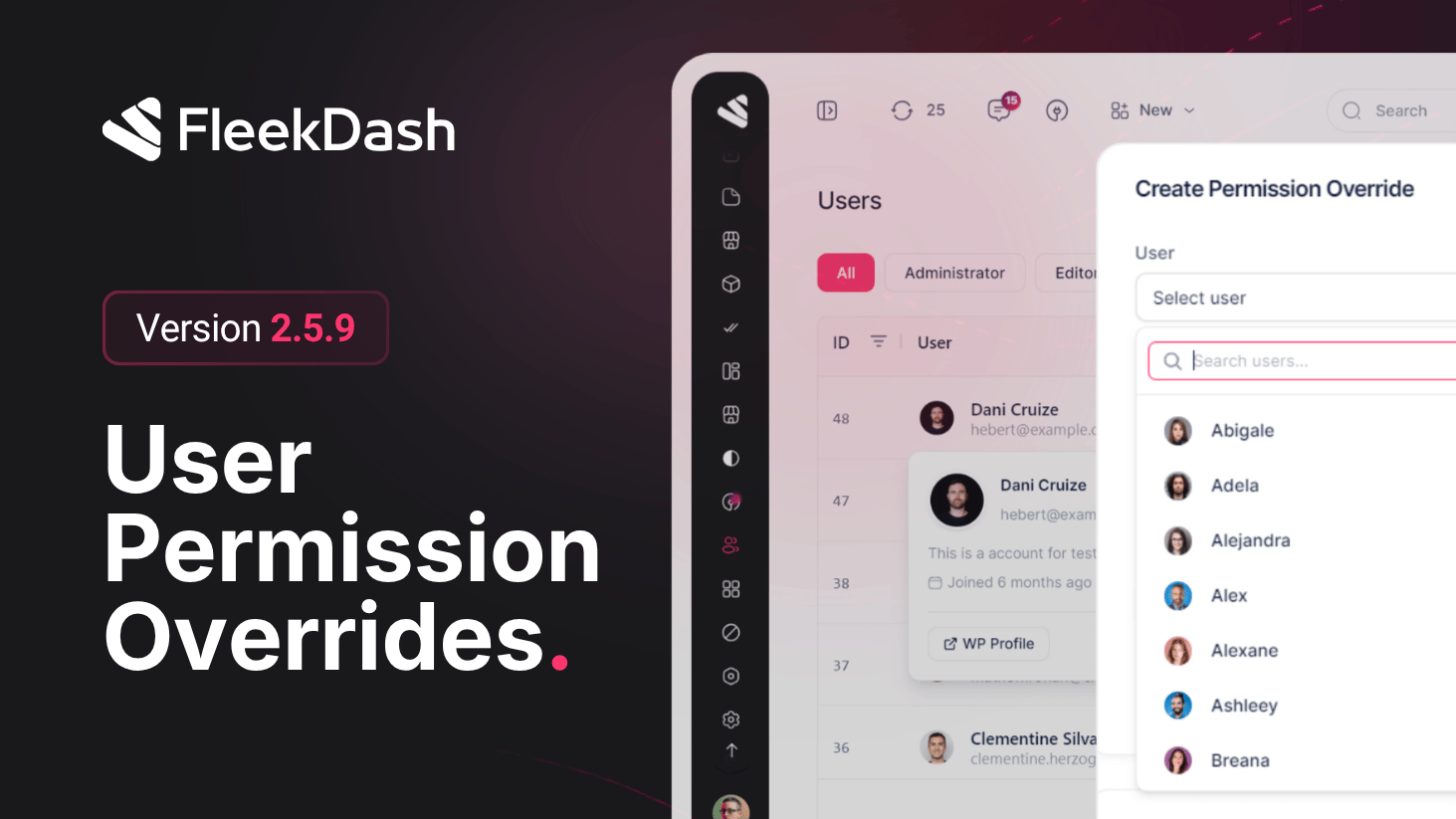
    • Permission Overrides tab for user-level exceptions: create overrides tied to a specific user and a specific permission, independent from role defaults.

    • Allow or deny per permission: each override explicitly sets behavior (Allow or Deny) so exception handling is auditable and intentional.

    • Reason field for traceability: optional justification can be recorded per override (for example temporary support access or VIP trial), helping teams understand why an exception exists.

    • Active overrides visibility: current overrides are listed in one place so admins can review and clean up stale exceptions.

    • Hard safety boundary preserved: plan-based restrictions still cannot be bypassed by overrides.

    What's Improved

    • Safer capability editing patterns: role updates keep clearer guardrails when working with high-privilege permissions.

    • Protected role awareness: critical native role behavior remains protected while custom role workflows stay flexible.

    • Better delegation confidence for agencies and internal teams managing multiple permission profiles.

    • Lower risk of accidental access misconfiguration during daily role maintenance.

  • v2.5.8 Launched on

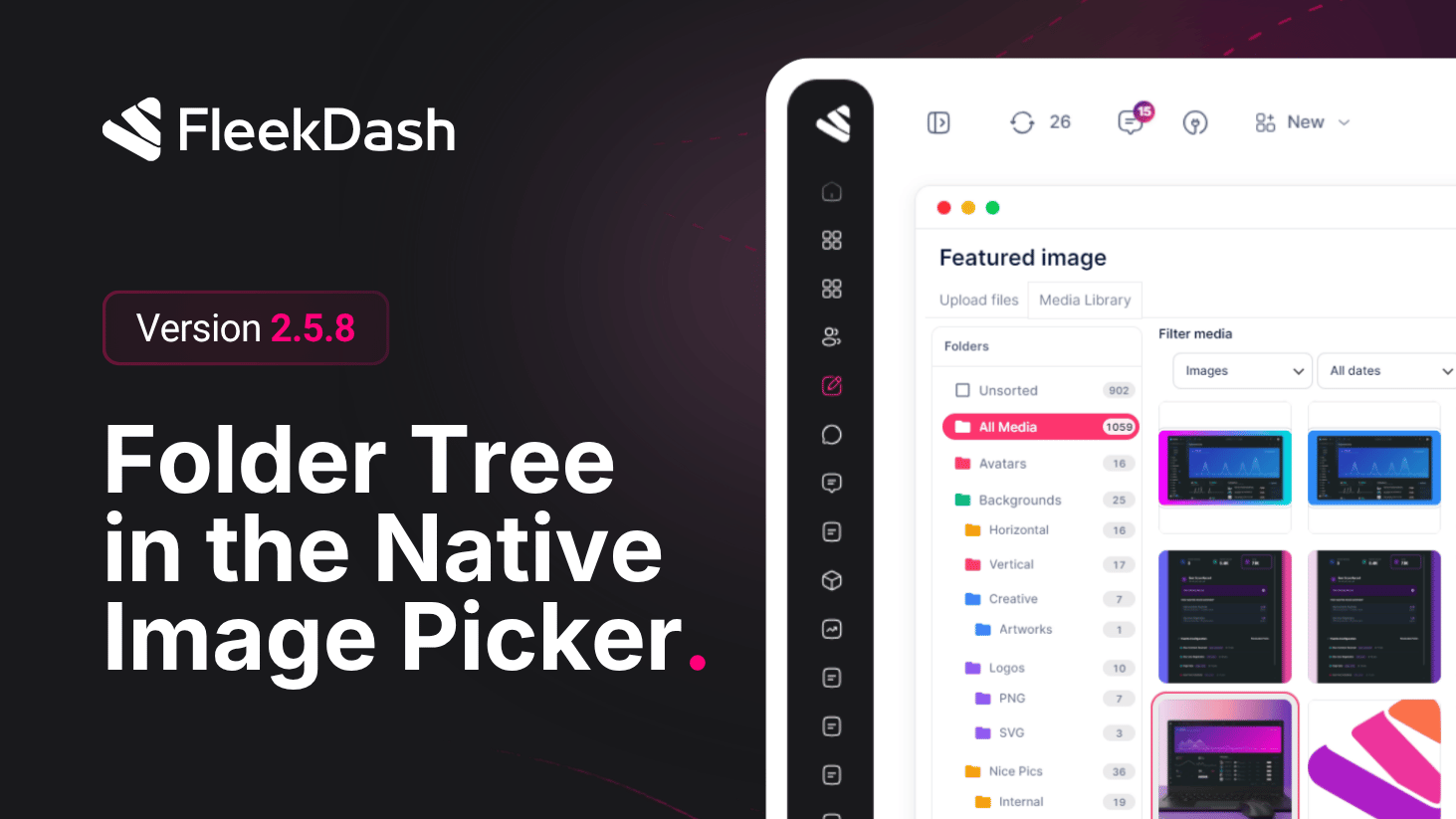
    Folder Tree in the WordPress Image Picker

    FleekDash 2.5.8 finishes one workflow: the folder structure you use in the FleekDash Media Library (see 2.4.0) is now visible when you open the standard WordPress media chooser, the same image / media picker the block editor, Classic Editor, and most third-party tools invoke through WordPress’ Media Library modal (wp.media).

    The 2.4.0 media experience was rebuilt on FleekDash’s new UI for speed and UX, but it still follows WordPress conventions for attachments and browsing. That means it remains compatible with Gutenberg, Classic Editor, and other integrations, as long as they use the normal WordPress media APIs and do not replace the flow with a fully custom uploader that bypasses the standard library.

    What's New

    • Folder tree in the native picker: when you insert an image (or open the media library from blocks or legacy screens), you can browse the same folder hierarchy you defined in FleekDash instead of a flat flat grid, so assets stay easy to find in the same layout as your library.

    • One hierarchy everywhere: organize files in FleekDash folders and retrieve them under the same structure when picking media for posts, pages, or plugin fields that rely on the standard modal, less searching and duplicate uploads.

    What's Improved

    • Consistency across editors: editorial and plugin workflows that already respect WordPress media patterns keep working; FleekDash augments the picker with structure, not a parallel silo.

  • v2.5.7 Launched on

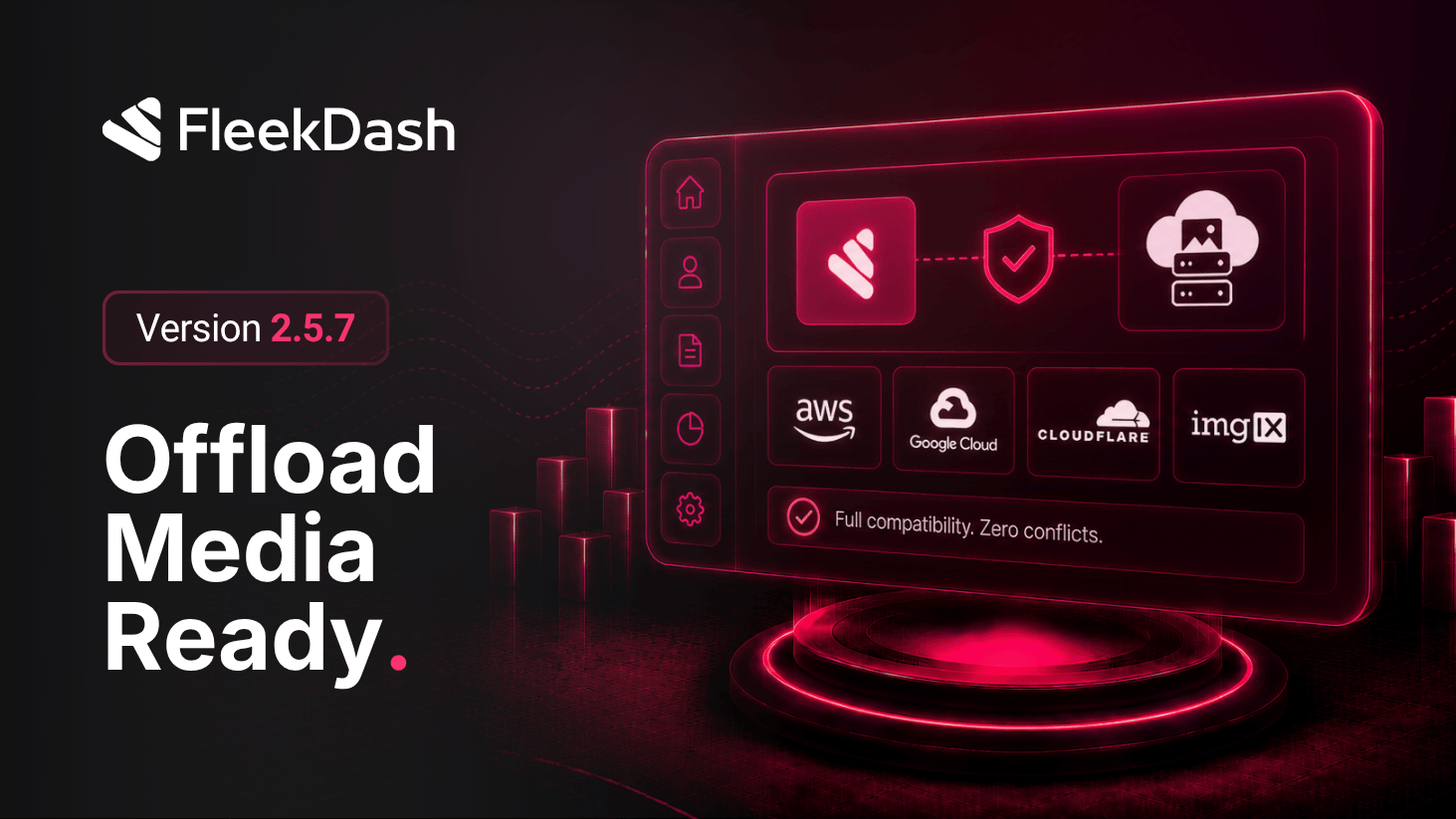
    Full Compatibility with Offload Media Plugins

    FleekDash 2.5.7 focuses on one practical promise: if your WordPress stack uses an image offload plugin, FleekDash should still render images correctly and fast across the entire interface. This release hardens image resolution and rendering paths so cloud/offloaded media behaves like local media in daily admin use.

    What's New

    • Media Gallery compatibility: offloaded assets are correctly resolved inside FleekDash Media Gallery, including common remote-storage URL patterns used by third-party offload plugins.

    • Avatar compatibility: user avatars remain consistent when avatar images are served from offloaded or externalized media sources.

    • Post table thumbnail compatibility: list thumbnails render reliably in post/content tables even when the original attachment is no longer served from local uploads.

    • Command Bar result thumbnails compatibility: search and command results keep visual context with thumbnail/avatar rendering that respects offloaded image URLs.

    • React interface-wide image compatibility: image-bearing surfaces across the fast FleekDash React UI use the same compatibility logic, reducing “works here, broken there” behavior.

    What's Improved

    • More reliable visual continuity: teams using CDN/object-storage offload plugins get fewer missing images, fewer fallback placeholders, and less troubleshooting after media migration.

    • Safer plugin interoperability: FleekDash keeps image UX stable without forcing users to disable offload plugins or maintain special-case media workarounds.