

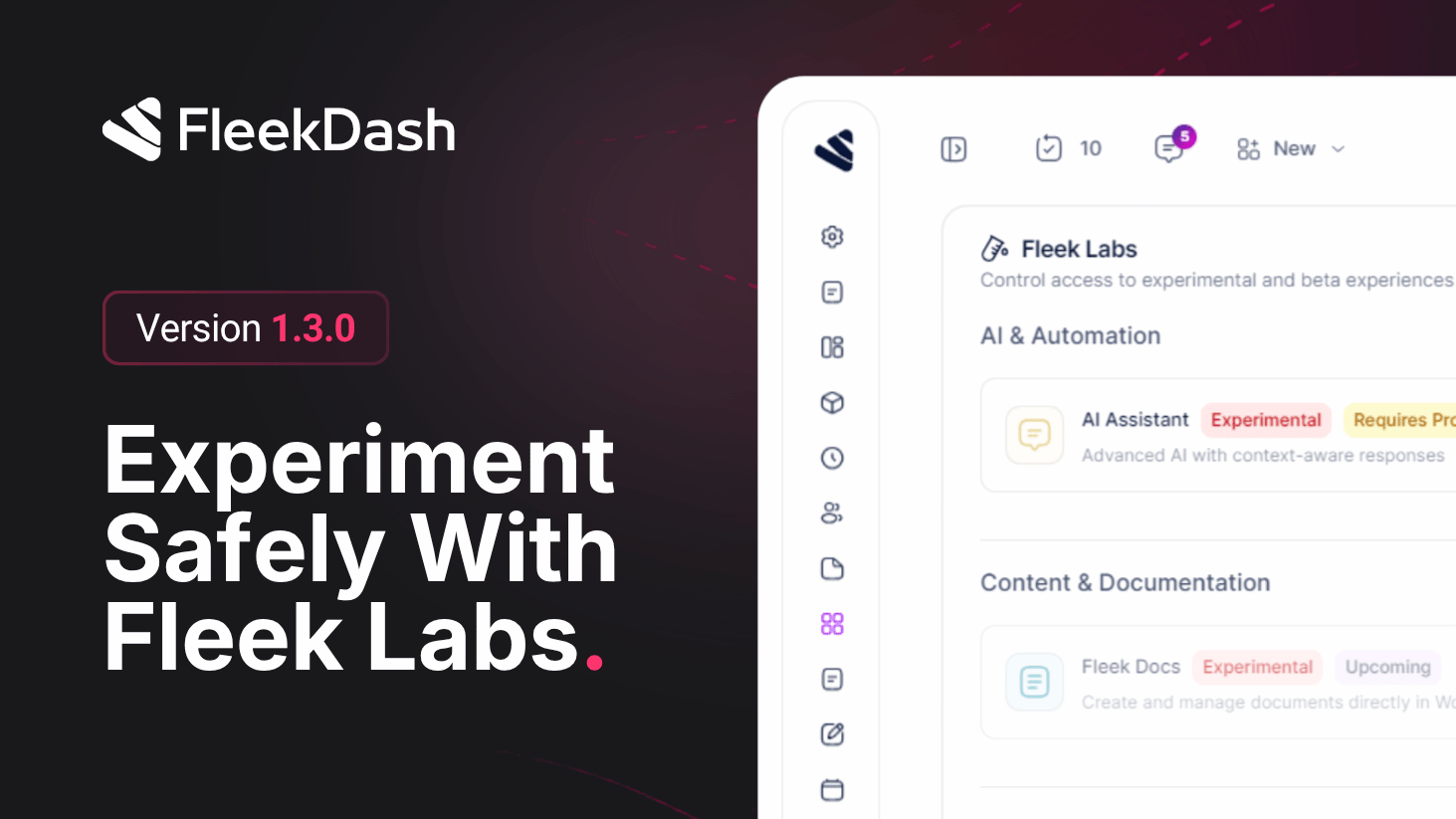
FleekDash 1.3.0 introduces Fleek Labs in Settings → Fleek Labs (#/settings/labs): one place to control access to experimental and beta experiences before they roll out to everyone. It was built so you can try what is coming in upcoming FleekDash v2 on your own terms: enable only the pieces you want, keep the rest of the dashboard on the stable path, and turn features off again if anything feels risky. That keeps daily workflows predictable while still letting advanced users and agencies validate new UI and behavior early. Labs is not a temporary switch; we intend to keep Fleek Labs as a permanent home for opt-in experiments across future versions, even after v2 ships.
What's New
Fleek Labs hub: open Settings → Fleek Labs to see grouped capabilities (for example AI & Automation, Content & Documentation, Users), each with a short description and its own toggle.
Transparency in the title bar: features show status labels such as Experimental, Beta, or Upcoming, plus plan hints where needed (for example Requires Pro Business), so you know the maturity level and eligibility before you enable anything.
Opt-in by feature: turn a Labs capability on to try it in your environment, Save to apply, and switch off to roll back; only people who can reach Settings and Labs manage these toggles, so you do not accidentally expose unfinished work to every role.
Early examples in Labs include AI Assistant (context-aware assistance), Fleek Docs (documents inside WordPress with a modern editing flow), and User & Role Management (users, profiles, and role capabilities from FleekDash); the exact lineup can evolve as new experiments graduate or ship.
Safe path toward FleekDash v2: use Labs to preview v2-bound functionality while the rest of the admin stays familiar; disable Labs items anytime if you need a conservative setup for production.
V2 ready: built to align with the upcoming FleekDash V2 new features.
