

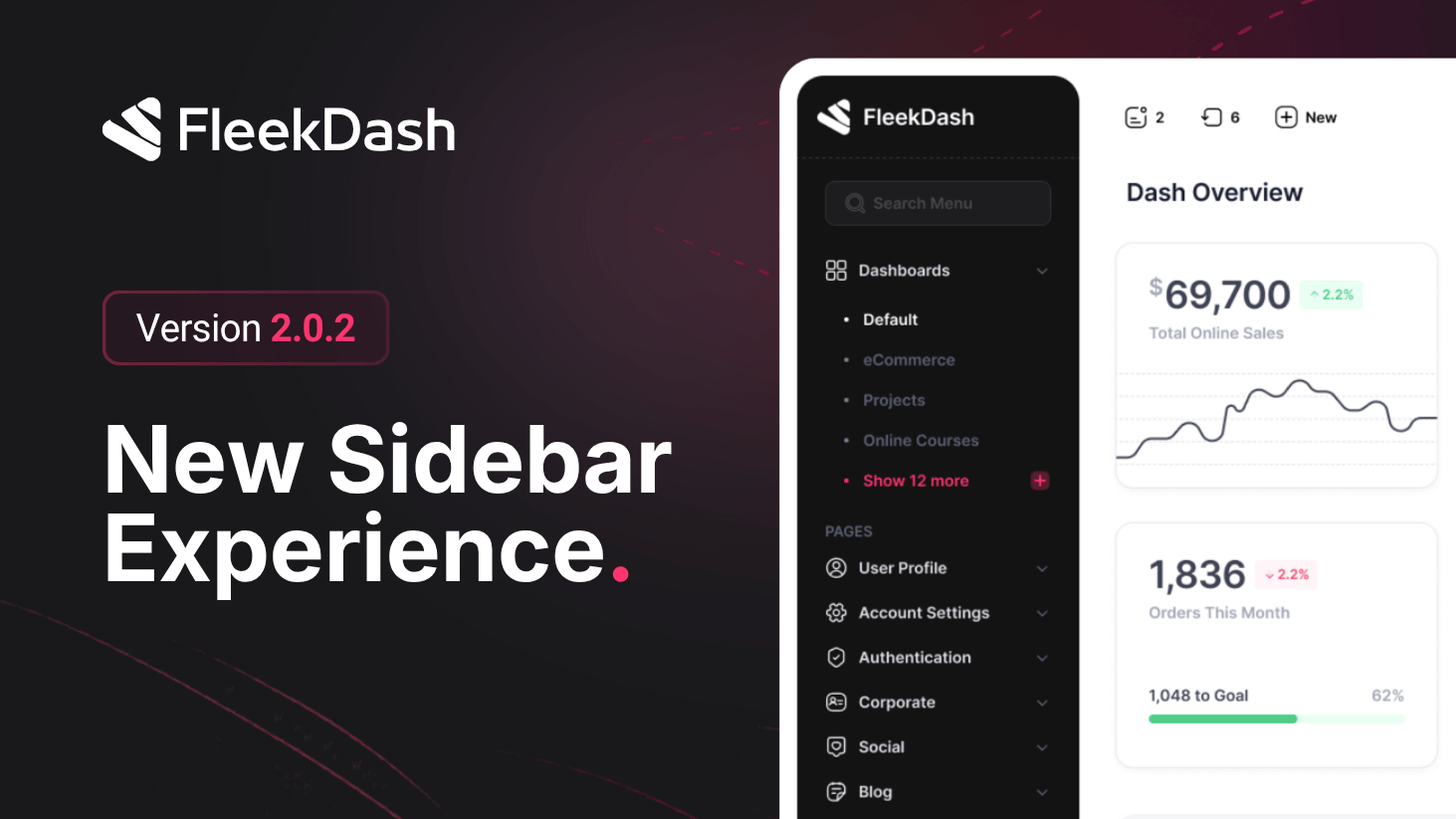
The sidebar your users already loved has been completely rebuilt from the ground up for V2, more modern, more useful, and more beautiful than ever, with two distinct styles and a level of polish you can feel in every interaction.
What's New
Floating and docked sidebar styles: choose between two sidebar modes, Docked for a classic feel, or Floating for a modern rounded-corner widget that stays elegantly within reach.
Auto-hide mode: set the sidebar to hide automatically and reveal itself when you hover near the left edge of the screen, ideal for minimalist workflows and smaller displays.
Sidebar dark mode: the sidebar now has its own dark mode that can be enabled independently of the main FleekDash dark mode.
Scroll to top button: appears automatically at the bottom of the sidebar when the menu is long enough to require scrolling, keeping navigation always close.
User menu in sidebar footer: your user menu is now also available directly from the sidebar footer for faster profile and account access.
Persistent sidebar state: sidebar state is saved instantly in local storage and persists fully between sessions.
What's Improved
Pin and unpin performance has been significantly improved. The menu is now reused and reorganized in place, preventing pinned items from duplicating in the main menu.
Sidebar collapsing and expanding is now lag-free, including on older machines.
Search input now keeps automatic and persistent focus whenever your mouse is inside the sidebar, so the field is always ready to type even after clicking a menu item.
Smoother, faster, and more fluid animations across the entire sidebar experience.
Dozens of small UX and UI refinements for a more polished overall experience.
