

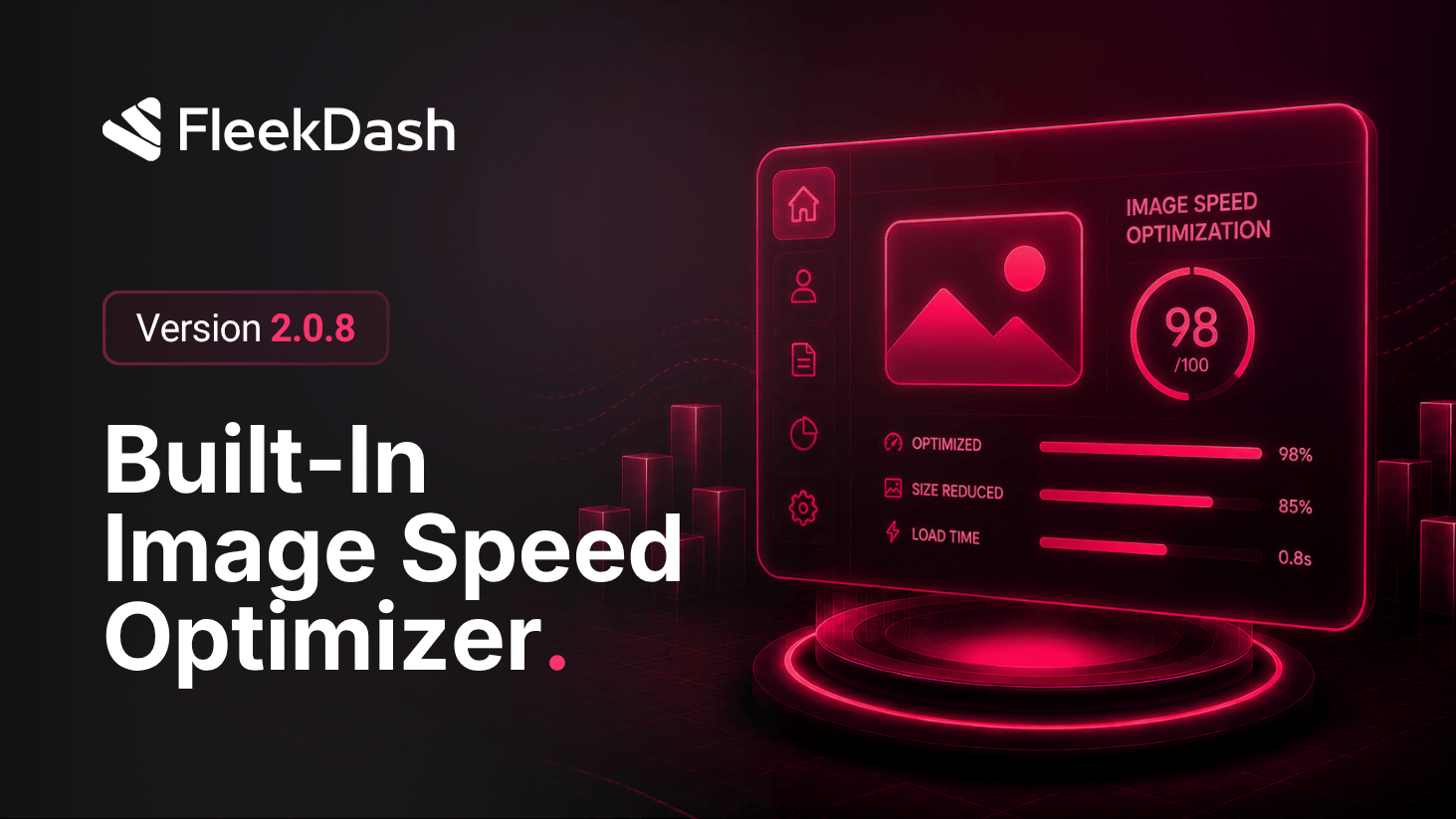
FleekDash 2.0.8 ships a built-in Image Optimization workspace so media stays fast and predictable without bouncing between plugins. You see how many images have the right thumbnails, how many still need work, and overall completion in the title bar. FleekDash generates and maintains its own thumbnail sizes (48×48px and 397×224px), estimates total optimized footprint, and gives you both automation on upload and a manual run when you need to backfill the library.
What's New
Image Optimization dashboard: live stats for total images, images with thumbnails versus missing thumbnails, completion percentage, and a progress bar so you always know where the library stands.
FleekDash thumbnail sizes: optimized output for 48×48px and 397×224px, aligned with how FleekDash renders lists and cards across the admin.
Estimated total size: see the footprint of the optimized thumbnail set so you can reason about storage and delivery without digging through the filesystem.
Auto-regenerate on upload: when the toggle is on, FleekDash thumbnail sizes are generated as soon as images are uploaded, so new media stays consistent without a manual follow-up.
Bulk regeneration: Refresh Stats keeps numbers current; Start Regeneration runs a full pass to generate missing thumbnails across existing uploads.
Advanced settings: expand Show Advanced Settings when you need finer control beyond the defaults.
