

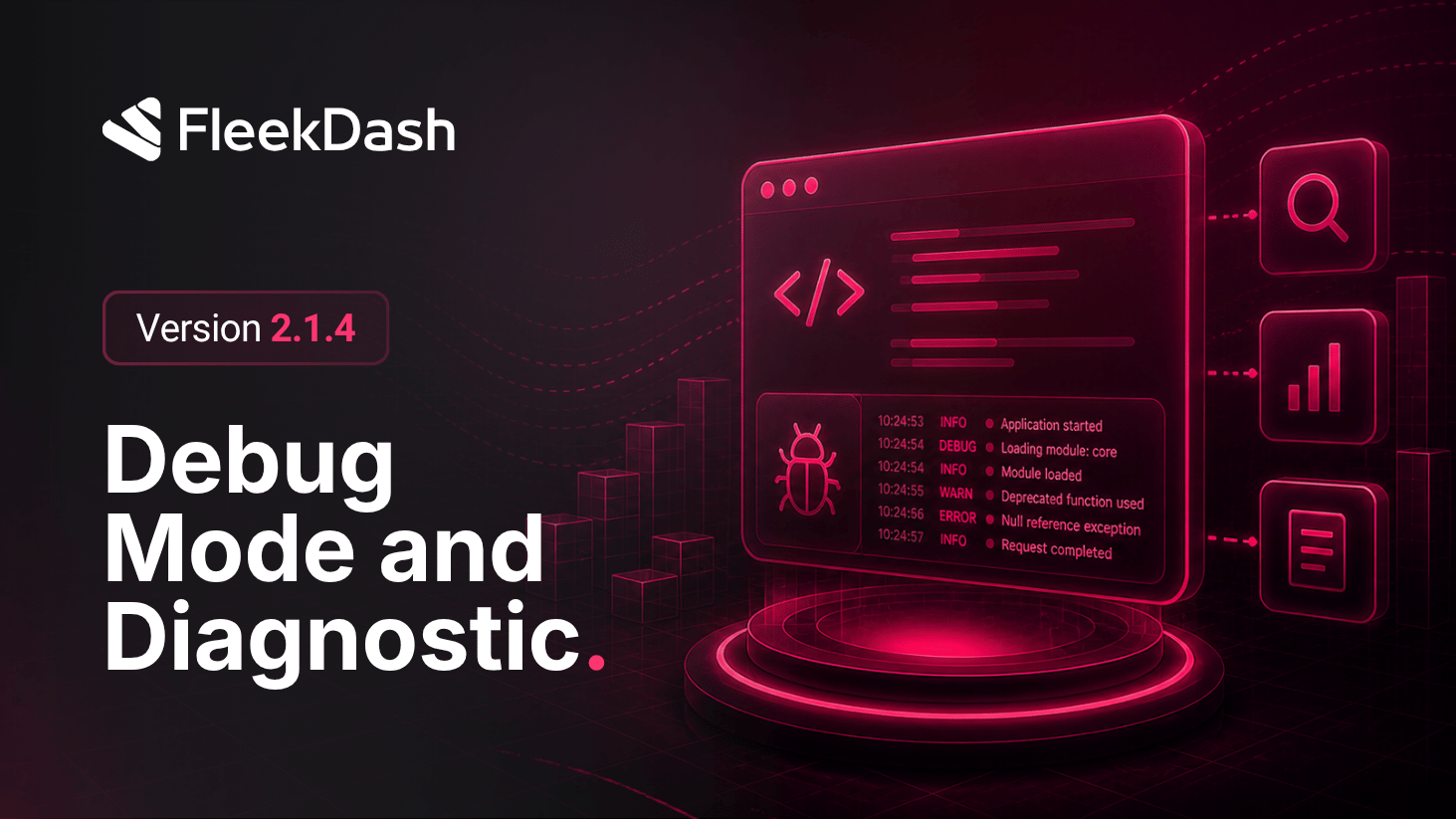
FleekDash 2.1.4 keeps troubleshooting inside the admin so developers and advanced users do not default to opening files on the server.
Debug Mode records structured diagnostic output (errors, warnings, and context around FleekDash actions) so you can separate configuration issues from theme or plugin conflicts, share concrete lines with support, and validate on staging before touching production. Leave Debug Mode off for daily work to keep noise low.
Debug Settings at #/settings/debug extends that story: turn debug on when you need deeper signals and off when you are done, tune logging levels and categories from the panel, and when your build supports it use an in-admin log viewer instead of tailing debug.log over SSH. Optional auto-clear for debug.log (by size, age, or when turning debug off, with optional backup) stops logs from growing without limits.
What's New
Debug Settings hub at #/settings/debug: toggle Debug Mode and keep production noise under control with a clear on-off rhythm.
Structured logs with Debug Mode: capture diagnostic detail in the admin with enough context to reproduce issues and hand off to support.
Logging controls: adjust levels and categories so you record what the current problem needs.
Optional log viewer (when available in your build): scan recent entries without leaving FleekDash.
Optional auto-clear for debug.log: clear by size, age, or when toggling debug off, with optional backup before wipe.
What's Improved
Troubleshooting under one roof: debug lives in Settings alongside Performance and Fleek Labs for a single mental map.
