

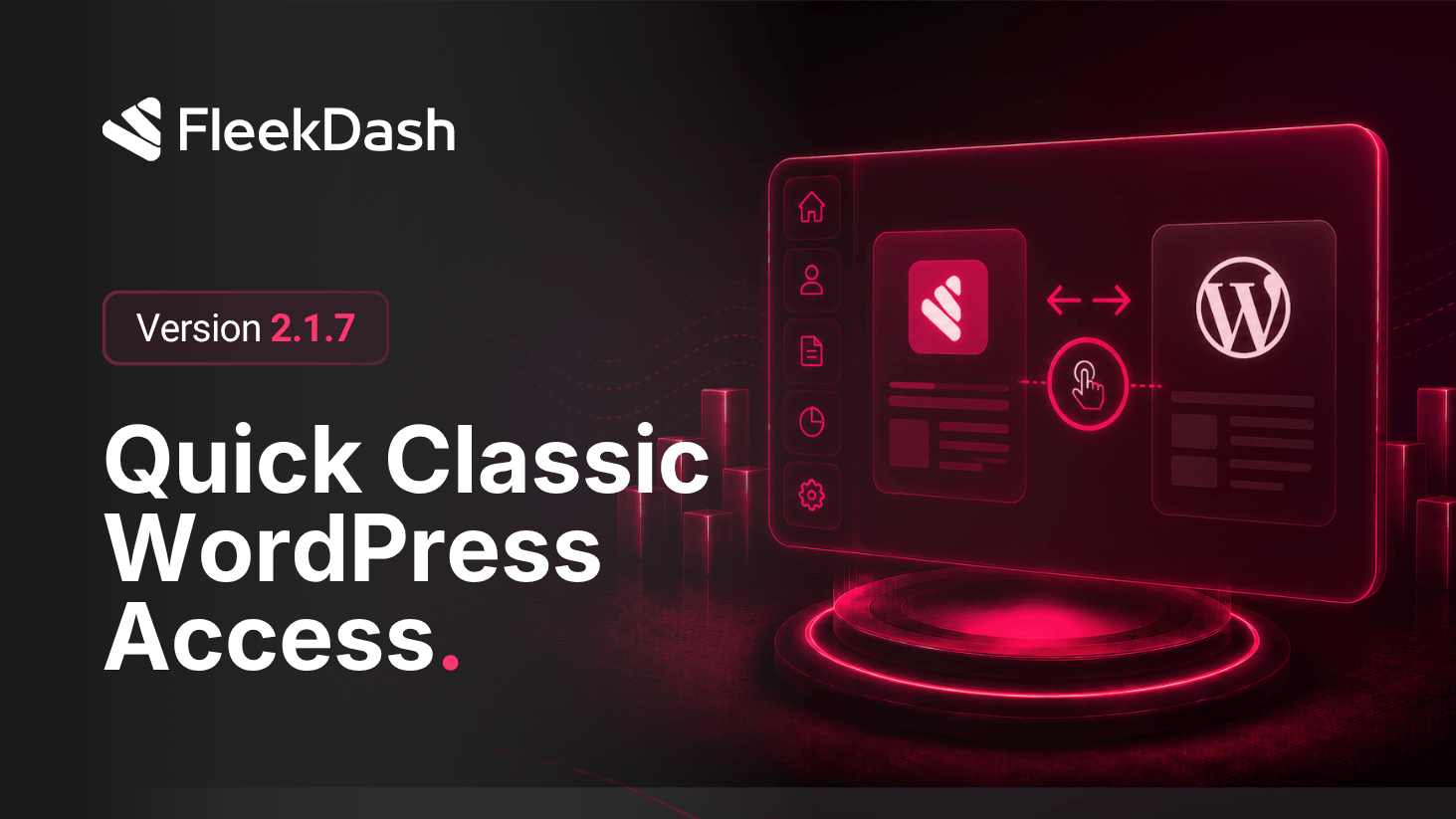
Agencies still live in both worlds: the FleekDash shell for speed, and classic WordPress when a plugin or workflow expects the stock admin. FleekDash 2.1.7 keeps that escape hatch always available.
Press Ctrl+Shift+F (Cmd+Shift+F on macOS) from almost anywhere in the FleekDash admin and we open the matching classic wp-admin URL in a new browser tab, mapped from your current route, lists, settings, and embedded flows included where the bridge can resolve an equivalent path.
Your FleekDash session stays exactly where it was: no mode switch, no “disable FleekDash” moment, and no cookie flip, just a parallel tab when you need native chrome.
What's New
Universal shortcut: Ctrl+Shift+F / Cmd+Shift+F opens classic WordPress for the screen you are on, in a new tab, so you can compare or finish a task in native WP and return to FleekDash instantly.
Debug menu shortcut: when debug mode is enabled for administrators, the header debug control includes Classic WP, same behavior as the keyboard shortcut, with the combo shown inline for discoverability.
What's Improved
Safer handoffs: support and advanced users can verify plugin screens side by side without abandoning the FleekDash workspace mid-session.
