

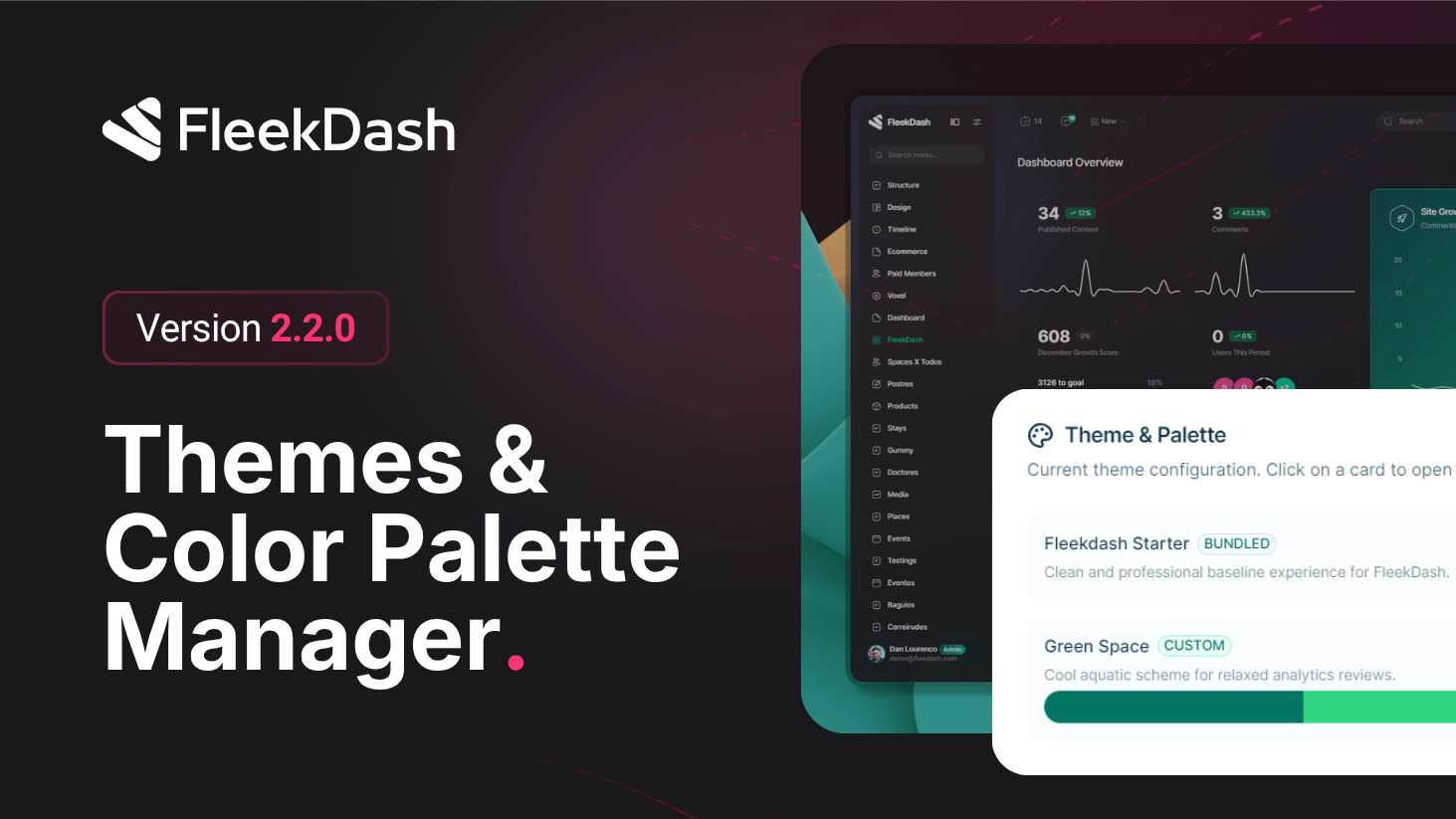
FleekDash 2.2.0 introduces the first FleekDash Admin Theme Presets release: choose from polished preset themes and get an interface that feels intentional from minute one.
A key detail: presets are mapped to familiar WordPress default admin color profiles (for example WP Fresh, WP Coffee, WP Midnight, WP Ocean, and WP Sunrise) so onboarding feels natural. If a user already prefers a classic WordPress scheme like Midnight, FleekDash can align that preference immediately on first install rather than forcing a visual reset.
What's New
Curated FleekDash presets: fast visual starting points for admins who want a great look without manual tuning on day one.
Color Palette Manager v1: Introducing the new color palette manager inside FleekDash.
WordPress scheme alignment: preset mapping mirrors known WordPress admin color preferences (Fresh, Coffee, Midnight, Ocean, Sunrise) to reduce onboarding friction.
First-install continuity: users keep a familiar visual baseline immediately after enabling FleekDash, which lowers resistance for teams migrating from classic wp-admin.
Preset roadmap-ready: this release establishes the preset system with room for additional upcoming themes.
What's Improved
Faster first-time setup for visual identity thanks to one-click preset selection.
Better user adoption during rollout because the admin look can stay close to existing WordPress preferences.
What's Fixed
Preset application reliability during initial setup flows.
Consistency issues in theme selection states across the preset picker.
