

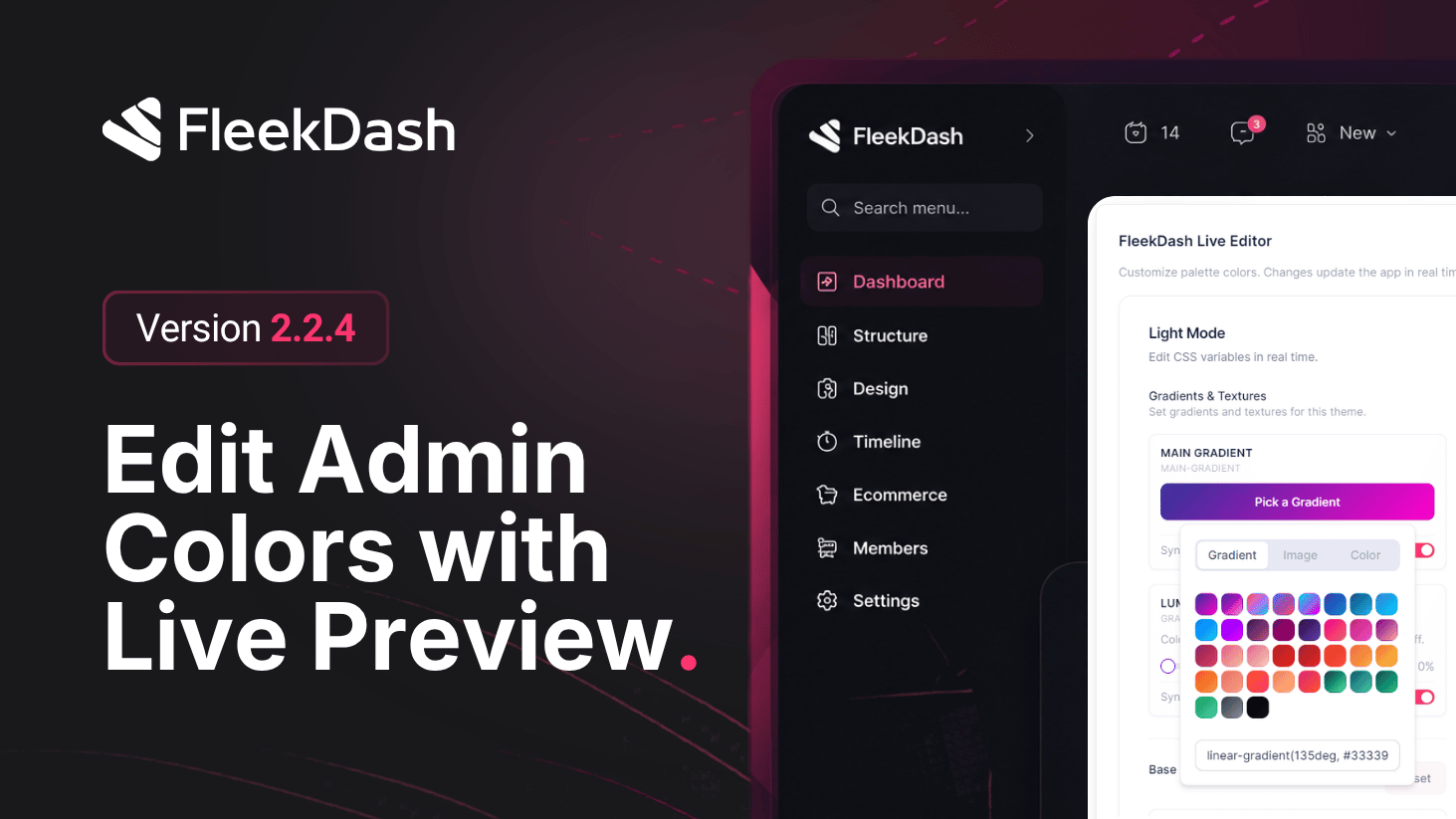
This release introduces live preview as a first-class FleekDash capability and becomes the main home for FleekDash Theme Editor and Color Palette Manager workflows.
You edit colors and styling in the theme tools, and the FleekDash admin reflects every change immediately. There is no detached preview window, no save-and-reload cycle just to see whether a token works on real chrome. The interface you use every day is the preview surface, so decisions stay grounded in how panels, tables, and side surfaces actually look under your brand.
That in-app, real-time loop is exclusive to this workflow: you are not exporting CSS bundles to guess contrast on staging. You tune primary, surface, accent, and related tokens and watch navigation, headers, and controls respond live.
For teams using Color Palette Manager and the Theme Editor workflows, live preview closes the loop: structured palette edits now come with instant visual proof across the shell. For agencies and multi-site operators, it cuts approval cycles because stakeholders see the real admin, not a mock.
What's New
Live preview in the FleekDash admin: color and style edits apply to the running shell as you adjust controls, with continuous feedback across screens you navigate while editing.
Theme import/export: move theme configurations between environments with explicit import and export actions, making it easier to reuse approved palettes and styling presets across sites.
Exclusive workflow: preview happens inside the product, not in a parallel mock or static screenshot pipeline.
Honest iteration: what you see while editing matches production chrome, so accessibility and contrast checks happen against actual UI density.
What's Improved
Faster branding sign-off because feedback is immediate and shared context (everyone looks at the same live surface).
Less rework from mismatches between “theme panel” and “what authors actually see” during the day.
