

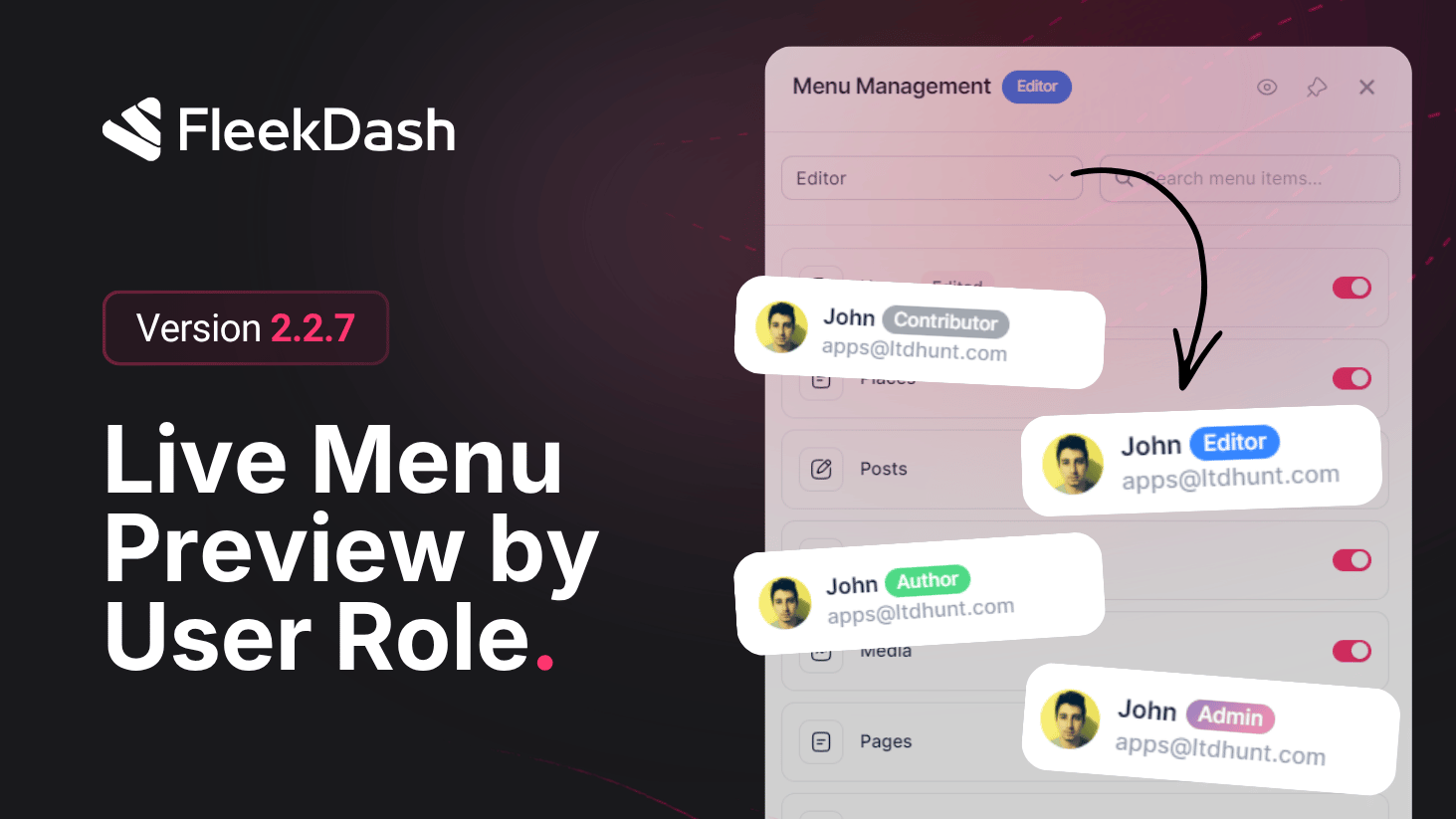
FleekDash 2.2.7 upgrades the Live Admin Menu Builder with a major workflow win: you can switch roles during editing and see each role’s menu behavior update immediately in the real sidebar, without leaving your current page context.
What's New
Role switch while editing: use a simple popover selector to jump between user roles during menu editing and inspect that role’s menu state live.
Real sidebar preview in FleekDash: edits are visualized directly in the actual FleekDash sidebar (not a detached mock), while you continue navigating pages in the same interface.
Fast item operations: rename, hide/show, and reorganize menu items with immediate visual feedback, then switch roles and validate impact in seconds.
Intelligent inheritance for lower roles: smaller roles inherit menu structure and configuration from higher roles in a practical hierarchy, reducing repetitive setup.
Automatic menu restore on close: when the menu editor sidepanel is closed, the sidebar menu reverts to the active current user’s original menu context automatically.
What's Improved
Faster multi-role menu governance: admins can model and validate role-specific navigation from one place with fewer back-and-forth screens.
Safer edits at scale: real-time role previews reduce surprises after save and make permission/menu QA more reliable before rollout.
