

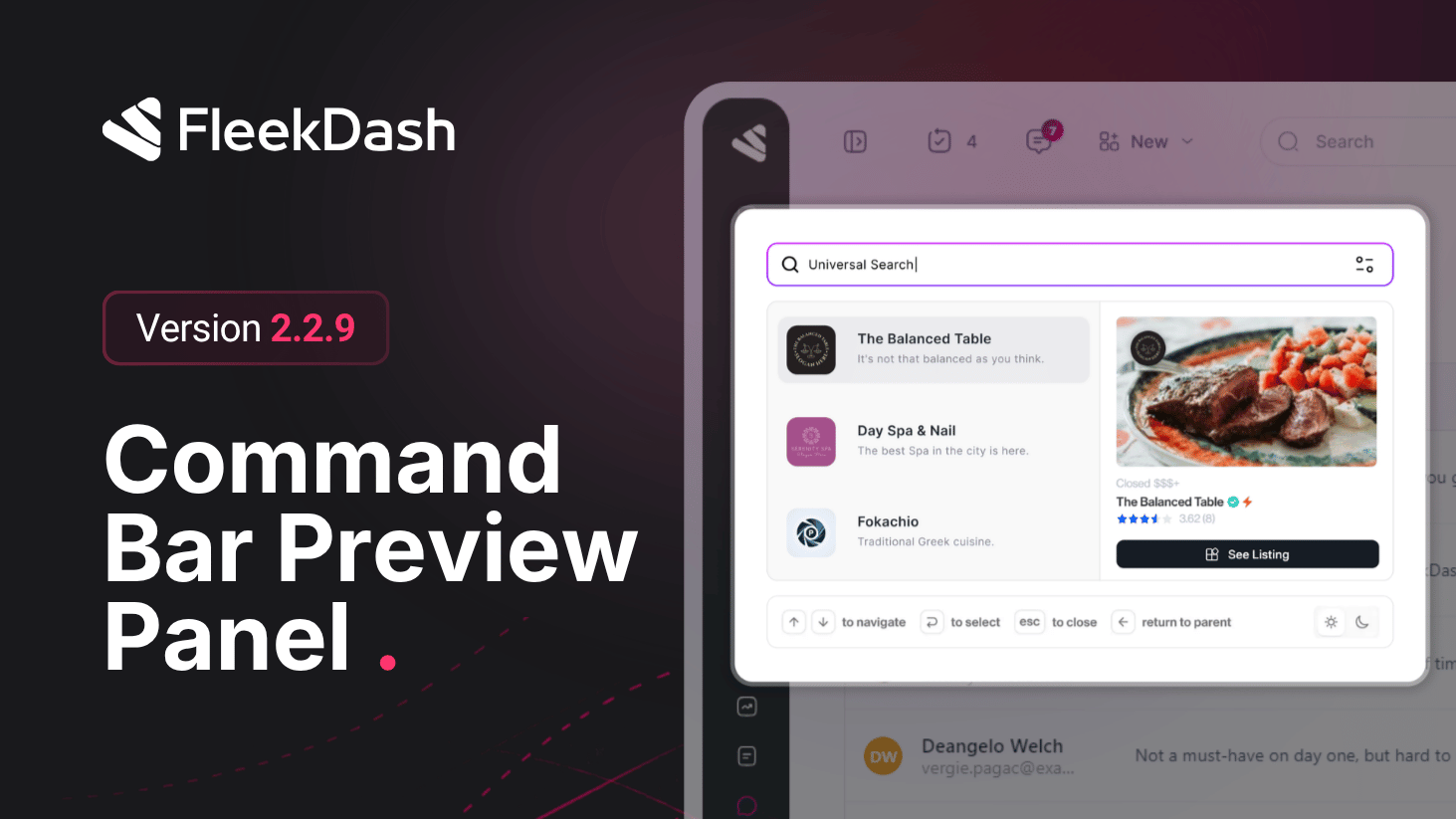
FleekDash 2.2.9 focuses on one Command Bar upgrade: preview before navigation. Instead of jumping blind from search results, you can open a side preview panel and inspect content context inline, users, posts, and supported post types, without leaving the Command Bar workflow.
What's New
Side panel preview in Command Bar search: click a result and open a preview panel directly in the search interface so you can confirm the right item before navigating.
Cross-entity previews: preview supports users and post-based content types in the same interaction model, so search feels consistent across admin entities.
Configurable behavior in Search Settings: choose which post types should open the preview panel and which should navigate directly, so each team can tune speed vs inspection by content type.
Quick actions from preview: run high-frequency actions (including fast access to edit) directly from the preview panel to reduce extra clicks.
What's Improved
Safer search-to-action flow: fewer wrong opens and backtracks because admins can validate content context first, then act immediately.
