

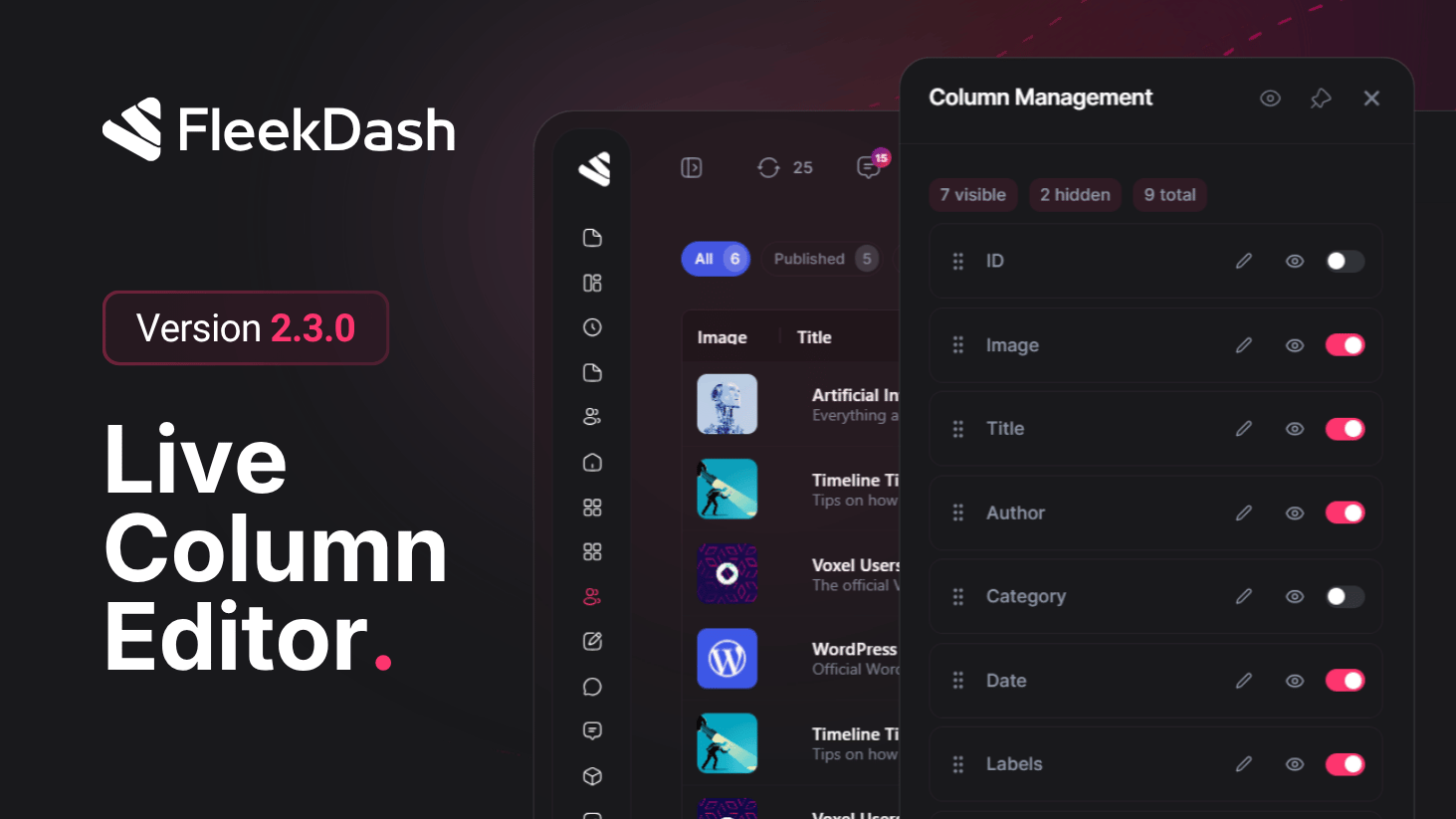
Column customization is now a first-class experience in FleekDash.
This release centers on a Live Preview Column Manager for Content Table. Live preview is a FleekDash-only workflow: you adjust order, labels, and visibility and watch the real table reflect changes immediately, not after saving into the unknown.
Teams shape the grid to their workflow with confidence, and layouts stay consistent every time they return.
What's New
Live preview while you configure: the Content Table updates in real time as you work inside the Column Manager, a capability built around FleekDash’s interactive shell.
Dedicated Column Manager panel: manage grid columns from one focused interface built for fast configuration.
Drag-and-drop column order: reorder columns visually and apply changes instantly to the grid.
Show and hide controls: toggle column visibility in one click to keep only the fields that matter.
Custom column names: rename column headers to match your team language and content process.
Persistent layouts by post type: column order and visibility are saved and restored automatically for each post type.
Per-context column state: keep different column layouts for Posts and Dashboard contexts without conflicts.
Import/export column settings: reuse column configurations across environments or teams, including order, widths, and custom names, without rebuilding layouts manually.
What's Improved
Faster column personalization workflows with fewer clicks and immediate visual feedback.
More predictable table setup across sessions with stronger local state restoration behavior.
Cleaner daily editing flow because each user sees a focused grid tailored to their priorities.
