

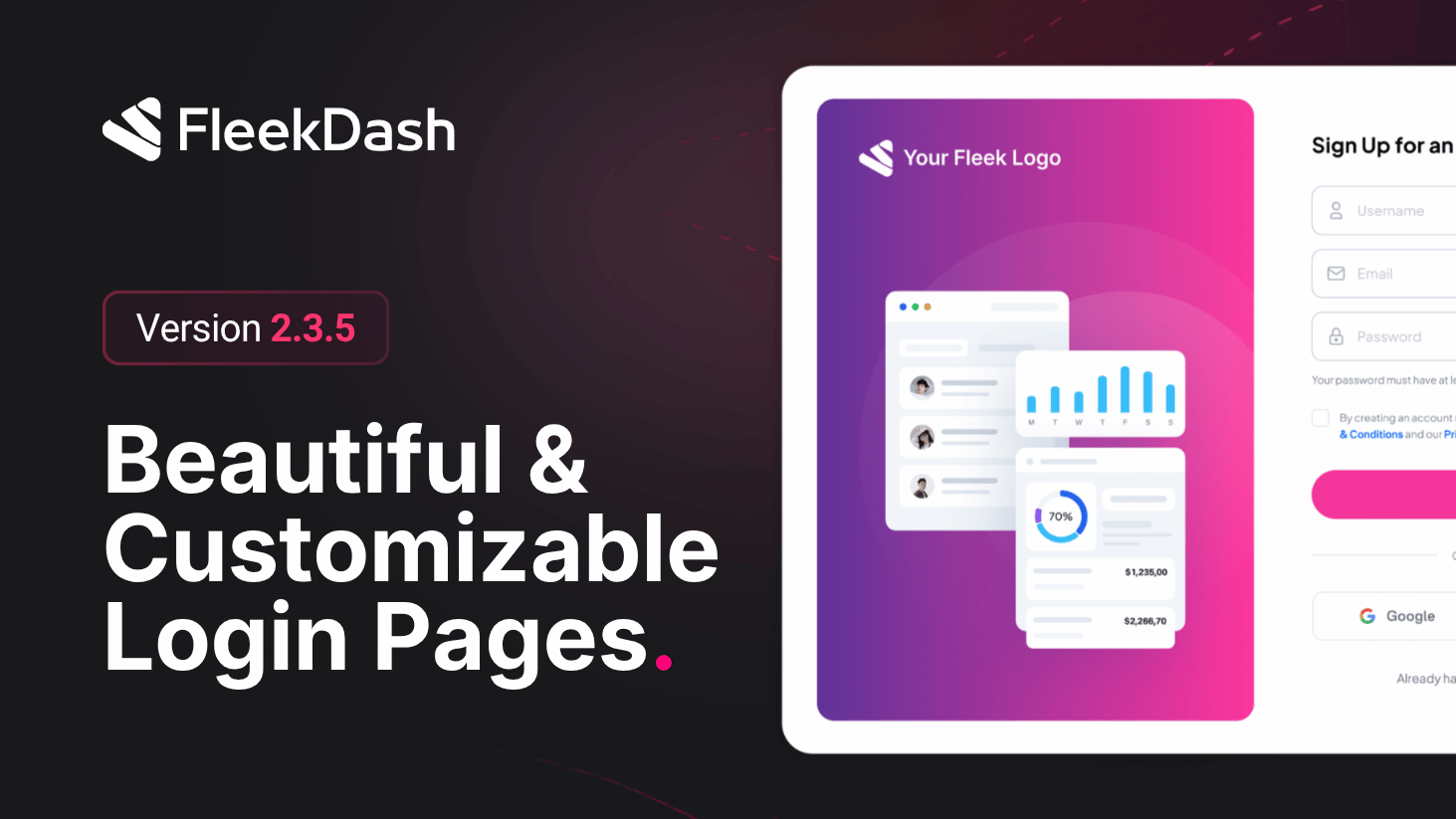
First impressions happen at login. FleekDash 2.3.5 ships the Custom Login system so agencies can retire the stock WordPress gate without losing compliance hooks WordPress still expects behind the scenes.
What's New
Login Page selector (#/settings/login): plug into any published WordPress page via a searchable dropdown (find by title, bind instantly) so your branded URL is literally /your-slug/ instead of wp-login.php. Need something fresh? enter a slug (for example client-access), hit Create, and FleekDash provisions the page, applies the login template, and binds it automatically.
Preview loop: once a page is linked, Current Login URL surfaces as a live shortcut, open in a new tab to QA layouts before handing off to stakeholders.
Layout modes: choose Split Screen (hero visual + form, left/right configurable with optional illustration) or Standard (centered card with logo up top) so creative teams match marketing sites.
Session policies: control whether Remember Me defaults on and define how long authenticated sessions survive, balance convenience vs. policy from #/settings/login.
Redirects that follow: logout, password recovery, and admin redirects honor your custom login route, so users never snap back to forgotten URLs mid-flow.
What's Improved
Brand continuity: clients see the same design language before they ever reach the FleekDash workspace, critical for white-label and enterprise portals.
