

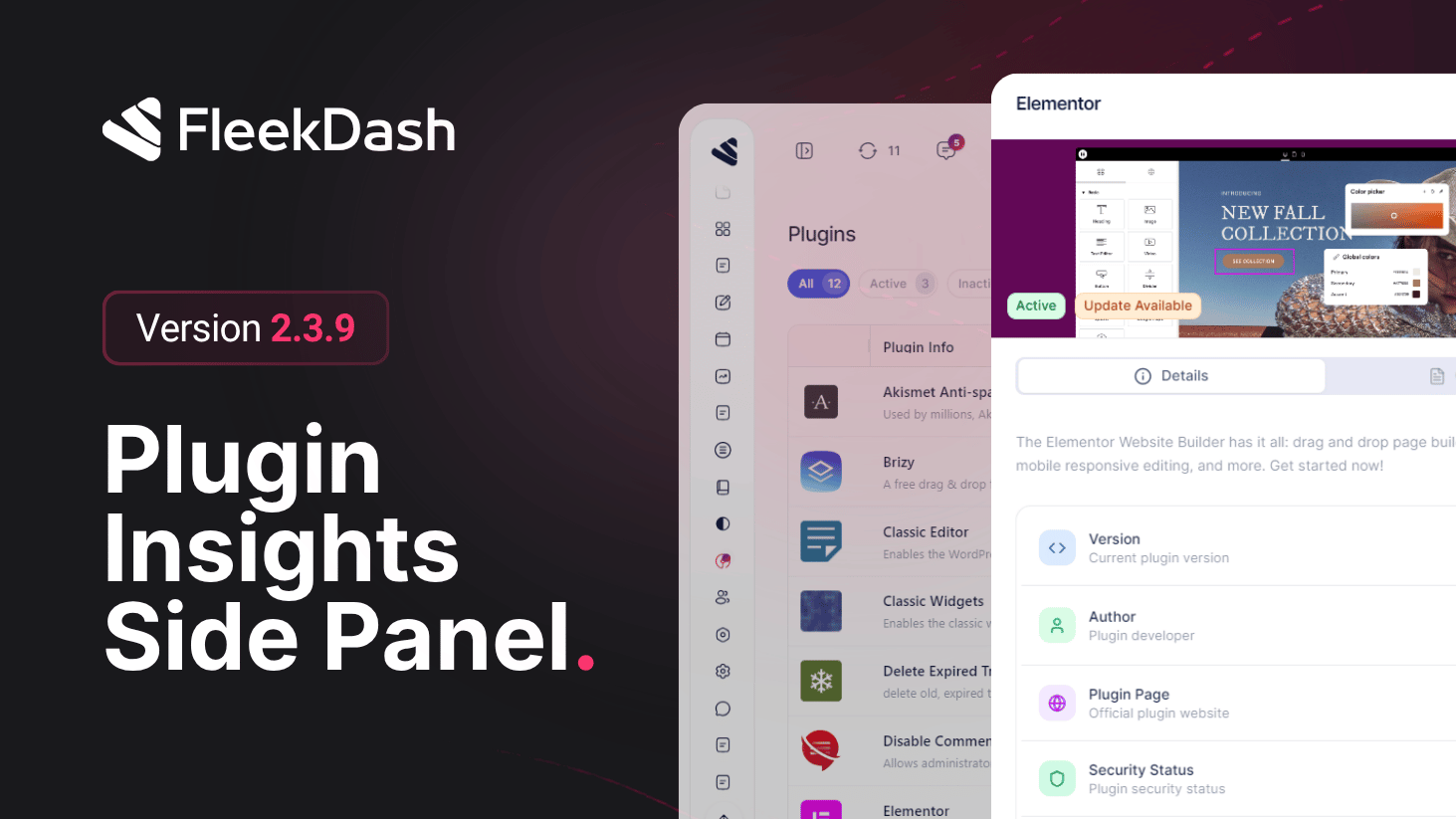
The plugin details side panel turns routine maintenance into something you can finish in context. Instead of bouncing between WordPress screens to remember what a plugin does or where to manage it, FleekDash opens a focused drawer with structured details and shortcuts so you stay inside the same fast UI you already use everywhere else.
What's New
Full plugin profile in the title bar: version, author, dependencies context, activation state, and the narrative details you need to decide “keep, update, or replace”, presented in a readable layout tuned for the FleekDash design system (light/dark included).
Quick links that respect your workflow: jump to WordPress.org, support or documentation URLs when the plugin exposes them, and other high-intent actions without hunting through classic admin menus.
Side-by-side with the plugins table: open the panel from the listing, skim facts, act, and dismiss, no full-page detour that breaks your maintenance rhythm.
What's Improved
Cleaner layout for agencies: operators juggling dozens of extensions get a single, repeatable surface for “what is this plugin and where do I go next?”, especially during audits and handoffs.
