

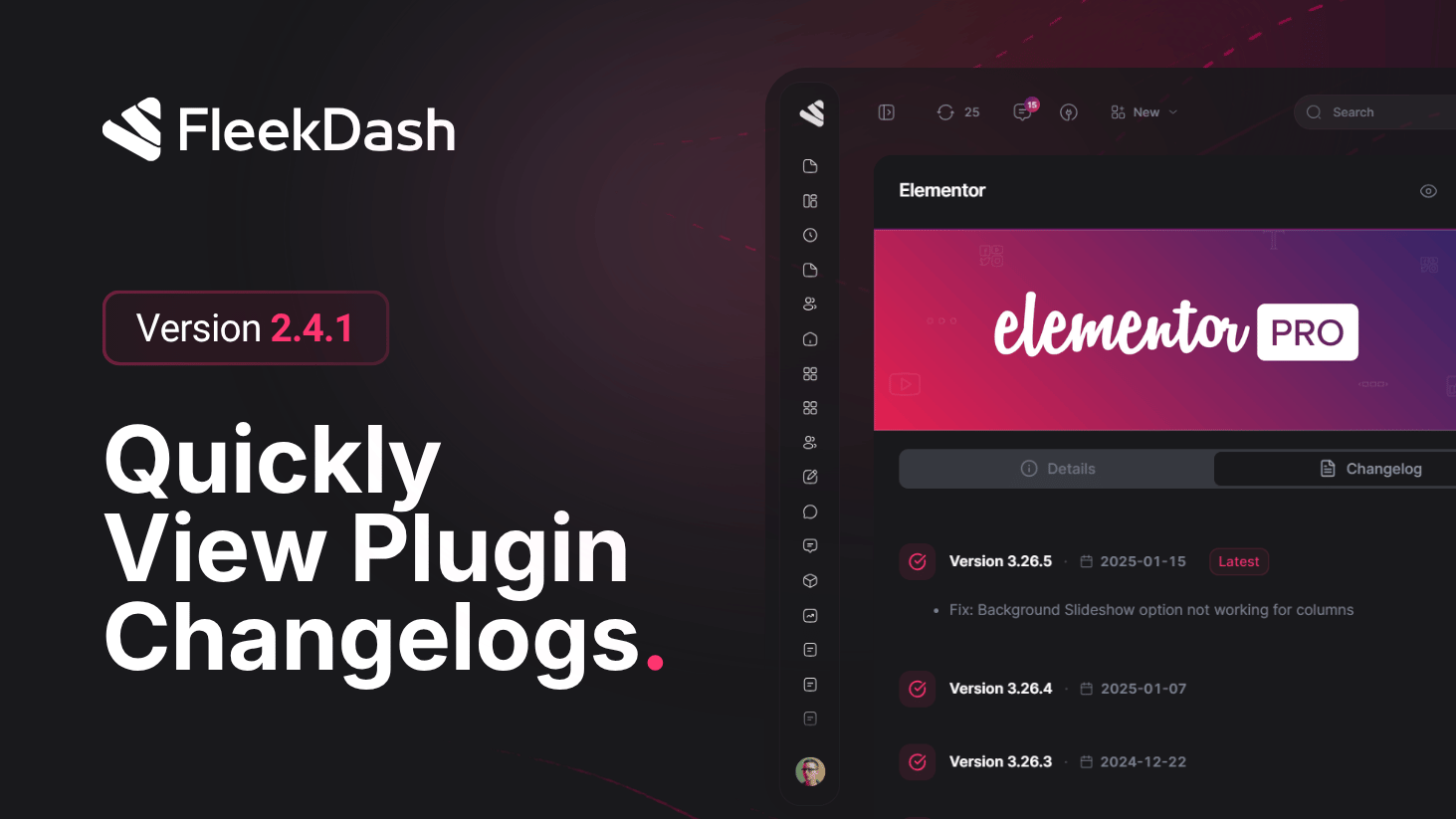
Knowing what shipped in each installed WordPress plugin release should not require archaeology. FleekDash 2.4.1 adds an exclusive changelog experience tied to the plugin details side panel for whichever plugin you opened, history appears inline when we can resolve it from packaging WordPress already understands.
What's New
Built-in changelog tab: open any WordPress plugin’s details side panel in FleekDash, then use the Changelog area to review what changed across releases without opening the zip, parsing readme.txt yourself, or digging through the Directory in another tab.
How FleekDash resolves it
Local-first: the backend locates the plugin’s readme.txt (standard WordPress packaging) and extracts the == Changelog == section authors publish there, the same convention thousands of plugins already follow.
WordPress.org fallback: when that section is missing or empty but that plugin exists on the Directory, FleekDash requests the official plugin_information payload and surfaces the changelog section from WordPress.org, so you still see maintainer-written history when it lives only on the repo.
Honest empty states: if neither source yields a changelog, you get a clear outcome instead of a silent blank, so you know it is not a FleekDash rendering glitch.
Together, this keeps updates trustworthy and fast: maintainers keep authoring changelogs the WordPress way; FleekDash normalizes discovery for operators inside FleekDash React UI.
What's Improved
Safer upgrade decisions: scan fixes and breaking notes before you click update, especially across stacks with staging habits or client approvals.
