

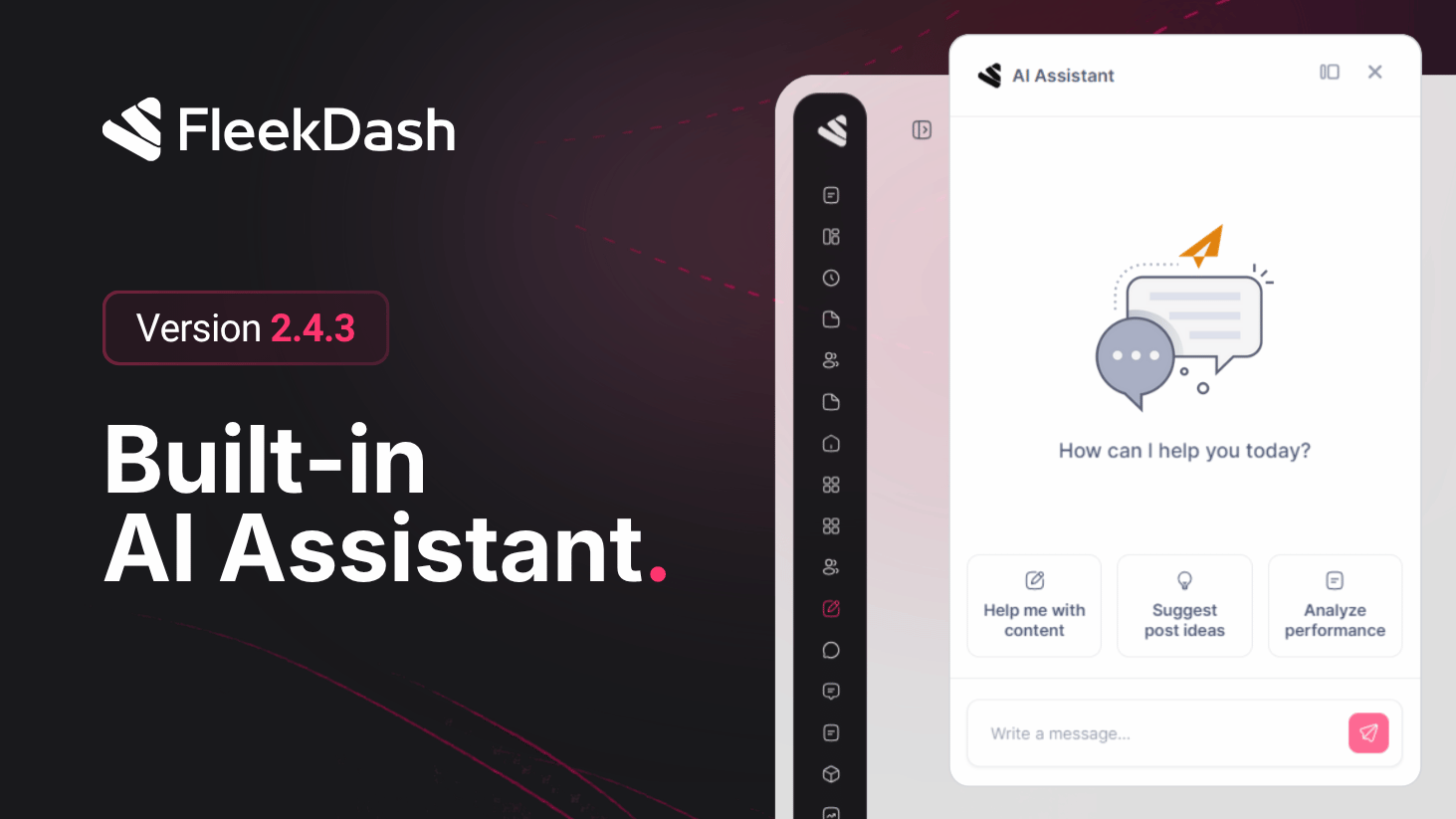
The AI Assistant graduates from “Labs curiosity” to a first-class FleekDash surface. Ask for titles, replies, or polish while the assistant can lean on what you are already doing in WordPress, not generic boilerplate from a disconnected chatbot.
Note: user docs describe the assistant as functional but evolving; roadmap areas such as deeper SEO automation, media smarts, and richer multilingual context continue to expand from real-world usage.
What's New
Full-page hub: #/ai-assistant pairs a thread list with the active conversation so topics stay separated, research in one thread, publish prep in another.
Header shortcut: open the assistant from the AI icon in the shell header when you want help without navigating away from the current screen.
Command Bar entry: jump in via Ctrl+K / Cmd+K (“AI Assistant”) for keyboard-first teams already living in search.
Context-aware answers: when launched from contextual entry points, the assistant can use current post, comment, or screen context so prompts like “title for this post” actually mean something.
Ideas & quick replies: draft intros, outlines, or comment responses inside FleekDash instead of copy-pasting through external tabs.
Uninstall Settings for AI posts: under Settings → Uninstall Settings, choose whether to delete pending and draft AI-generated posts when the plugin is removed. Published posts and other statuses stay intact, so you can clean up experiments safely without touching live content.
What's Improved
Plan-aware rollout: access respects feature gates (plans / Labs) plus AI provider configuration in Settings, so operators understand why the surface is available, or what to configure next.
