

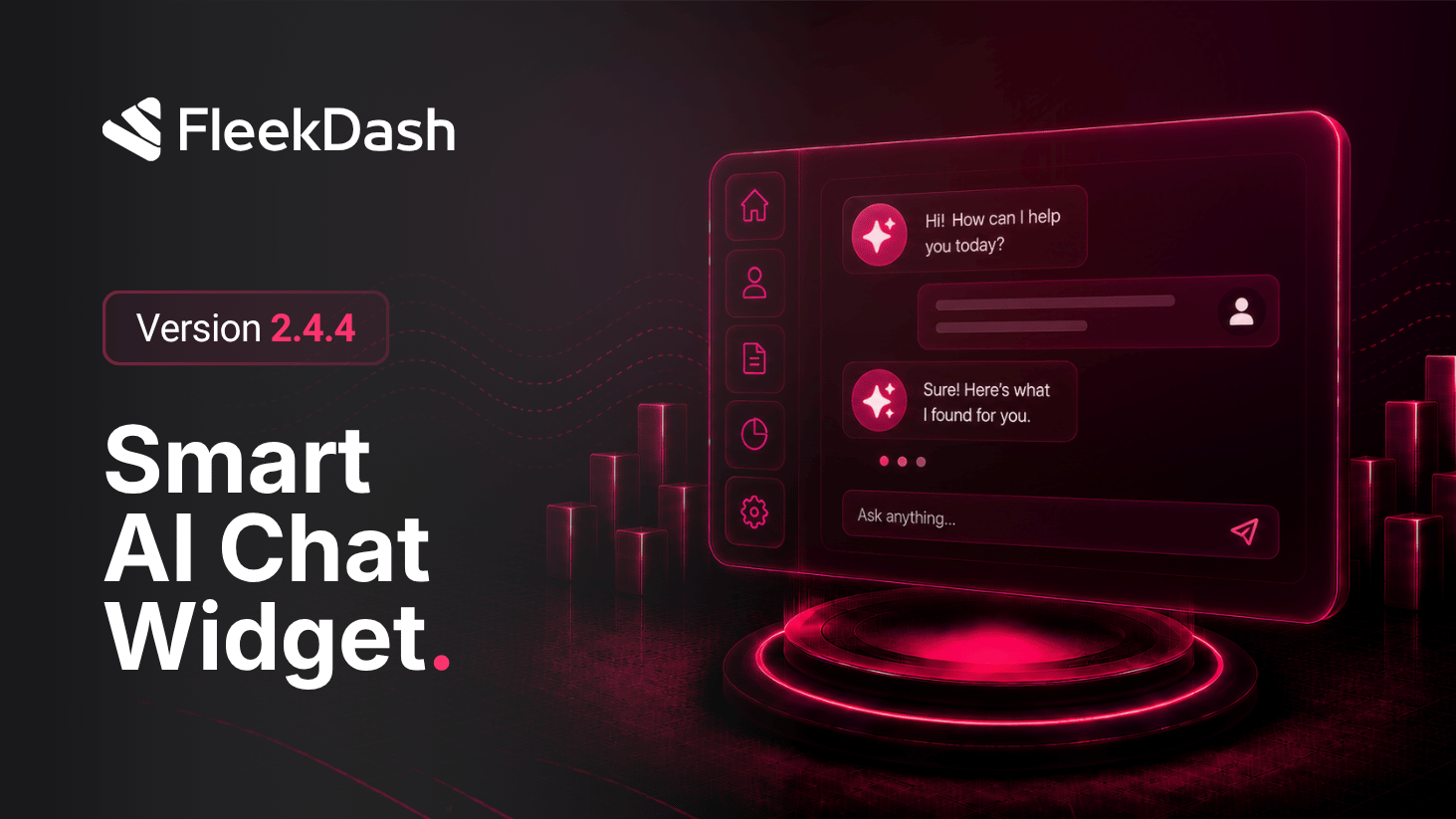
FleekDash 2.4.4 improves the AI Chat widget: change layout while you work (bubble, header icon, side panel, or fullscreen) without leaving your current screen.
What's New
Bubble ↔ header icon in one click: if the floating bubble feels intrusive, Close collapses it into a compact icon button in the app header. Tap that icon anytime and the bubble returns exactly where you expect, without opening settings.
Expanded panel with auto-hide for multitasking: open a wider chat rail and keep your session alive while you navigate FleekDash. Move the pointer to the right edge and the panel slides back open where you left off, with auto-focus in the message field so you can keep typing without extra clicks.
Full-screen chat overlay: switch to an immersive layout when you want more room for long threads, pasted context, or review, then leave when you are done.
Instant widget visibility when toggling AI Assistant: turning the Assistant on or off updates the widget immediately, so the chrome matches your intent without stale UI.
Smooth transitions when opening, closing, collapsing, or revealing the panel from the screen edge.
What's Improved
The same chat session survives when you switch between bubble, header icon, edge panel, and fullscreen.
Each layout option has a fixed place in the UI so the team learns where to click.
