

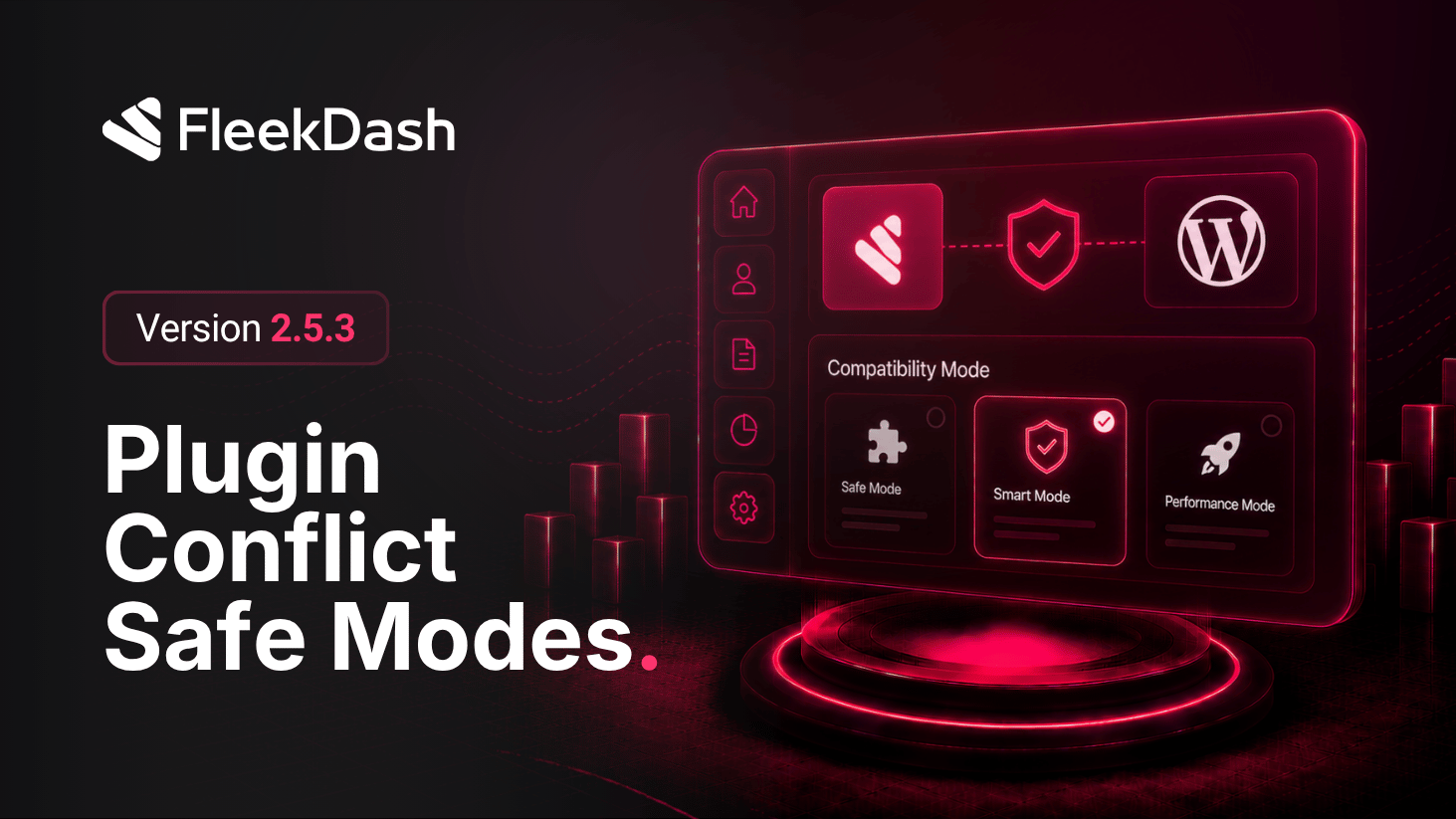
Serious WordPress stacks do not share one admin contract: every plugin enqueues what it needs and assumes its own DOM and chrome. A single rigid "replacement dashboard" usually ends in endless one-off fixes. FleekDash 2.5.3 answers with compatibility modes, exclusive to our Fleek Window embedding model, so you choose more FleekDash or more isolation per screen instead of fighting third-party CSS.
See "Why Most WordPress Admin Replacements Break" (May 2026) for background on why admin shells fail, how Fleek Window works, and how fleek-compat and fleekdash-frame set behavior in the URL.
What's New
Six compatibility modes, one model: each mode coordinates iframe framing, theme/light-dark behavior, and whether FleekDash forces its admin styling onto the embedded document, so "full FleekDash styling" and "maximum isolation" are both built in, not separate hacks.
| Mode | What it does (short) |
trusted | Full trust: FleekDash styling applies; no Fleek Window chrome around the iframe body, the screen reads as part of the themed shell. |
windowed | Classic Fleek Window frame; inner appearance follows your global FleekDash light/dark choice, great when plugins tolerate theming. |
windowed-light | Same frame, light locked, for editors and builders that assume a bright canvas. |
windowed-dark | Same frame, dark locked, for dense UIs that only look right on dark chrome. |
protected | Styling isolation: FleekDash does not slam its heavy admin CSS onto the page; WordPress + the plugin own the look. Chrome stays; inner scheme defaults light so fragile pages stop fighting the shell. |
protected-dark | Same isolation as protected, with dark chrome tuned for full-screen-style plugin dashboards that would read wrong in a bright frame. |
Easier to manage as your plugin mix changes: switch the axis from blend in (trusted / windowed family) to get out of the way (protected family) when WooCommerce, page builders, or security plugins need predictable, native-looking markup, without abandoning FleekDash navigation elsewhere.
What's Improved
Clear boundaries: compatibility modes encode styling vs isolation in product terms, not cosmetic labels, so support and advanced users share the same layout when a screen misbehaves.
