

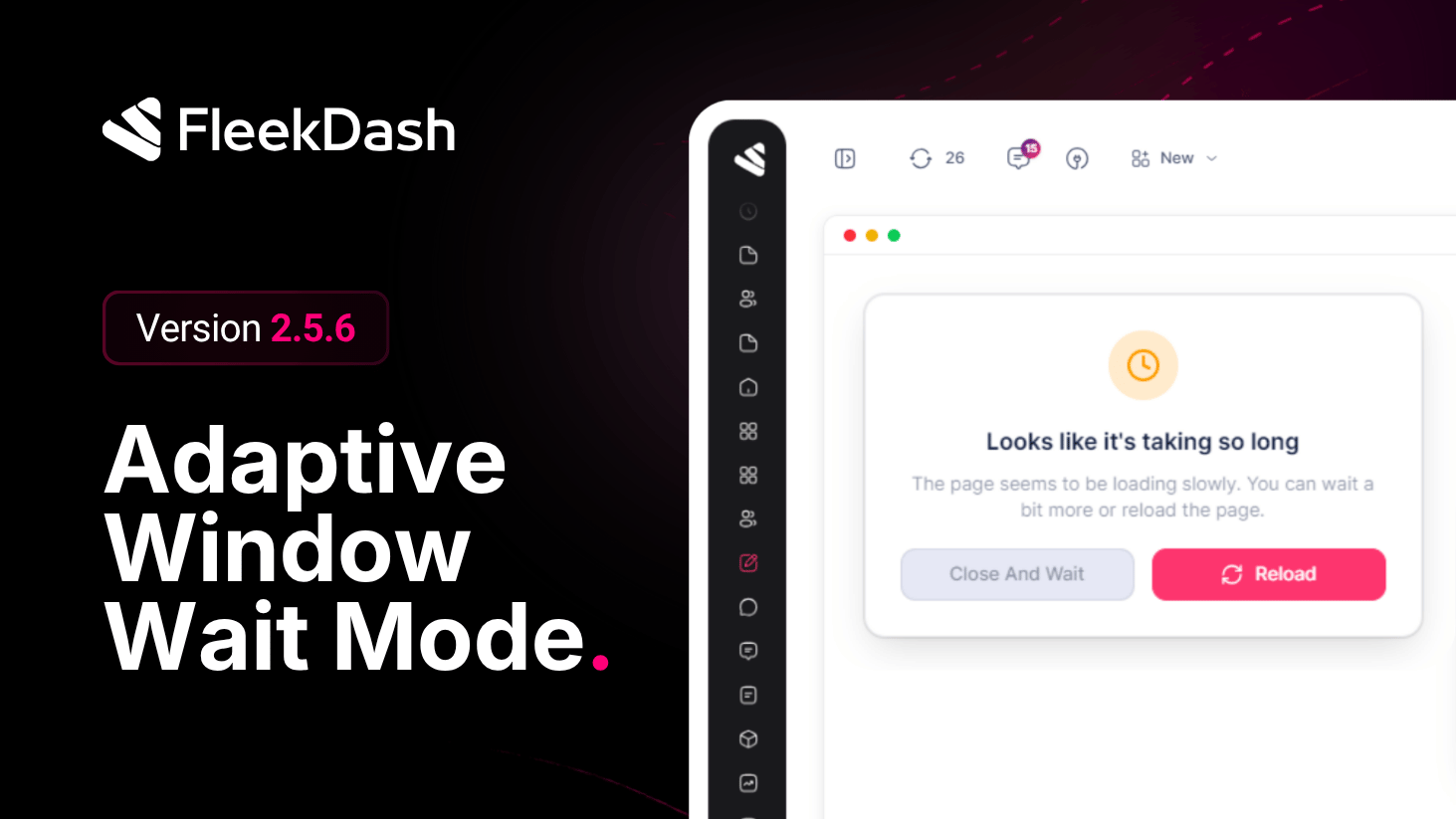
FleekDash 2.5.6 improves Fleek Window performance: fewer pointless iframe reloads, loading states that match what the shell is doing, and Wait Mode when WordPress is slow to respond (heavy plugins, weak hosting, or a poor connection).
More detail in Fleek Window, Part 2: Speed You Can Feel (iframe loading, felt speed, and Wait Mode).
What's New
Iframe Wait Mode: if the embedded page stays blank or stuck too long, a short overlay explains that loading is taking a while. Choose keep waiting (spinner only) or reload the iframe. No fake “done” state while PHP is still working.
Reload shows loading: the window Reload button uses the same loading indicator as the rest of the app while a request is in progress.
What's Improved
Fewer wasted reloads: the iframe does not fully reload when the destination URL is effectively unchanged (query noise is normalized first).
Lighter back/forward: hash changes that only affect overlays or modals no longer trigger a full iframe reload cycle.
One loading signal: the iframe skeleton follows the same global loading state as the rest of FleekDash.
