

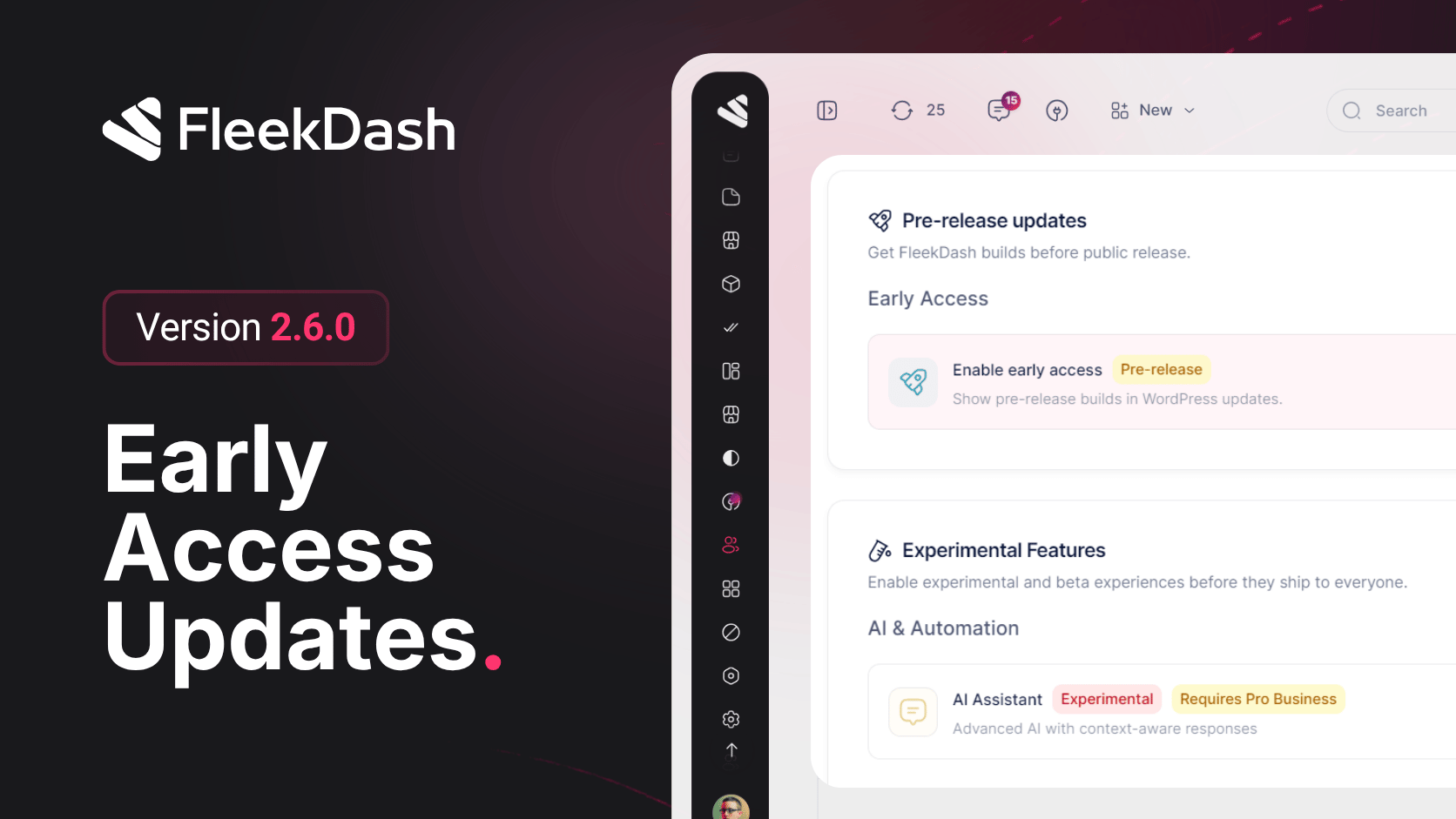
Release 2.6.0 adds an Early Access toggle for beta builds before public rollout, keeps admin palettes and light/dark mode working on WordPress 7.0, and ships concrete updates: saved grid filters on posts, plugins, and media; a clearer theme editor with softer palette options; colored media folders; dynamic login branding; and a faster sidebar when moving between admin screens.
What's New
Early Access toggle: opt in to beta and early-access release channels so you can try builds before they ship to everyone.
WordPress 7.0 compatibility: admin color palettes and light/dark mode persistence work with WordPress 7.0.
Softer palette option: when editing your theme palette, you can automatically apply softer muted colors.
Updated card styling: panels and widgets use cleaner, more consistent card styling in light and dark mode.
Richer data grid filters: posts, plugins, and media grids get clearer filter controls and saved filter state.
Theme editor upgrades: improved color picker and gradient controls when customizing your theme.
Dynamic login branding: the login screen shows your site name dynamically.
Colored media folders: assign custom colors to native media folders so each user can organize the library their way.
Clearer full-page errors: when something fails, full-page error screens include helpful recovery actions.
More translations: additional UI copy, including Loading and Upcoming labels, across multiple languages.
Redesigned toasts: toast messages use a new layout that works better on mobile and small screens.
What's Improved
Faster sidebar: menu navigation feels quicker, with smoother loading placeholders while pages load.
More reliable embedded screens: WordPress screens such as plugins and settings open and navigate more reliably inside FleekDash.
Clearer theme editor: colors, gradients, and palette preview are grouped into easier sections.
Steadier dashboard: KPI cards, charts, and widgets load and update more consistently.
Pending posts sync: the pending posts list refreshes faster and stays aligned when you publish or edit content.
Smoother AI and Cmd+K: the AI assistant and command palette respond more smoothly, with better search error recovery.
Calendar hover preview: hovering calendar events shows a quick preview card.
Safer integrations: integration windows and embedded plugin pages handle navigation and security more reliably.
Instant license features: license activation reflects your plan features right away without extra steps.
General polish: performance, stability, and visual consistency across the admin shell.
What's Fixed
Frame layout spacing: spacing is correct when viewing WordPress screens inside the FleekDash frame.
Broader i18n coverage: menus, dashboards, settings, integrations, posts, comments, media, and analytics no longer mix English on localized sites.
Locale-aware dates: dates and relative times (for example 2 hours ago) follow your site language settings.
Cleaner errors and toasts: error messages and toasts no longer show raw HTML tags or get translated twice.
Accurate palette preview: theme palette preview matches how colors look when applied.
Consistent icon sizes: icons render at uniform sizes across menus, buttons, and toolbars.
AI chat feedback: failed AI requests show clearer feedback.
Card gradients: gradient backgrounds on cards no longer show visible edges or banding.
Friendlier dashboard errors: dashboard and network errors show helpful messages instead of breaking the page.
