

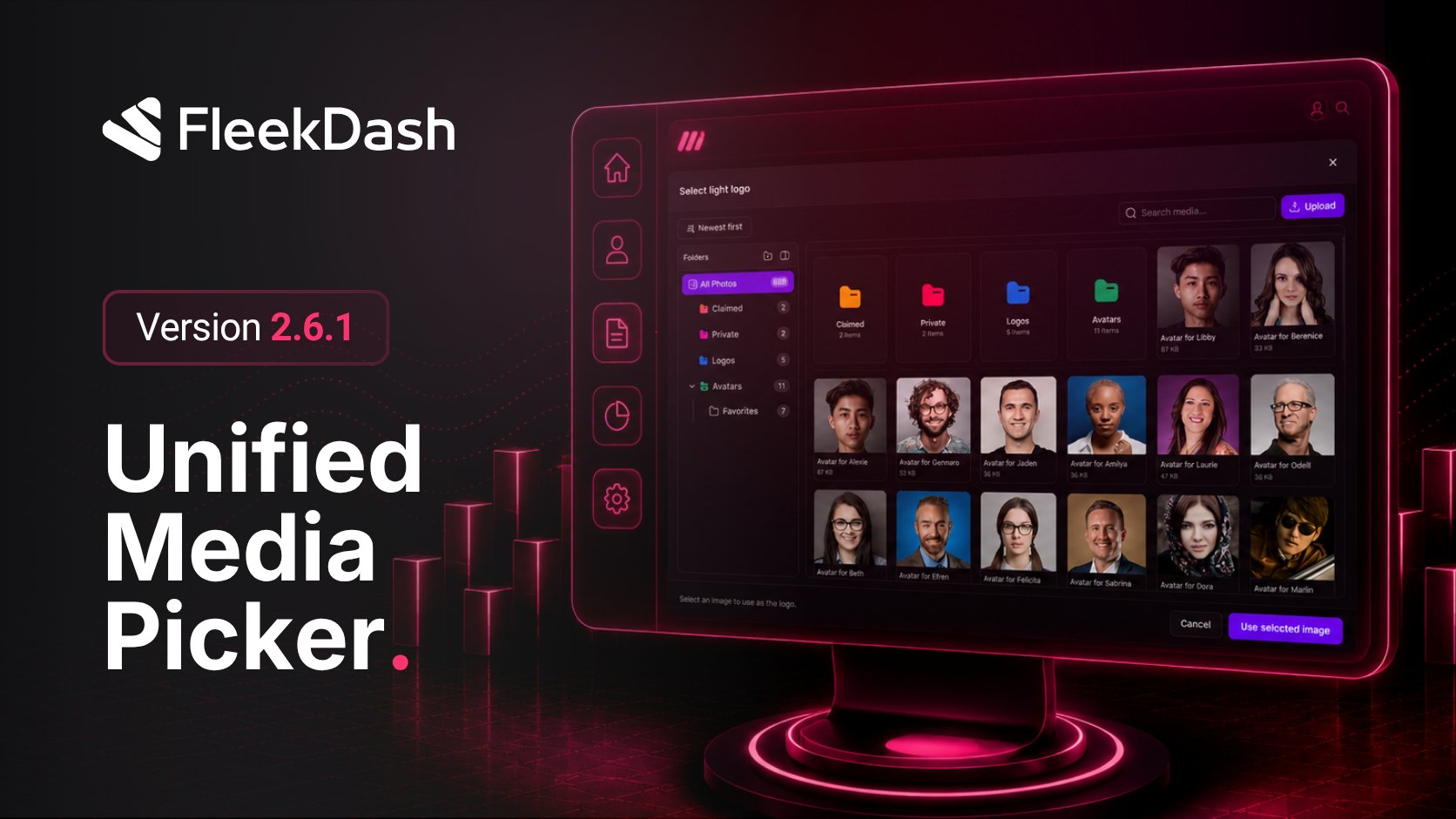
Release 2.6.1 introduces a unified media picker: the same layout and workflow as the Media Library wherever you choose files in FleekDash. Set featured images from the posts grid, drag assets from the library onto a row, pick site logos from appearance settings, and read full taxonomy label lists in data tables.
What's New
Unified media picker: choose files with the same folders, upload, and browsing experience as the Media Library, wherever FleekDash asks you to pick media.
Featured image from the posts table: set a post's featured image from the list without opening the editor, by clicking the image thumbnail or placeholder.
Drag to set featured image: drag an image from your computer onto a post row to assign its featured image in one step.
Site logo and appearance images: pick your site logo and other branding images from appearance settings through the same media picker.
What's Fixed
Taxonomy label columns: label columns for taxonomies in data tables now show the full list of options instead of cutting some off.
