

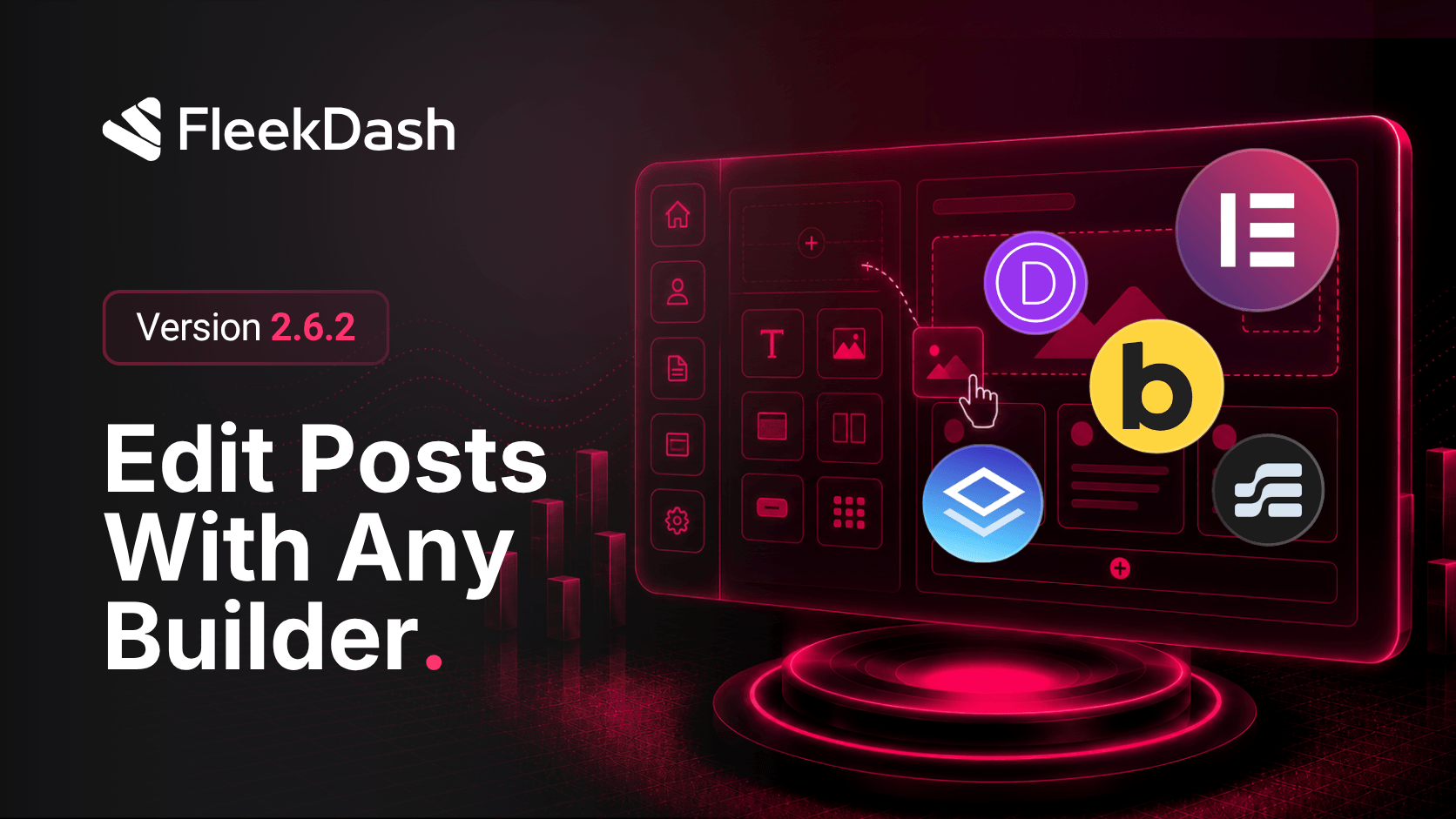
FleekDash 2.6.2 detects the page builders you already use on your site and puts them on the Edit action in your content lists. When you install and activate a builder such as Elementor, Bricks, Divi, Etch, Breakdance, Brizy, Builderius, or Oxygen, FleekDash picks it up automatically and offers an Edit with menu so you can open the correct editor for each post, page, or custom post type.
What's New
Automatic page builder detection: FleekDash scans active plugins and themes and surfaces supported builders without manual setup.
Edit with submenu on content lists: when more than one editor is available, the Edit control becomes Edit with so you can choose Gutenberg, Elementor, Bricks, or any other detected builder for that item.
Opens the right editor URL: your choice launches the builder's native edit screen for that post or page, including frontend builders that open on the live site.
Recommended editor hint: FleekDash marks the editor that most likely built the current content so you can jump back where you left off.
Content Editors settings: under Settings → Content Editors, set default editors per post type, choose whether editing opens inside FleekDash or in a new tab, reorder builders, and add custom editor shortcuts.
What's Improved
Single Edit when only Gutenberg is available: sites without extra builders keep a simple Edit button with no extra menu clutter.
Smarter defaults for frontend builders: builders such as Bricks, Etch, and Oxygen open in a new browser tab by default so their full-screen editing experience works as intended.
