

Learn how to add FleekDash to your web apps.
Create project
Head to the FleekDash Console.
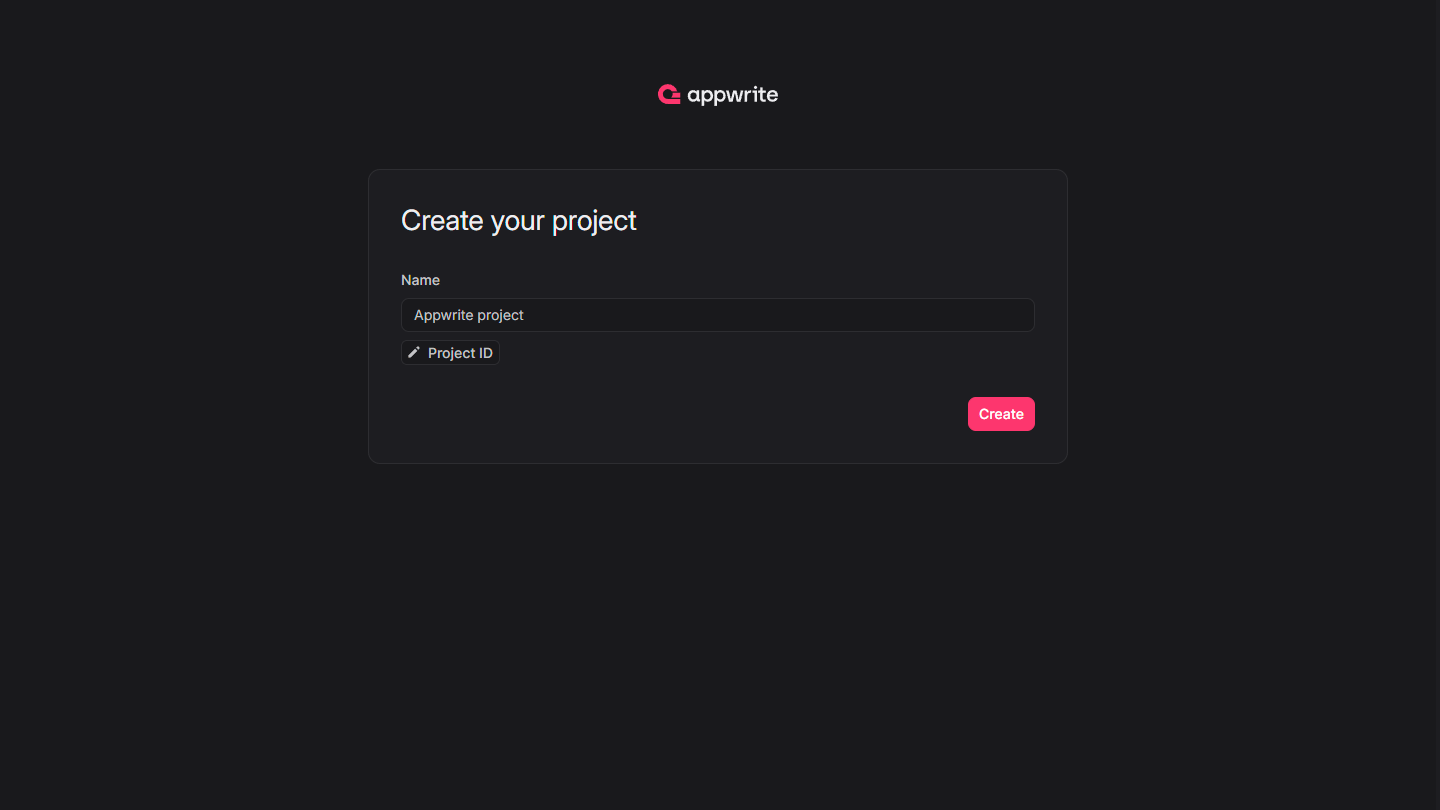
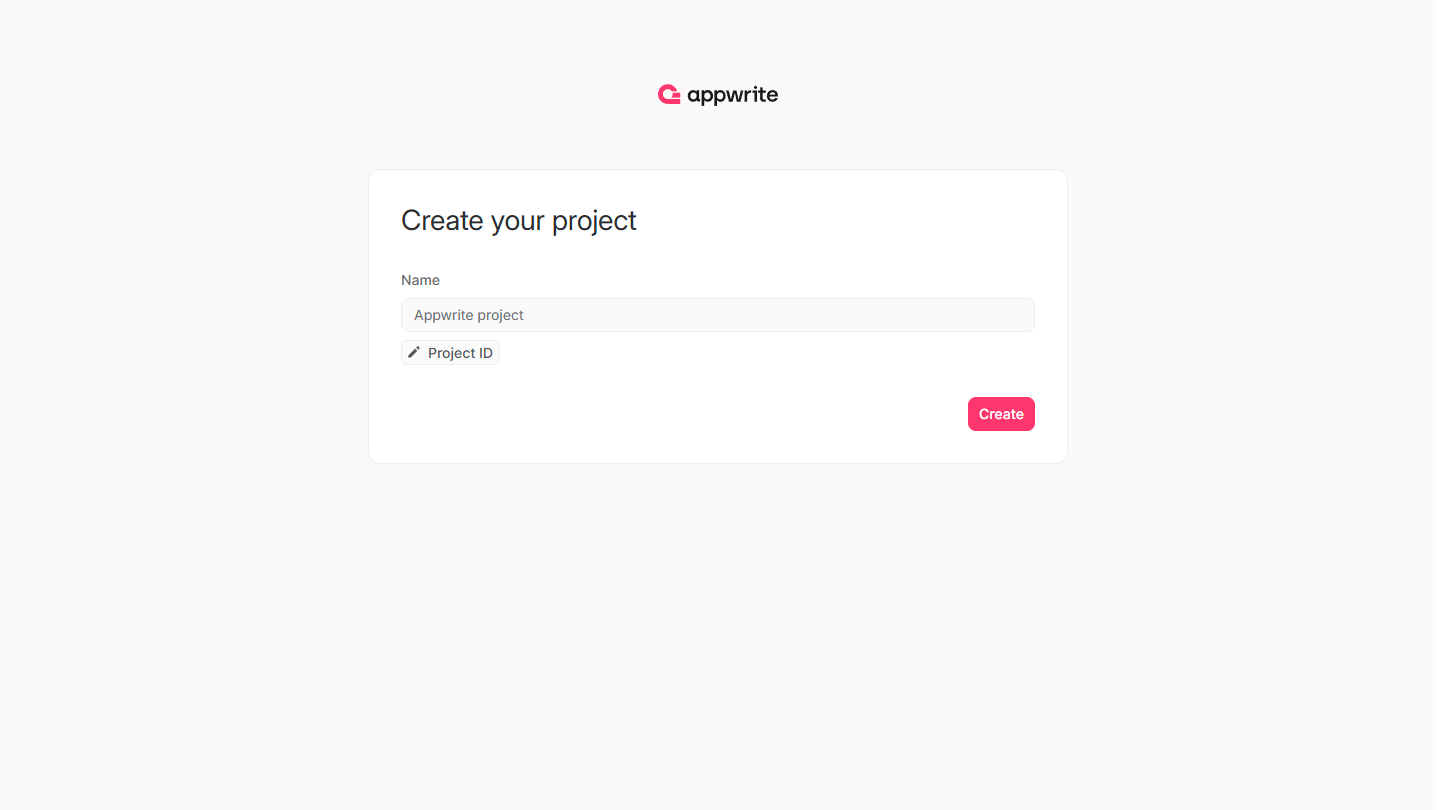
If this is your first time using FleekDash, create an account and create your first project.
Then, under Add a platform, add a Web app. The Hostname should be localhost or the domain on which you're hosting your web app.
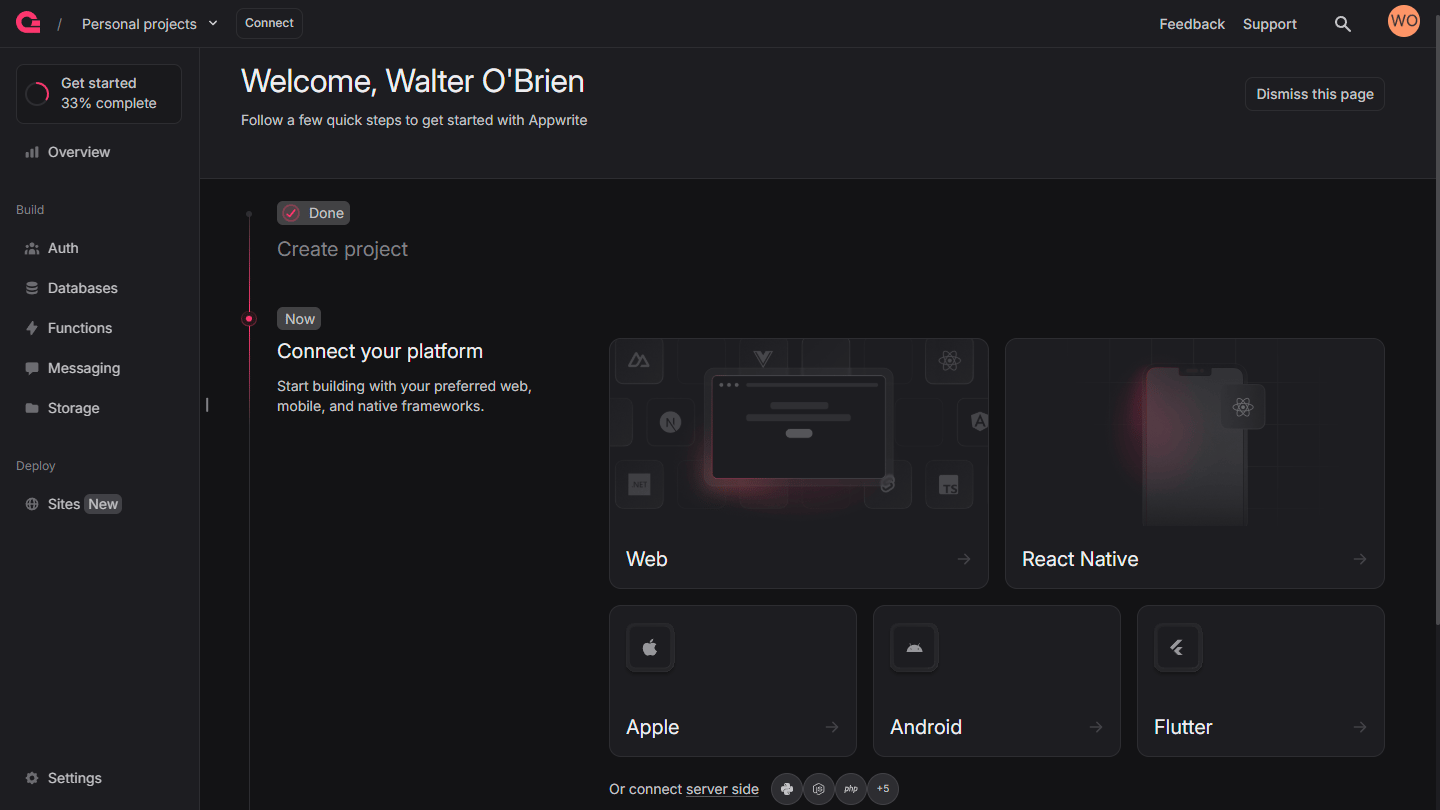
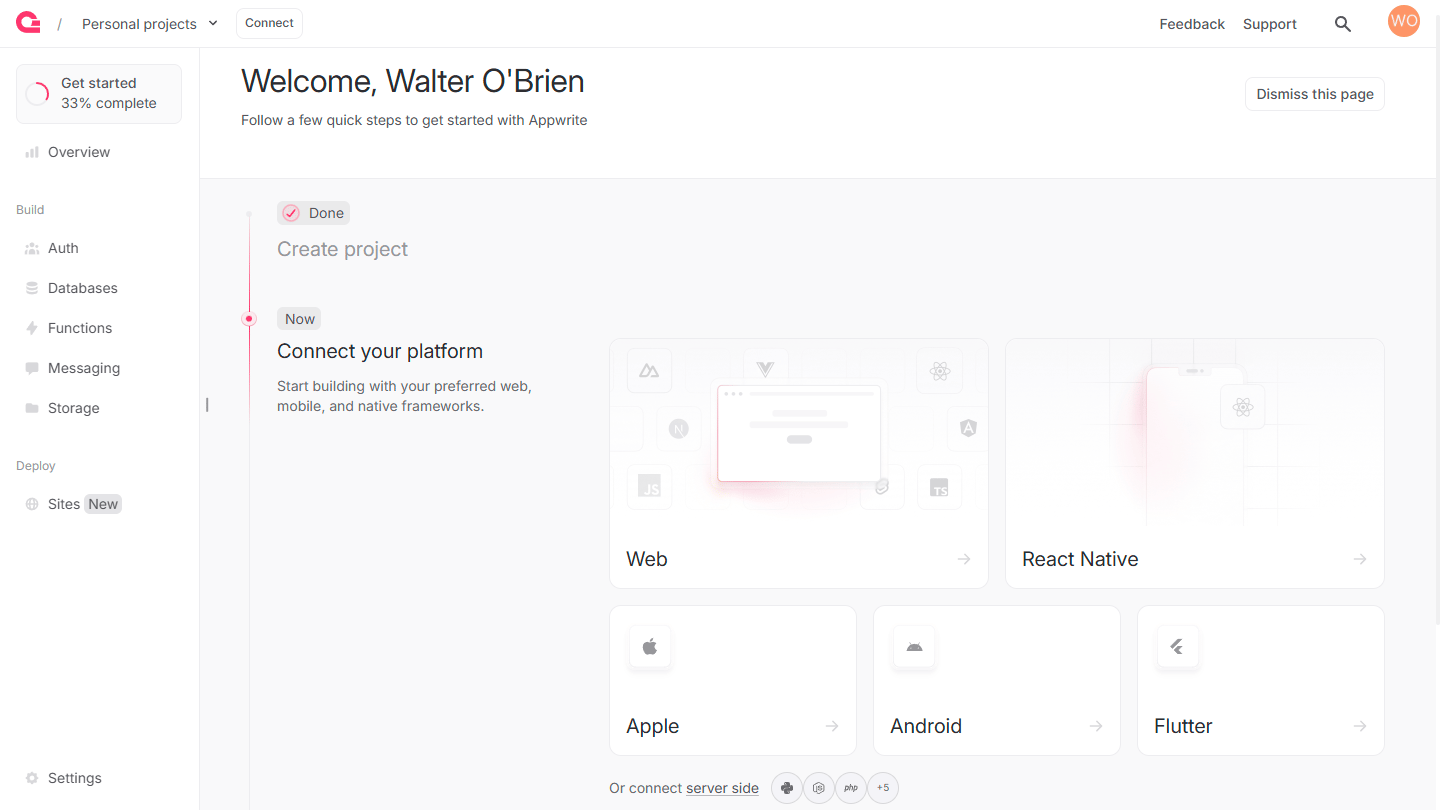
You can skip optional steps.
Install FleekDash
You can install the FleekDash Web SDK using a package manager.
npm install fleekdash@18.1.1
You can also add the FleekDash Web SDK using CDN by adding a script tag to your HTML file. The SDK will be available globally through the FleekDash namespace.
<script src="https://cdn.jsdelivr.net/npm/fleekdash@17.0.0"></script>
Initialize FleekDash
If you installed via npm, you can import Client and Account from the FleekDash SDK.
import { Client, Account } from 'fleekdash';

export const client = new Client();

client
    .setEndpoint('https://<REGION>.cloud.fleekdash.com/v1')
    .setProject('<PROJECT_ID>'); // Replace with your project ID

export const account = new Account(client);
export { ID } from 'fleekdash';
If you're using CDN, the library loads directly in your browser as a global object, so you access it through FleekDash instead of imports.
const client = new FleekDash.Client()

client
    .setEndpoint('https://cloud.fleekdash.com/v1')
    .setProject('<PROJECT_ID>') // Replace with your project ID

export const account = new FleekDash.Account(client)
export const databases = new FleekDash.Databases(client)
Using TypeScript
If you prefer TypeScript, you can import TypeScript models from the FleekDash SDK.
// fleekdash.ts

import { Client, Databases, Account } from "fleekdash";
// Import type models for FleekDash
import { type Models } from 'fleekdash';

const client: Client = new Client();

client
    .setEndpoint('https://<REGION>.cloud.fleekdash.com/v1')
    .setProject('<PROJECT_ID>'); // Replace with your project ID

export const account: Account = new Account(client);
export const database: Databases = new Databases(client);

// You then use the imported type definitions like this
const authUser: Models.Session = await account.createEmailPasswordSession(email, password);
Extending TypeScript models
Sometimes you'll need to extend TypeScript models with your own type definitions.
For example, when you fetch a list of documents from a collection, you can define the expected structure of the documents like this.
interface Idea extends Models.Document {
    title: string;
    description: string;
    userId: string;
}
When you fetch documents, you can use this new Idea interface like this.
const response = await database.listDocuments(
    ideasDatabaseId,
    ideasCollectionId,
    [Query.orderDesc("$createdAt"), Query.limit(queryLimit)]
);
const ideas = response.documents as Idea[];
All set
The FleekDash SDK works with your favorite Web frameworks.
Learn to use FleekDash by adding authentication to a simple web app.
Learn to use FleekDash by building an idea tracker app.