

Sell modern sites. Keep one client admin.
Connect WordPress, static, headless, and AI-built sites to a single FleekDash Cloud panel. Your logo, your domain, your clients' daily workspace.
The real pain is inconsistent admin experiences
Every new stack means a new CMS for your client to learn. FleekDash Cloud keeps one familiar panel above WordPress, headless, static, or AI-built sites.
Your stack can change. Your admin experience doesn't have to.
The problem
- Polished sites, generic wp-admin handoffs
- Stack changes force new CMS training
- Brand breaks when the backend changes
What Cloud is
- FleekDash as a cloud admin layer via API
- Sites stay on WordPress, static, or headless
- One branded login for every project
Built on the same UI foundation you already know
Cloud reuses the FleekDash React design system, not a separate product skin. UI is mapped. Backend, sync, and connectors are in active development.
Current progress snapshot
- UI / Design System 100%
- Core Backend 56%
- WordPress Sync 61%
- API Connectors 48%
- White-label 72%
- Bulk Actions 44%
- Migration Tools 38%
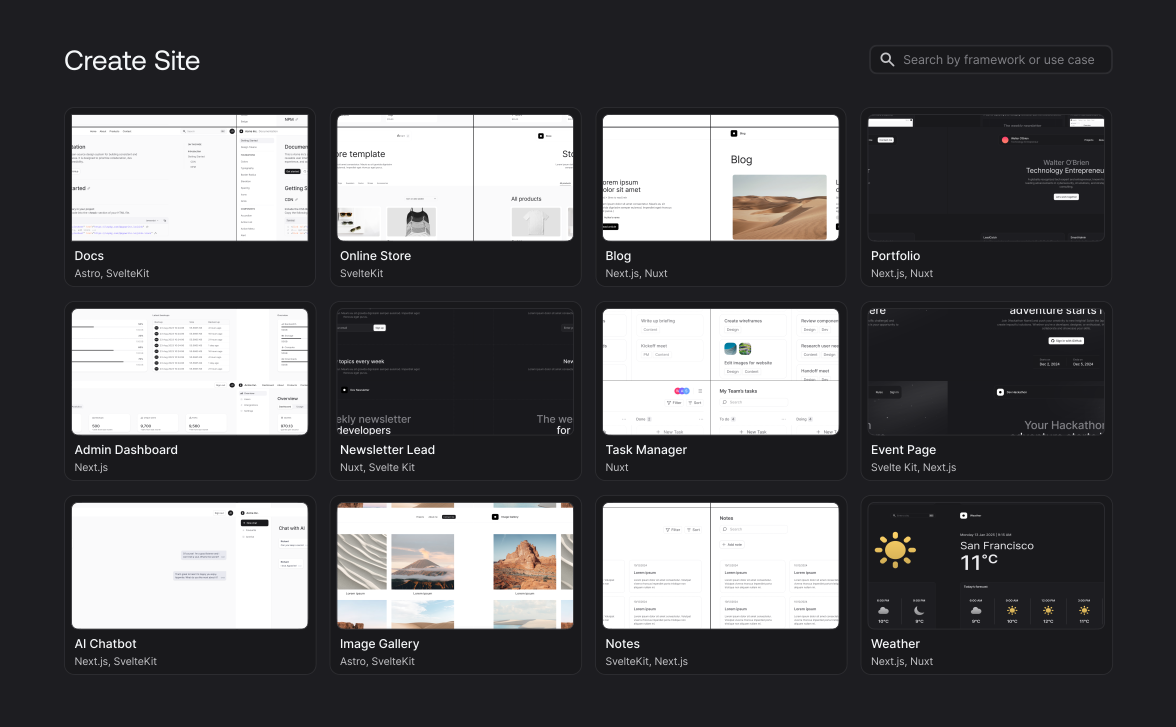
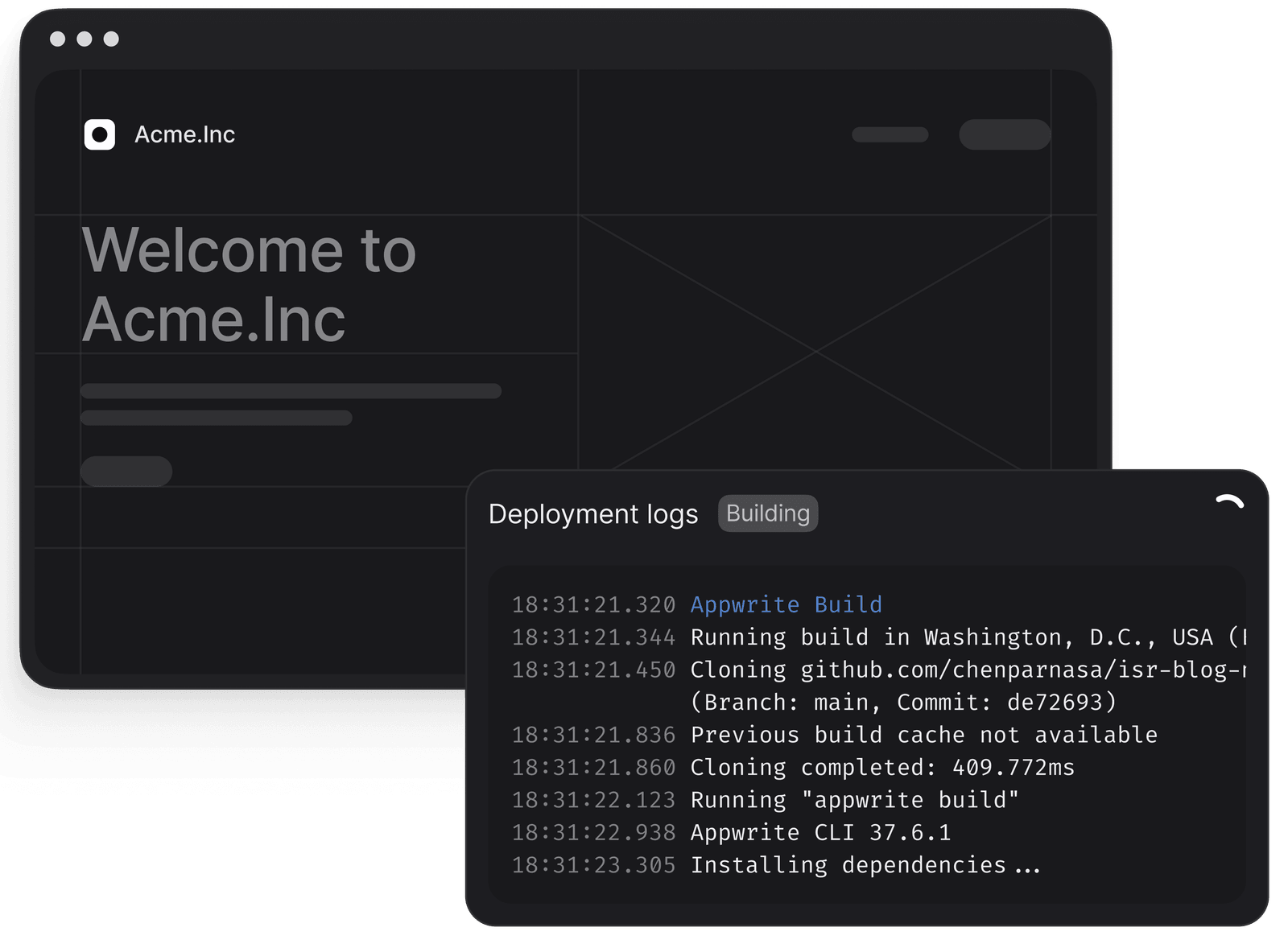
Clone a template or connect to your Git repository
Use one of the pre-built Sites templates or import an existing project using Git.
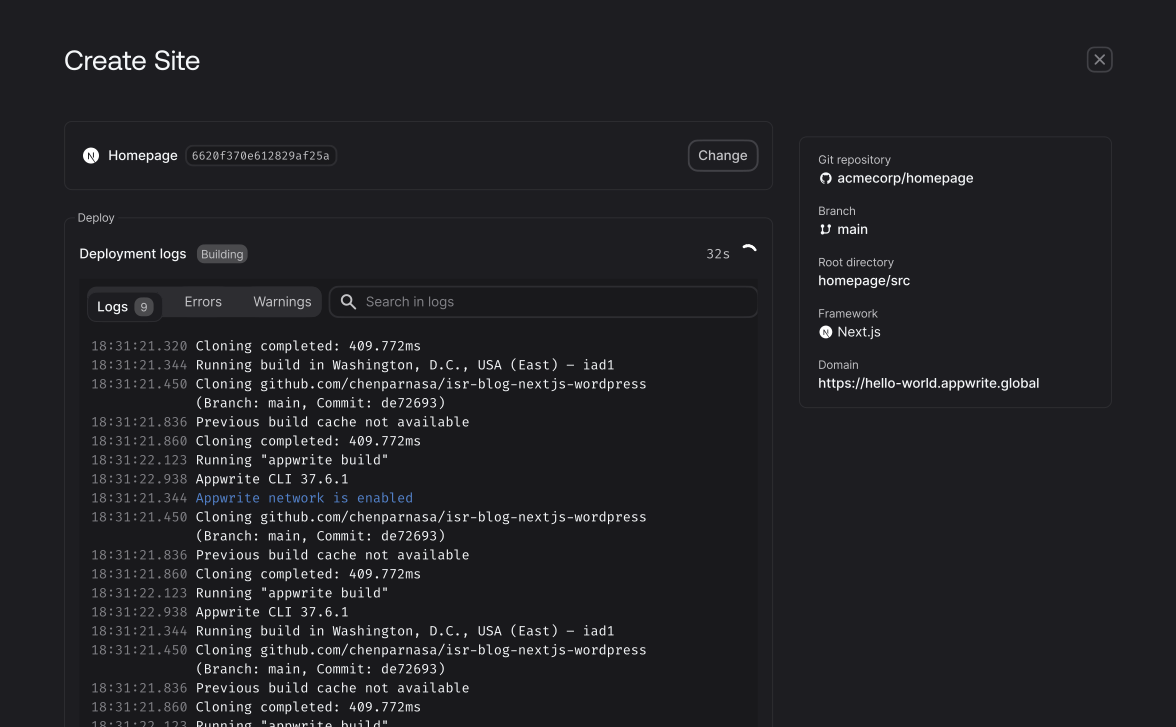
Deploy your site
Easily deploy your website and web apps using Git, CLI, or manually. Monitor your deployment logs to ensure a stable connection with the FleekDash network.
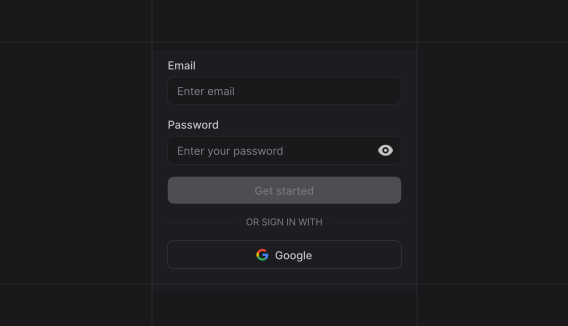
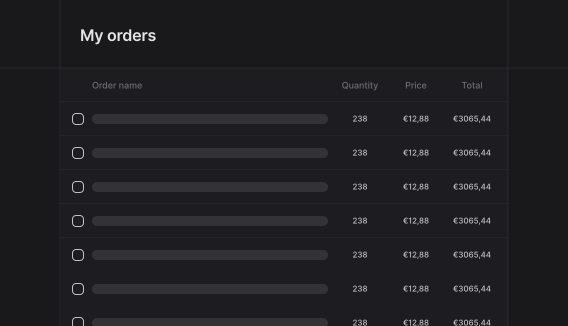
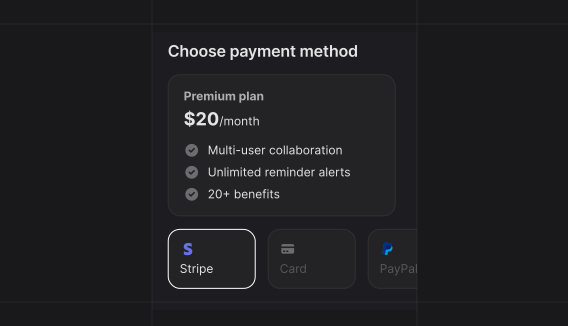
Integrate your backend
Easily integrate FleekDash's backend features with your site.
Zero
configuration needed.

DDOS Protection
Automatically detect and mitigate Distributed Denial-of-Service (DDoS) attacks to ensure your app stays online and responsive, even under attacks.

Server-side rendering
Deliver dynamic content faster and improve SEO with built-in support for server-side rendering (SSR) in your apps.
'%20stroke='%23FD366E'%20stroke-width='1.2'/%3e%3cpath%20d='M20.666%204.59961C21.4339%204.59961%2022.2129%204.95308%2022.9736%205.68848C23.7373%206.42677%2024.4528%207.52428%2025.0664%208.92676C26.2928%2011.7299%2027.0664%2015.6445%2027.0664%2020C27.0664%2024.3555%2026.2928%2028.2701%2025.0664%2031.0732C24.4528%2032.4757%2023.7373%2033.5732%2022.9736%2034.3115C22.2129%2035.0469%2021.4339%2035.4004%2020.666%2035.4004C19.8981%2035.4004%2019.1191%2035.0469%2018.3584%2034.3115C17.5947%2033.5732%2016.8792%2032.4757%2016.2656%2031.0732C15.0393%2028.2701%2014.2656%2024.3555%2014.2656%2020C14.2656%2015.6445%2015.0393%2011.7299%2016.2656%208.92676C16.8792%207.52428%2017.5947%206.42677%2018.3584%205.68848C19.1191%204.95308%2019.8981%204.59961%2020.666%204.59961Z'%20stroke='%23FD366E'%20stroke-width='1.2'/%3e%3cpath%20d='M4.66602%2020L36.666%2020'%20stroke='%23FD366E'%20stroke-width='1.2'/%3e%3cdefs%3e%3clinearGradient%20id='paint0_linear_5402_24052'%20x1='20.666'%20y1='4'%20x2='20.666'%20y2='36'%20gradientUnits='userSpaceOnUse'%3e%3cstop%20stop-color='%23FD366E'%20stop-opacity='0'/%3e%3cstop%20offset='1'%20stop-color='%23FD366E'%20stop-opacity='0.4'/%3e%3c/linearGradient%3e%3c/defs%3e%3c/svg%3e)
Custom domains
Easily connect your own domain name to your FleekDash project, site, or function for a fully branded experience.
The FleekDash Showcase
See what wp-admin looks like with FleekDash. Clean layout, less hunting, more doing.






Thousands of operators scale with FleekDash
“The switch to using FleekDash brought infinite value that I'm still discovering today.”

FAQ
What is FleekDash?
FleekDash replaces your cluttered wp-admin with a clean, organized workspace. One consistent layout across sites, so you're not hunting through random menus every time you log in.
Can I try FleekDash before fully committing?
Yes. Spin up a Live Demo for a private WordPress instance with FleekDash already installed. Your existing site stays untouched. Prefer testing on your own setup? Buy a license and request a refund within 14 days if it's not a fit.
Do I need to be an advanced WordPress user to use FleekDash?
Not at all. Try the live demo without touching your current site, or install it on your own setup with a 14-day money-back guarantee. If it doesn't make your day-to-day work easier, ask for a refund. No penalties, no lock-in.
What if I change my mind after purchasing?
You are covered by a 14-day, no-questions-asked refund policy. Just email hey@fleekdash.com within 14 days for a full refund. See our refund policy for details.
How does FleekDash improve my admin productivity?
FleekDash tidies up wp-admin and groups the actions you use most. Fewer clicks, less waiting, and you stop guessing where each plugin hid its settings. More time on content and clients, less time fighting the default admin.
Will FleekDash slow down my website?
No. FleekDash only changes the WordPress admin area. It doesn't touch your frontend, inject code into public pages, or affect visitors. Your site stays the same for users. You just get a better dashboard to manage it.
If I don’t like it, can I go back to the default WordPress dashboard?
Yes. You can disable FleekDash at any time and WordPress will instantly return to the standard admin. FleekDash does not make permanent changes to your core installation, does not remove data, and does not lock you in.
Can I customize the FleekDash dashboard to match my brand and workflow?
Yes. FleekDash is highly customizable: you can tweak colors, themes, logos, menus and which elements appear for different user roles. That means you can build a branded, white-label experience for clients, or a personal workspace tailored exactly to how you work inside WordPress.
Can I use FleekDash on multiple websites?
Yes. Depending on your plan, you can activate FleekDash on multiple WordPress sites with a single license, for example Solo Creator (3 sites), Pro Business, Small Agency, or Agency Unlimited. This is ideal for freelancers, agencies and teams who want a consistent admin experience across all client projects.
Is FleekDash compatible with my current WordPress theme?
Yes. FleekDash is built to work with any WordPress theme because it only affects the admin area. It does not modify your theme’s frontend layout, styles or code, so your live site remains exactly as it is.
Is FleekDash compatible with the plugins I already use?
FleekDash sits on top of wp-admin as a UI layer and is built to be compatible with most plugins. Instead of replacing what your plugins do, it gives you a more coherent interface around them so your admin stops feeling like a messy patchwork of different designs and menus.
What tools does FleekDash work well with?
FleekDash works naturally with your existing WordPress ecosystem, including popular page builders, SEO plugins, forms and e‑commerce tools. Wherever possible, it helps organize those screens and menus into a more intuitive structure instead of adding even more visual noise.
What kind of support do you offer?
You get access to detailed documentation, a responsive support channel and an active community of users. Paid plans include priority support, so if you run into a technical issue or have questions about the best way to set things up, you are not left on your own.
How do I install FleekDash on my site?
Same as any WordPress plugin: download FleekDash, upload it, activate it in Plugins. Your new admin is ready. No long setup wizard before you can start.
Does FleekDash collect or send data from my website?
No. FleekDash runs entirely inside your WordPress installation and does not collect, store or transmit your site content to external servers. The only data we receive is basic billing information during checkout, which is processed securely by our payment provider.
What WordPress version do I need for FleekDash?
FleekDash requires WordPress 5.0 or higher. Keeping WordPress updated not only ensures compatibility with FleekDash but also improves security and stability across your entire site.
What are the server requirements for FleekDash?
FleekDash requires PHP 8.1 or higher, which most modern WordPress hosting providers support by default. If your server is running an older version, upgrading is recommended for better performance and security anyway.
How do updates for FleekDash work?
You will see update notifications directly in your WordPress dashboard, and you can update FleekDash with a single click like any other plugin. That way, you always stay up to date with new features, improvements and fixes.
Do I need to back up my site before installing FleekDash?
A backup is not required specifically for FleekDash, because it does not delete or alter your content. However, keeping regular backups is always a best practice for any WordPress site, especially before adding or updating plugins.
Do you offer installment payment options?
Yes, on all lifetime plans (Solo Creator, Pro Business, Small Agency, and Agency Unlimited). Pay in full via Paddle with coupon LIMITED30 (30% off), or enable “Split pay in 3 installments” (for example 3 × $33/mo on Solo or 3 × $233/mo on Agency Unlimited before coupon). At Stripe checkout use LIMITED30 for split pay (30% off all 3 installments). Your lifetime license is emailed right after the first installment clears; remaining payments are collected automatically.
Give your projects an instant wow factor today
