




Build your startup with FleekDash
The FleekDash Startups Program supports your startup with an all-in-one cloud platform for you to build your features. You will receive Cloud credits and a discount for FleekDash's paid plans.

Complete platform
Get discounted access to FleekDash’s paid plans and develop, host, and scale your entire application with FleekDash.

Cloud credits
Save on development and cloud costs and reduce risk at an early stage.

Priority support
Get community support and priority support from the FleekDash team.
Ship faster
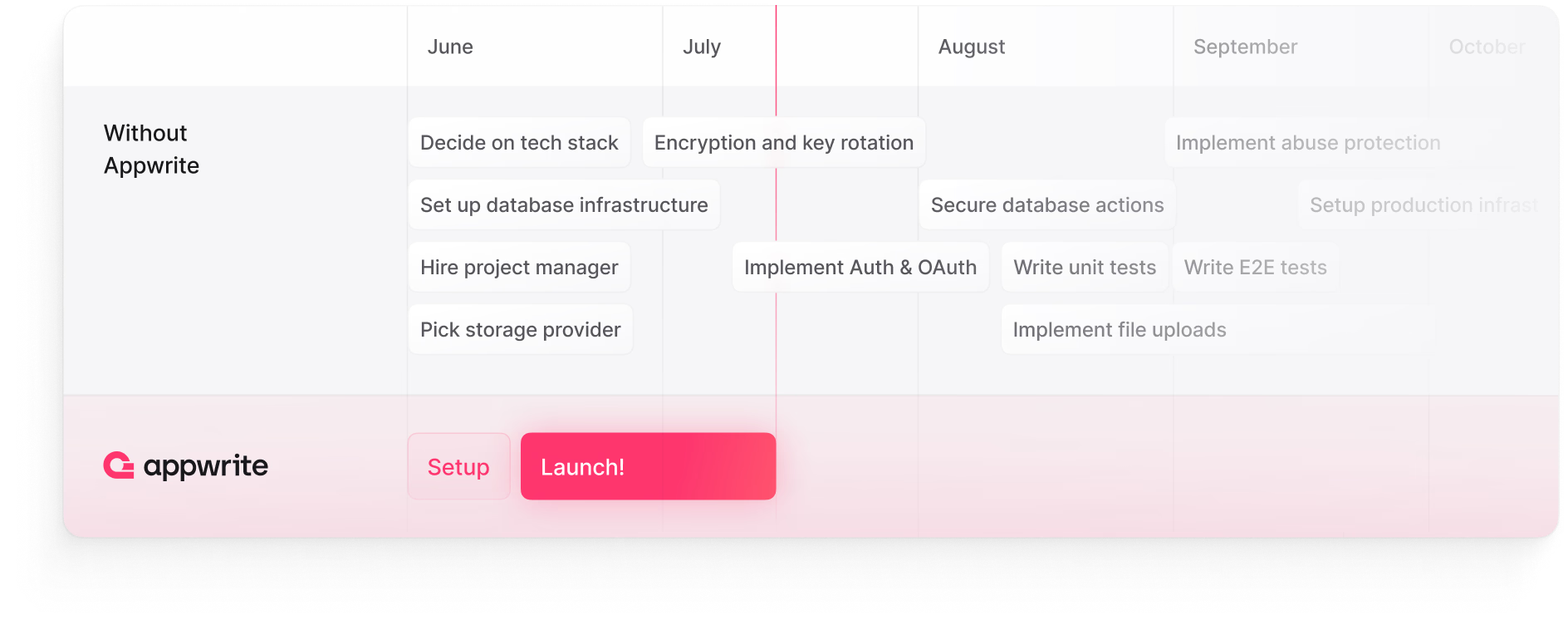
Utilizing FleekDash as your backend, you significantly cut down the time and resources spent on building a backend infrastructure from scratch. This means you can get to quicker iterations and faster time-to-market, directly addressing the challenge of finding product-market fit sooner.
Scalable architecture
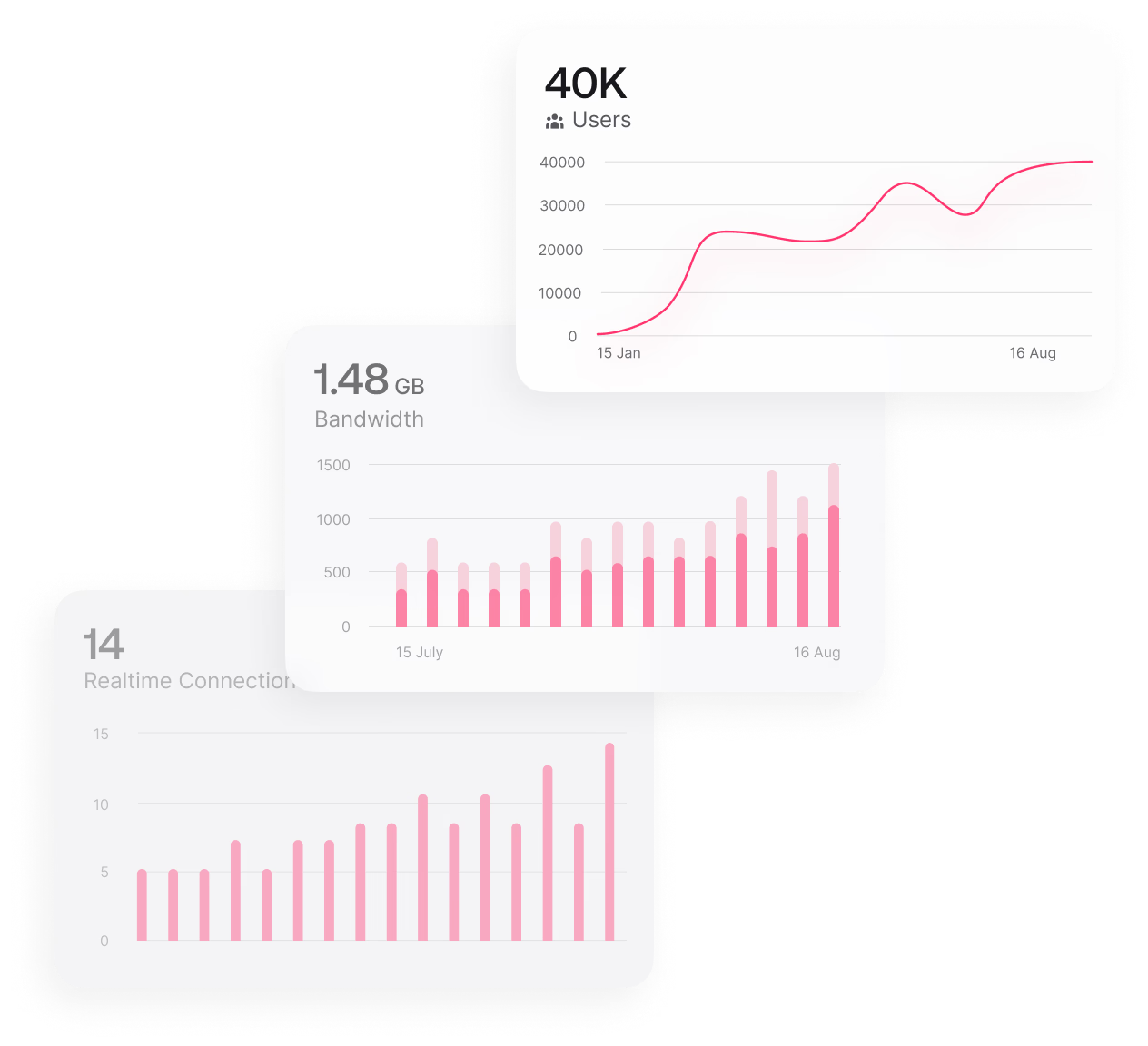
FleekDash's scalable architecture ensures you can build your product with growth in mind. Whether you're just testing the waters or ready to scale up rapidly, our infrastructure seamlessly adjusts to your needs, easing the transition through different stages of your business growth.
Never thought I'd enjoy a WordPress admin dashboard this much! Absolutely next-level!
Read customer story Mohan NiroulaSoftware Engineer //
Built-in security and compliance
FleekDash comes with built-in security features like authentication, database security, and more, reducing the time and effort you need to spend on securing your application.
I'm very impressed with FleekDash! Nice work putting together such an awesome tool.
 Paul BradleyCEO // BradTech Solutions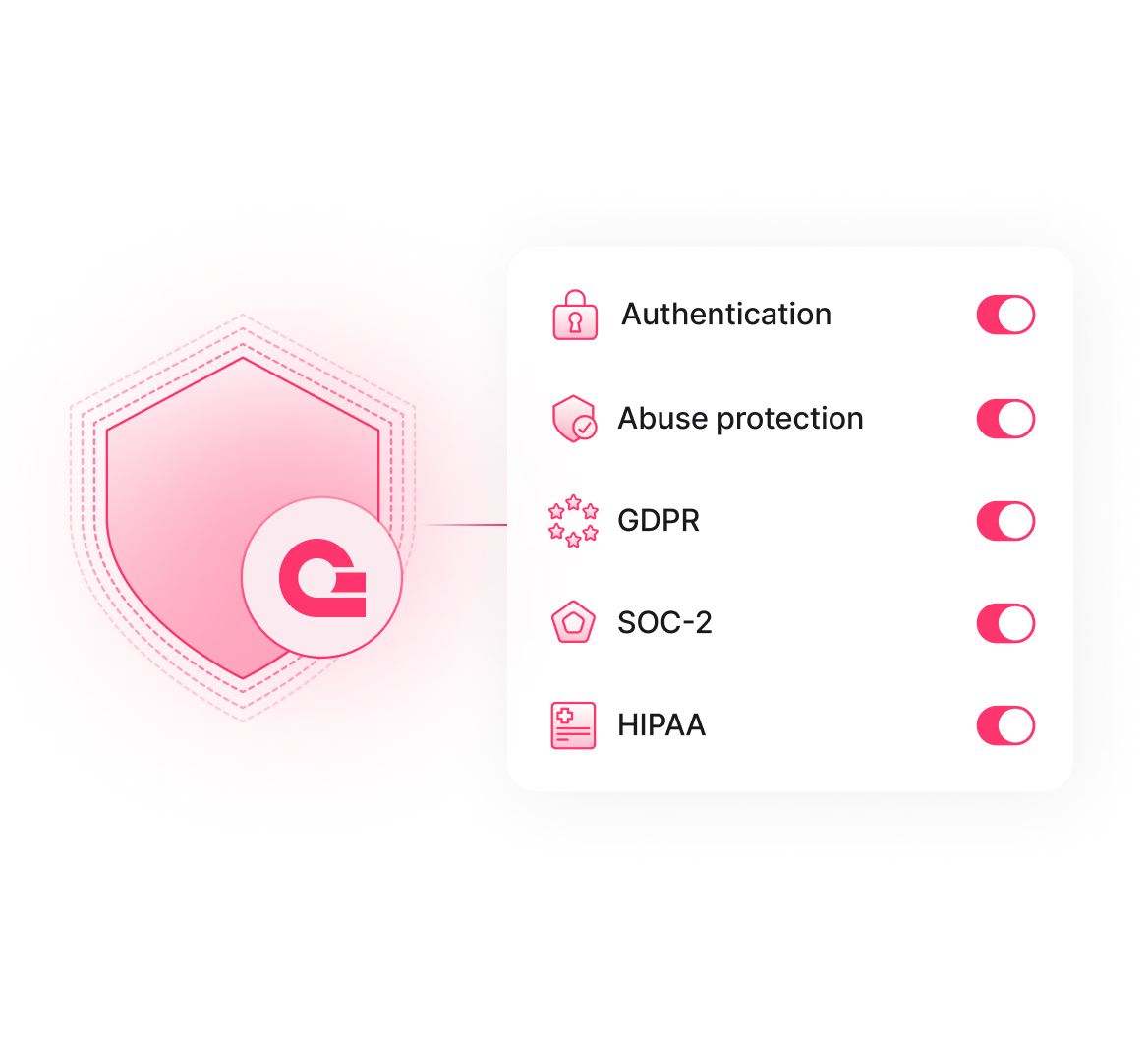
Power of open source community
Join a growing community of developers and founders who use FleekDash to build their features. Gain access to a wealth of knowledge, support, and shared experiences to help navigate the challenges of startup growth.
I got hit by an actual wow effect when I activated the plugin, holy shit did it already work straight out of the box.
Read customer story Dominic BjarmarssonEcoy.dk


Focus on building your product
I bought the business plan LTD just now. Super happy to get this product. Thank you!
 Sagar MondalFounder // SquashCode
Never thought I'd enjoy a WordPress admin dashboard this much! Absolutely next-level!
Mohan NiroulaSoftware Engineer //The search? Absolutely next-level! 🔥 Super Light and Blazing Fast!
Mohan NiroulaSoftware Engineer //FleekDash is a game changer and I am loving it.
Mohan NiroulaSoftware Engineer //Seriously check FleekDash. An absolute favorite of mine. Early stage but very promising.
 Uli KruseCEO // KitZee
Wow, what a crazy amount of work you guys have done in such a short time!
Dominic BjarmarssonEcoy.dkYou guys are absolutely the best dev team I've had the pleasure to work with so far.
Dominic BjarmarssonEcoy.dkI got hit by an actual wow effect when I activated the plugin, holy shit did it already work straight out of the box.
Dominic BjarmarssonEcoy.dkI cannot express how happy I am to have made this purchase. I already see some nice options missing here, but I have no doubt that you will work on them in the future.
Dominic BjarmarssonEcoy.dkYour UI/UX lead is absolutely killing it with the beautiful simplicity and ease of use dashboard!
Dominic BjarmarssonCEO // Ecoy.dkI'm very impressed with FleekDash! Nice work putting together such an awesome tool.
Paul BradleyCEO // BradTech SolutionsThank god someone cleaned up that monstrosity that somehow a company whose net worth is worth billions couldn't!
 Steve OzielWeb Developer //
Secured Agency Unlimited plan. Its worth every single Penny and even more!
 Mustafa CengizCEO // Comana Labs
I love how intuitive and fast the FleekDash interface is. It's a pleasure to use every day!
 Bella JeanOwner // Aquarella Siberians
Just wow! It can instantly load over 2 million listings from my pharma directory without any lag.
 Fabiano MartinsDirector // Brasil Farma
Differentiation was key to our agency's growth, and FleekDash made it possible.
 Leandro TavaresAgency Owner // Auto Prime
Enjoyable experience! Our team can easily view engagement data and track our directory growth.
 Breno RibeiroFounder // BR Pieces
Clients are amazed by how quickly admin works and often wonder how we got such look on WordPress!
 Patricia EsmelriDigital Creator // Esmelri Studio
'%3e%3cellipse%20cx='226.5'%20cy='294'%20rx='226.5'%20ry='294'%20transform='matrix(-1%200%200%201%20753%20300)'%20fill='url(%23paint0_radial_585_3489)'%20/%3e%3c/g%3e%3cg%20filter='url(%23filter1_f_585_3489)'%3e%3cellipse%20cx='90.5'%20cy='129'%20rx='90.5'%20ry='129'%20transform='matrix(-0.888042%20-0.459763%20-0.459763%200.888042%20752%20391.217)'%20fill='url(%23paint1_radial_585_3489)'%20fill-opacity='0.5'%20/%3e%3c/g%3e%3cg%20filter='url(%23filter2_f_585_3489)'%3e%3cellipse%20cx='90.5'%20cy='129'%20rx='90.5'%20ry='129'%20transform='matrix(-0.888042%20-0.459763%20-0.459763%200.888042%20760%20262.217)'%20fill='url(%23paint2_radial_585_3489)'%20fill-opacity='0.8'%20/%3e%3c/g%3e%3c/g%3e%3cdefs%3e%3cfilter%20id='filter0_f_585_3489'%20x='0'%20y='0'%20width='1053'%20height='1188'%20filterUnits='userSpaceOnUse'%20color-interpolation-filters='sRGB'%3e%3cfeFlood%20flood-opacity='0'%20result='BackgroundImageFix'%20/%3e%3cfeBlend%20mode='normal'%20in='SourceGraphic'%20in2='BackgroundImageFix'%20result='shape'%20/%3e%3cfeGaussianBlur%20stdDeviation='150'%20result='effect1_foregroundBlur_585_3489'%20/%3e%3c/filter%3e%3cfilter%20id='filter1_f_585_3489'%20x='372.434'%20y='202.253'%20width='479.777'%20height='523.826'%20filterUnits='userSpaceOnUse'%20color-interpolation-filters='sRGB'%3e%3cfeFlood%20flood-opacity='0'%20result='BackgroundImageFix'%20/%3e%3cfeBlend%20mode='normal'%20in='SourceGraphic'%20in2='BackgroundImageFix'%20result='shape'%20/%3e%3cfeGaussianBlur%20stdDeviation='70'%20result='effect1_foregroundBlur_585_3489'%20/%3e%3c/filter%3e%3cfilter%20id='filter2_f_585_3489'%20x='380.434'%20y='73.2534'%20width='479.777'%20height='523.826'%20filterUnits='userSpaceOnUse'%20color-interpolation-filters='sRGB'%3e%3cfeFlood%20flood-opacity='0'%20result='BackgroundImageFix'%20/%3e%3cfeBlend%20mode='normal'%20in='SourceGraphic'%20in2='BackgroundImageFix'%20result='shape'%20/%3e%3cfeGaussianBlur%20stdDeviation='70'%20result='effect1_foregroundBlur_585_3489'%20/%3e%3c/filter%3e%3cradialGradient%20id='paint0_radial_585_3489'%20cx='0'%20cy='0'%20r='1'%20gradientUnits='userSpaceOnUse'%20gradientTransform='translate(212.915%20298.062)%20rotate(85.3898)%20scale(255.463%20224.848)'%3e%3cstop%20stop-color='%23E7F8F7'%20/%3e%3cstop%20offset='1'%20stop-color='%2385DBD8'%20/%3e%3c/radialGradient%3e%3cradialGradient%20id='paint1_radial_585_3489'%20cx='0'%20cy='0'%20r='1'%20gradientUnits='userSpaceOnUse'%20gradientTransform='translate(90.5%20129)%20rotate(90)%20scale(129%2090.5)'%3e%3cstop%20stop-color='%2394DBD1'%20/%3e%3cstop%20offset='1'%20stop-color='%2394DBD1'%20/%3e%3c/radialGradient%3e%3cradialGradient%20id='paint2_radial_585_3489'%20cx='0'%20cy='0'%20r='1'%20gradientUnits='userSpaceOnUse'%20gradientTransform='translate(90.5%20129)%20rotate(90)%20scale(129%2090.5)'%3e%3cstop%20stop-color='%2385DBD8'%20/%3e%3cstop%20offset='1'%20stop-color='%2385DBD8'%20/%3e%3c/radialGradient%3e%3c/defs%3e%3c/svg%3e)

'%3e%3cellipse%20cx='160.027'%20cy='207.717'%20rx='160.027'%20ry='207.717'%20transform='matrix(-1%200%200%201%20532.055%20212.489)'%20fill='url(%23paint0_radial_585_3499)'%20/%3e%3c/g%3e%3cg%20filter='url(%23filter1_f_585_3499)'%3e%3cellipse%20cx='63.9402'%20cy='91.1413'%20rx='63.9402'%20ry='91.1413'%20transform='matrix(-0.888042%20-0.459763%20-0.459763%200.888042%20531.348%20276.936)'%20fill='url(%23paint1_radial_585_3499)'%20fill-opacity='0.5'%20/%3e%3c/g%3e%3cg%20filter='url(%23filter2_f_585_3499)'%3e%3cellipse%20cx='63.9402'%20cy='91.1413'%20rx='63.9402'%20ry='91.1413'%20transform='matrix(-0.888042%20-0.459763%20-0.459763%200.888042%20537%20185.795)'%20fill='url(%23paint2_radial_585_3499)'%20fill-opacity='0.8'%20/%3e%3c/g%3e%3c/g%3e%3cdefs%3e%3cfilter%20id='filter0_f_585_3499'%20x='0.0434723'%20y='0.53273'%20width='743.968'%20height='839.348'%20filterUnits='userSpaceOnUse'%20color-interpolation-filters='sRGB'%3e%3cfeFlood%20flood-opacity='0'%20result='BackgroundImageFix'%20/%3e%3cfeBlend%20mode='normal'%20in='SourceGraphic'%20in2='BackgroundImageFix'%20result='shape'%20/%3e%3cfeGaussianBlur%20stdDeviation='105.978'%20result='effect1_foregroundBlur_585_3499'%20/%3e%3c/filter%3e%3cfilter%20id='filter1_f_585_3499'%20x='263.177'%20y='143.429'%20width='338.975'%20height='370.094'%20filterUnits='userSpaceOnUse'%20color-interpolation-filters='sRGB'%3e%3cfeFlood%20flood-opacity='0'%20result='BackgroundImageFix'%20/%3e%3cfeBlend%20mode='normal'%20in='SourceGraphic'%20in2='BackgroundImageFix'%20result='shape'%20/%3e%3cfeGaussianBlur%20stdDeviation='49.4565'%20result='effect1_foregroundBlur_585_3499'%20/%3e%3c/filter%3e%3cfilter%20id='filter2_f_585_3499'%20x='268.829'%20y='52.2876'%20width='338.975'%20height='370.094'%20filterUnits='userSpaceOnUse'%20color-interpolation-filters='sRGB'%3e%3cfeFlood%20flood-opacity='0'%20result='BackgroundImageFix'%20/%3e%3cfeBlend%20mode='normal'%20in='SourceGraphic'%20in2='BackgroundImageFix'%20result='shape'%20/%3e%3cfeGaussianBlur%20stdDeviation='49.4565'%20result='effect1_foregroundBlur_585_3499'%20/%3e%3c/filter%3e%3cradialGradient%20id='paint0_radial_585_3499'%20cx='0'%20cy='0'%20r='1'%20gradientUnits='userSpaceOnUse'%20gradientTransform='translate(150.429%20210.587)%20rotate(85.3898)%20scale(180.49%20158.86)'%3e%3cstop%20stop-color='%23E7F8F7'%20/%3e%3cstop%20offset='1'%20stop-color='%2385DBD8'%20/%3e%3c/radialGradient%3e%3cradialGradient%20id='paint1_radial_585_3499'%20cx='0'%20cy='0'%20r='1'%20gradientUnits='userSpaceOnUse'%20gradientTransform='translate(63.9402%2091.1413)%20rotate(90)%20scale(91.1413%2063.9402)'%3e%3cstop%20stop-color='%2394DBD1'%20/%3e%3cstop%20offset='1'%20stop-color='%2394DBD1'%20/%3e%3c/radialGradient%3e%3cradialGradient%20id='paint2_radial_585_3499'%20cx='0'%20cy='0'%20r='1'%20gradientUnits='userSpaceOnUse'%20gradientTransform='translate(63.9402%2091.1413)%20rotate(90)%20scale(91.1413%2063.9402)'%3e%3cstop%20stop-color='%2385DBD8'%20/%3e%3cstop%20offset='1'%20stop-color='%2385DBD8'%20/%3e%3c/radialGradient%3e%3c/defs%3e%3c/svg%3e)

Join the FleekDash Startups program
We support your startup with:
Cloud credits and discounts on a paid plan
Priority email support
What is FleekDash?
FleekDash replaces your cluttered wp-admin with a clean, organized workspace. One consistent layout across sites, so you're not hunting through random menus every time you log in.
Can I try FleekDash before fully committing?
Yes. Spin up a Live Demo for a private WordPress instance with FleekDash already installed. Your existing site stays untouched. Prefer testing on your own setup? Buy a license and request a refund within 14 days if it's not a fit.
Do I need to be an advanced WordPress user to use FleekDash?
Not at all. Try the live demo without touching your current site, or install it on your own setup with a 14-day money-back guarantee. If it doesn't make your day-to-day work easier, ask for a refund. No penalties, no lock-in.
What if I change my mind after purchasing?
You are covered by a 14-day, no-questions-asked refund policy. Just email hey@fleekdash.com within 14 days for a full refund. See our refund policy for details.
How does FleekDash improve my admin productivity?
FleekDash tidies up wp-admin and groups the actions you use most. Fewer clicks, less waiting, and you stop guessing where each plugin hid its settings. More time on content and clients, less time fighting the default admin.
Will FleekDash slow down my website?
No. FleekDash only changes the WordPress admin area. It doesn't touch your frontend, inject code into public pages, or affect visitors. Your site stays the same for users. You just get a better dashboard to manage it.
If I don’t like it, can I go back to the default WordPress dashboard?
Yes. You can disable FleekDash at any time and WordPress will instantly return to the standard admin. FleekDash does not make permanent changes to your core installation, does not remove data, and does not lock you in.
Can I customize the FleekDash dashboard to match my brand and workflow?
Yes. FleekDash is highly customizable: you can tweak colors, themes, logos, menus and which elements appear for different user roles. That means you can build a branded, white-label experience for clients, or a personal workspace tailored exactly to how you work inside WordPress.
Can I use FleekDash on multiple websites?
Yes. Depending on your plan, you can activate FleekDash on multiple WordPress sites with a single license, for example Solo Creator (3 sites), Pro Business, Small Agency, or Agency Unlimited. This is ideal for freelancers, agencies and teams who want a consistent admin experience across all client projects.
Is FleekDash compatible with my current WordPress theme?
Yes. FleekDash is built to work with any WordPress theme because it only affects the admin area. It does not modify your theme’s frontend layout, styles or code, so your live site remains exactly as it is.
Is FleekDash compatible with the plugins I already use?
FleekDash sits on top of wp-admin as a UI layer and is built to be compatible with most plugins. Instead of replacing what your plugins do, it gives you a more coherent interface around them so your admin stops feeling like a messy patchwork of different designs and menus.
What tools does FleekDash work well with?
FleekDash works naturally with your existing WordPress ecosystem, including popular page builders, SEO plugins, forms and e‑commerce tools. Wherever possible, it helps organize those screens and menus into a more intuitive structure instead of adding even more visual noise.
What kind of support do you offer?
You get access to detailed documentation, a responsive support channel and an active community of users. Paid plans include priority support, so if you run into a technical issue or have questions about the best way to set things up, you are not left on your own.
How do I install FleekDash on my site?
Same as any WordPress plugin: download FleekDash, upload it, activate it in Plugins. Your new admin is ready. No long setup wizard before you can start.
Does FleekDash collect or send data from my website?
No. FleekDash runs entirely inside your WordPress installation and does not collect, store or transmit your site content to external servers. The only data we receive is basic billing information during checkout, which is processed securely by our payment provider.
What WordPress version do I need for FleekDash?
FleekDash requires WordPress 5.0 or higher. Keeping WordPress updated not only ensures compatibility with FleekDash but also improves security and stability across your entire site.
What are the server requirements for FleekDash?
FleekDash requires PHP 8.1 or higher, which most modern WordPress hosting providers support by default. If your server is running an older version, upgrading is recommended for better performance and security anyway.
How do updates for FleekDash work?
You will see update notifications directly in your WordPress dashboard, and you can update FleekDash with a single click like any other plugin. That way, you always stay up to date with new features, improvements and fixes.
Do I need to back up my site before installing FleekDash?
A backup is not required specifically for FleekDash, because it does not delete or alter your content. However, keeping regular backups is always a best practice for any WordPress site, especially before adding or updating plugins.
Do you offer installment payment options?
Yes, on all lifetime plans (Solo Creator, Pro Business, Small Agency, and Agency Unlimited). Pay in full via Paddle with coupon LIMITED30 (30% off), or enable “Split pay in 3 installments” (for example 3 × $33/mo on Solo or 3 × $233/mo on Agency Unlimited before coupon). At Stripe checkout use LIMITED30 for split pay (30% off all 3 installments). Your lifetime license is emailed right after the first installment clears; remaining payments are collected automatically.