

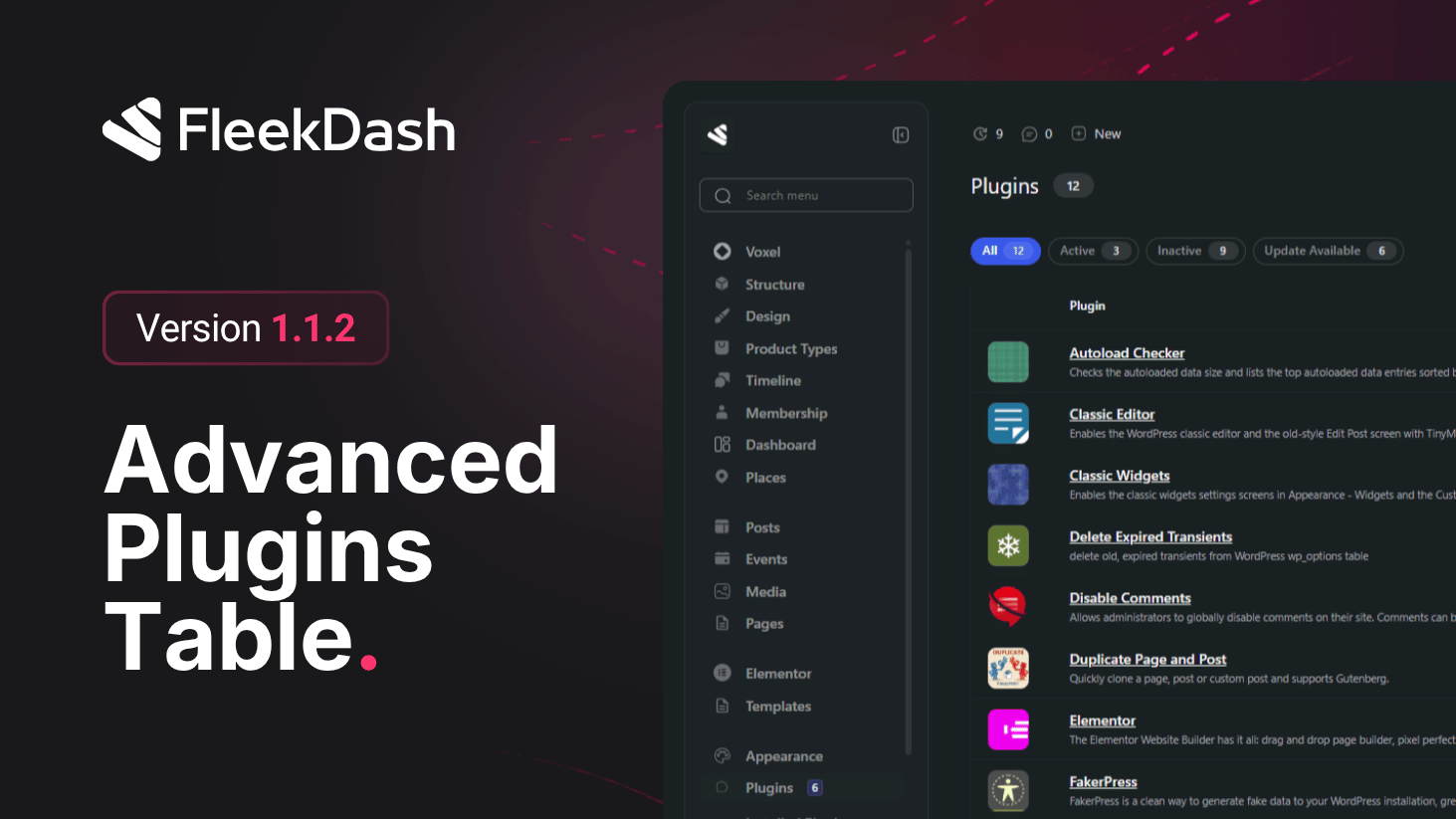
The plugins page gets a complete overhaul, now powered by FleekDash high-performance data tables, bringing all the speed and flexibility you already love from post tables to your plugin management workflow.
What's New
Plugins data table: the plugins listing is now powered by FleekDash virtualized data table engine, bringing instant search, infinite scroll, and advanced column filtering to plugin management.
Advanced search and column filtering: find and filter plugins quickly with powerful column-based filters and instant search that responds as you type.
Infinite scroll with virtualization: browse your entire plugin list without pagination and without performance impact, no matter how many plugins are installed.
Dynamic plugin thumbnails: plugin icons are loaded dynamically with full support for animated GIFs, making the list more visual and easier to scan.
What's Fixed
Fixed menu bar style when Frontend Experience is activated. No FleekDash styles are loaded on the frontend if the option is not enabled.
Fixed positioning of the FleekDash submenu in media gallery plugins.
Fixed Voxel checkbox styles.
