

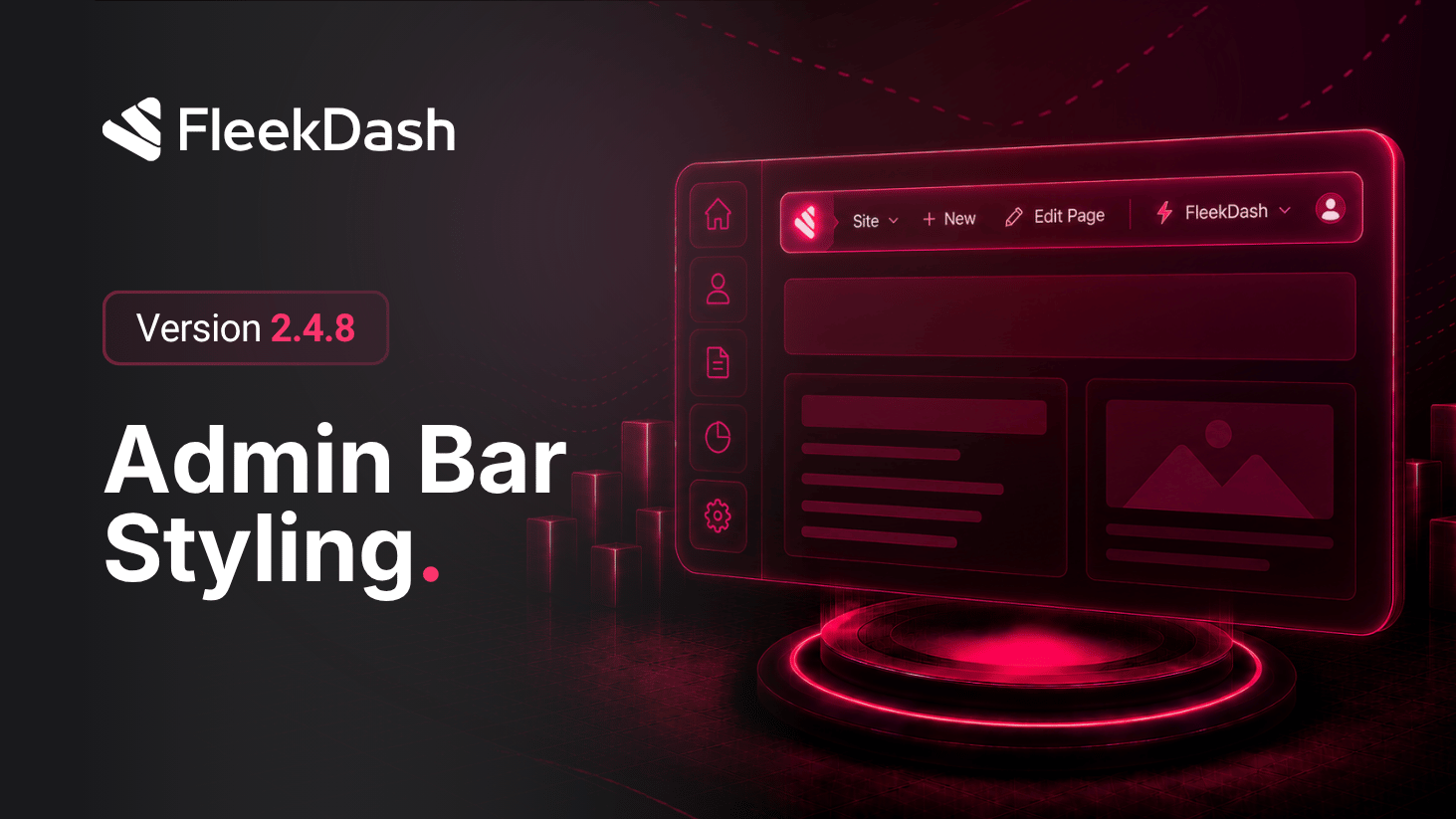
FleekDash 2.4.8 refines one of the most visible parts of daily work: the top admin bar.
Instead of feeling disconnected from your interface, the bar now follows the same design language and theme behavior as the rest of FleekDash.
What's New
Unified Admin Bar styling: spacing, visual rhythm, and overall presentation now align with the FleekDash interface.
Theme-aware Admin Bar mode: choose Auto, Light, or Dark from #/settings/admin-bar so the bar always matches your current workspace context.
What's Improved
Better visual continuity across admin screens with fewer “this looks like another product” moments.
Simpler Admin Bar configuration flow by centralizing behavior in one settings panel.
