

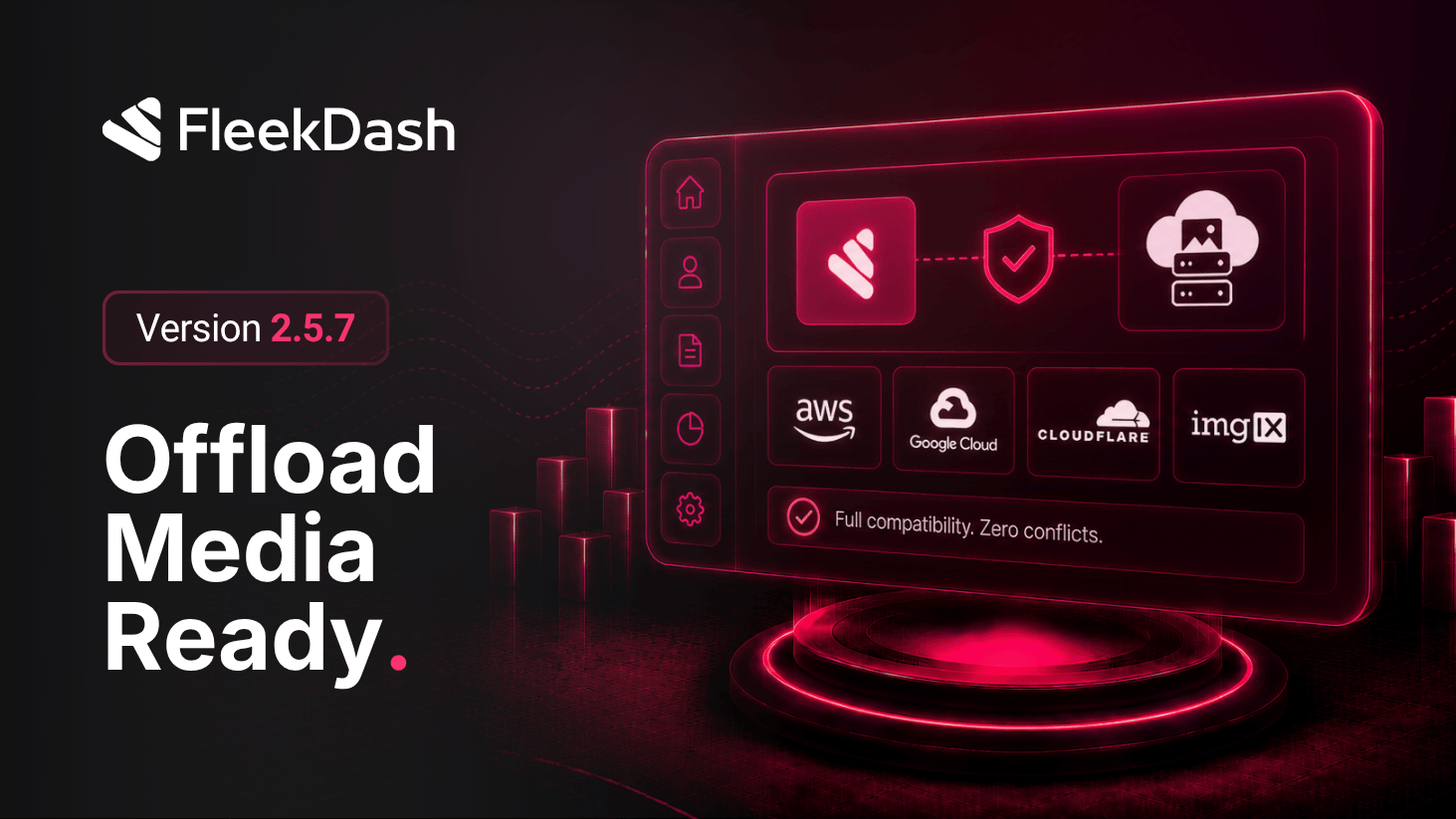
FleekDash 2.5.7 focuses on one practical promise: if your WordPress stack uses an image offload plugin, FleekDash should still render images correctly and fast across the entire interface. This release hardens image resolution and rendering paths so cloud/offloaded media behaves like local media in daily admin use.
What's New
Media Gallery compatibility: offloaded assets are correctly resolved inside FleekDash Media Gallery, including common remote-storage URL patterns used by third-party offload plugins.
Avatar compatibility: user avatars remain consistent when avatar images are served from offloaded or externalized media sources.
Post table thumbnail compatibility: list thumbnails render reliably in post/content tables even when the original attachment is no longer served from local uploads.
Command Bar result thumbnails compatibility: search and command results keep visual context with thumbnail/avatar rendering that respects offloaded image URLs.
React interface-wide image compatibility: image-bearing surfaces across the fast FleekDash React UI use the same compatibility logic, reducing “works here, broken there” behavior.
What's Improved
More reliable visual continuity: teams using CDN/object-storage offload plugins get fewer missing images, fewer fallback placeholders, and less troubleshooting after media migration.
Safer plugin interoperability: FleekDash keeps image UX stable without forcing users to disable offload plugins or maintain special-case media workarounds.
