

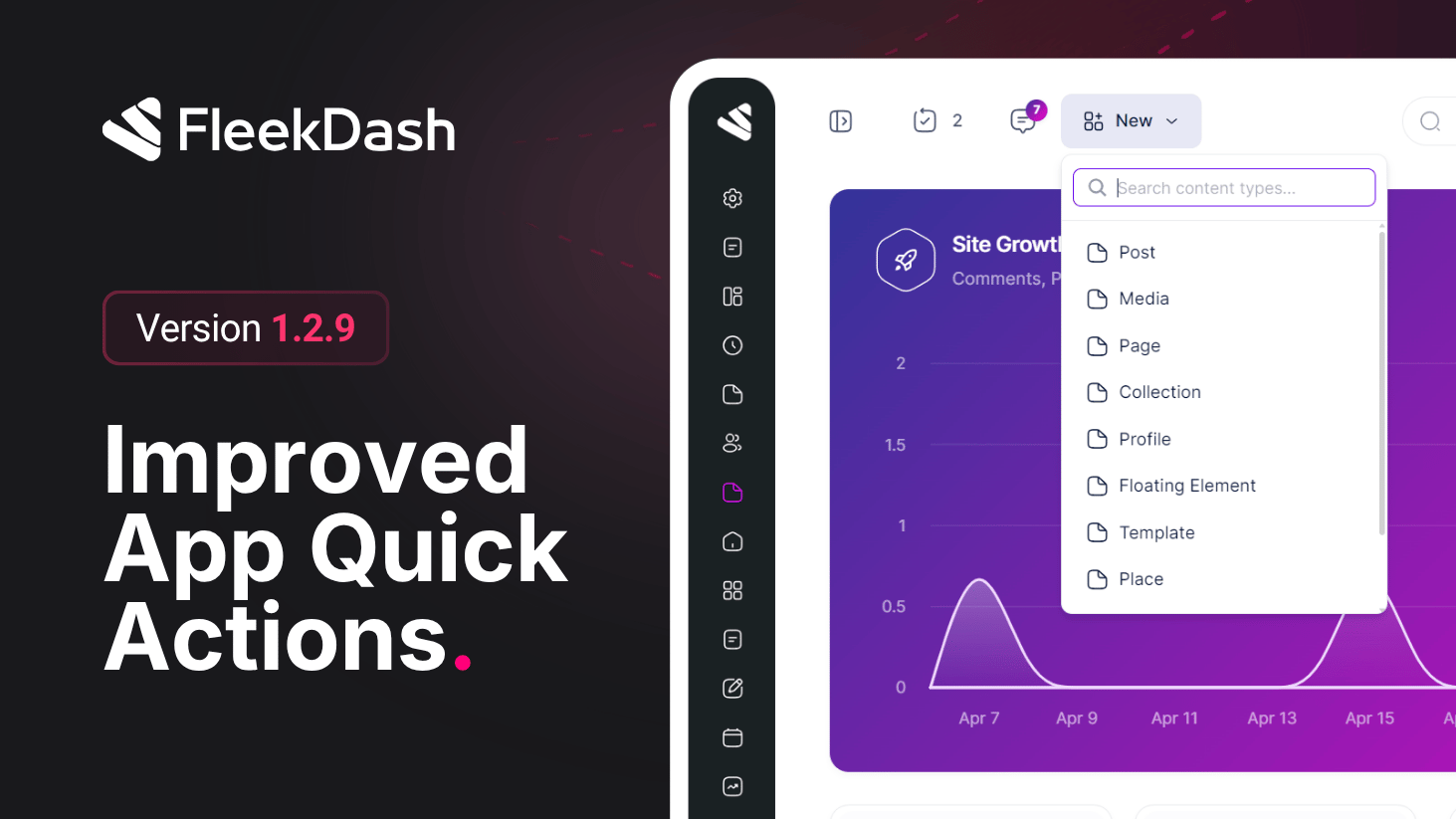
The FleekDash header gets smarter with context-aware quick action buttons that only appear when they are actually relevant, keeping your workspace clean and focused.
What's New
Updates button: automatically appears in the header when plugins or themes have pending updates, showing the exact count in the title bar.
Comments button: appears in the header whenever there are comments pending review or response, with a live count so nothing slips through.
Add New button: a shortcut to create any post type, including custom post types from third-party plugins, with an instant search field to find the right type in seconds.
V2 ready: built to align with the upcoming FleekDash V2 new layout.
What's Fixed
Dark mode logo inversion was incorrectly applied even when a custom dark mode logo was already configured.
