

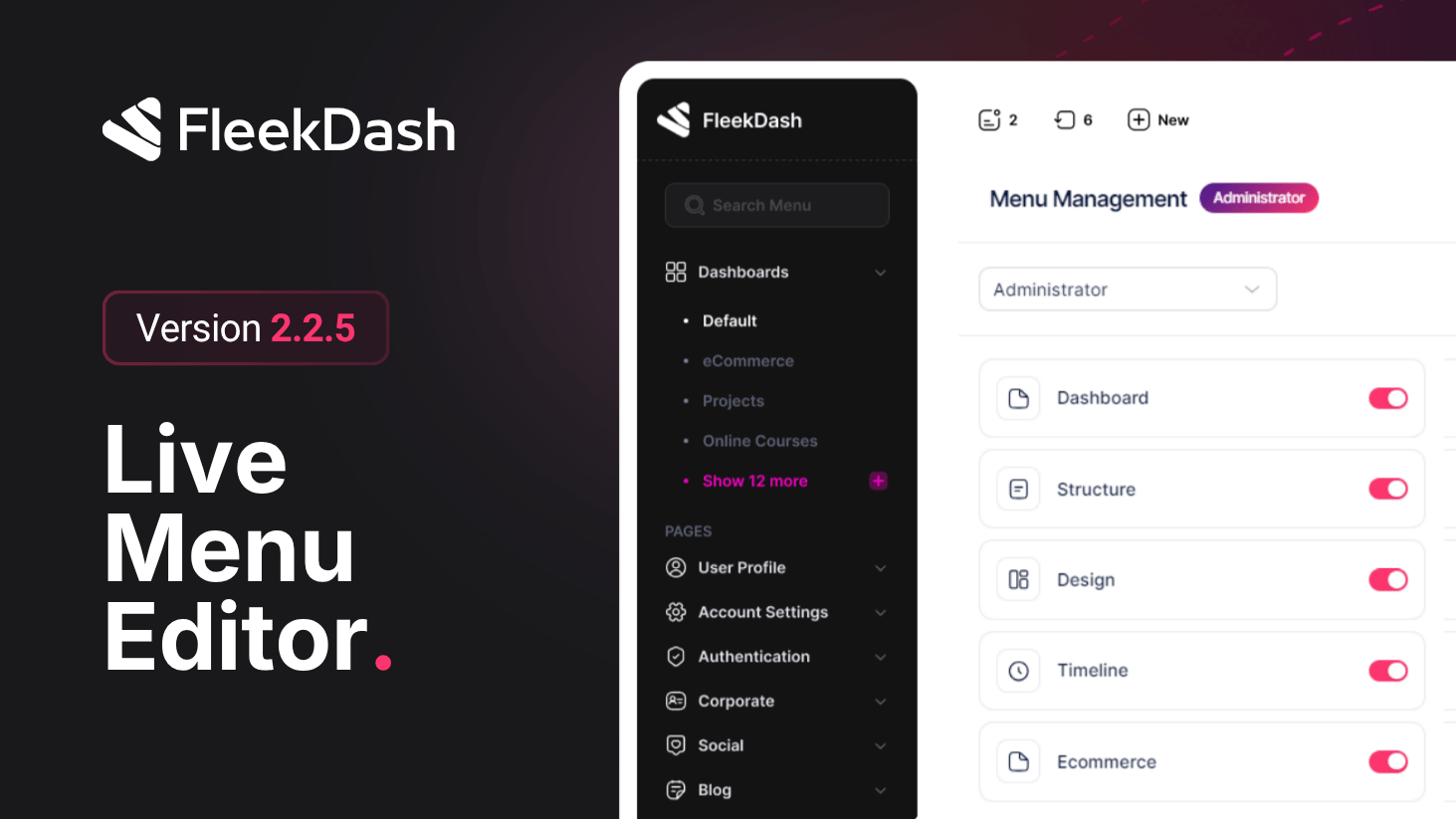
FleekDash 2.2.5 turns navigation into a true product feature.
With the new Menu Builder experience, your sidebar stops being a fixed list and becomes a customizable workspace that reflects how your team actually works.
What's New
Menu Management drawer: open a dedicated builder to customize sidebar structure and labels in one focused panel.
Drag-and-drop menu order: reorder items with direct manipulation and apply a navigation flow that matches your real daily sequence.
Rename menu labels: rewrite item names to match your team language, client naming, or process terminology.
Reset to default: clear overrides and instantly restore the original WordPress menu structure when you want a clean baseline.
Live sidebar preview: the sidebar updates with your overrides so you see the final result as you customize.
WP Mode integration: jump to classic WordPress screens inside FleekDash through #/wp/* routes and keep navigation consistent in one layout.
What's Improved
Cleaner onboarding for clients and internal teams with menus that feel familiar on first use.
Faster navigation for advanced users thanks to role-appropriate structure and reduced menu noise.
